

Examples
Rooms before and after, made with Interify
Each of these came out of the product, from a photo we own: a room as it was photographed, beside the version generated from it. Every card says what was marked and which style was used.
The library
Switch any card between the original and the result.
Room
Change
Style
82 examples
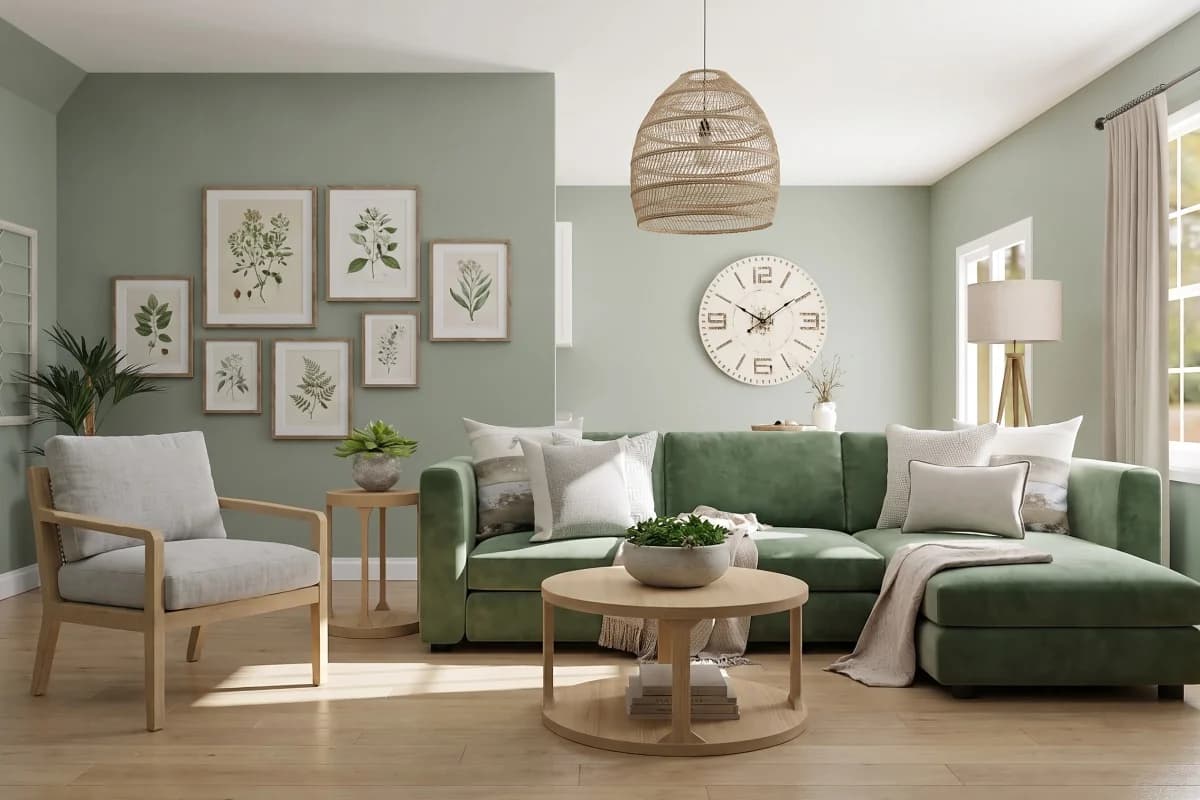
Scandinavian living room
Living room · Scandinavian
- Green velvet sofa
- Light oak floor
Made with Interify 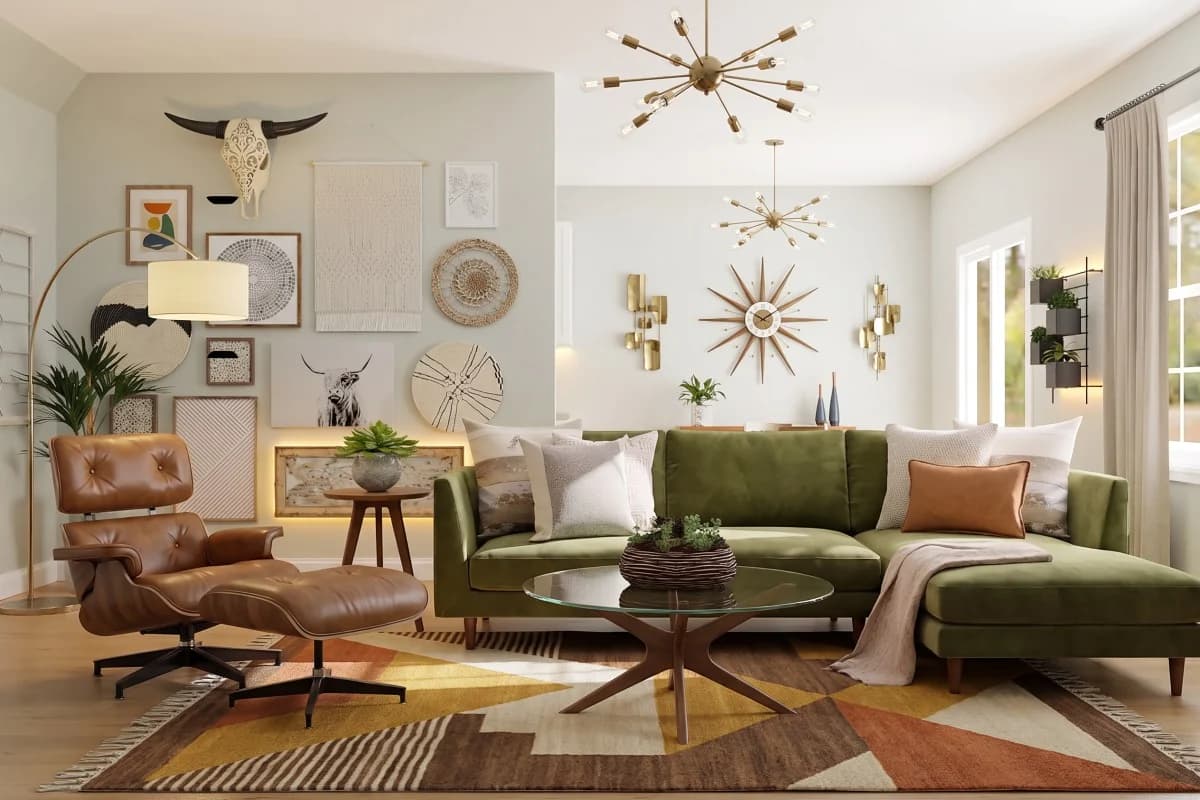
Mid-Century Modern living room
Living room · Mid-Century Modern
- Green velvet sofa
- Light oak floor
Made with Interify 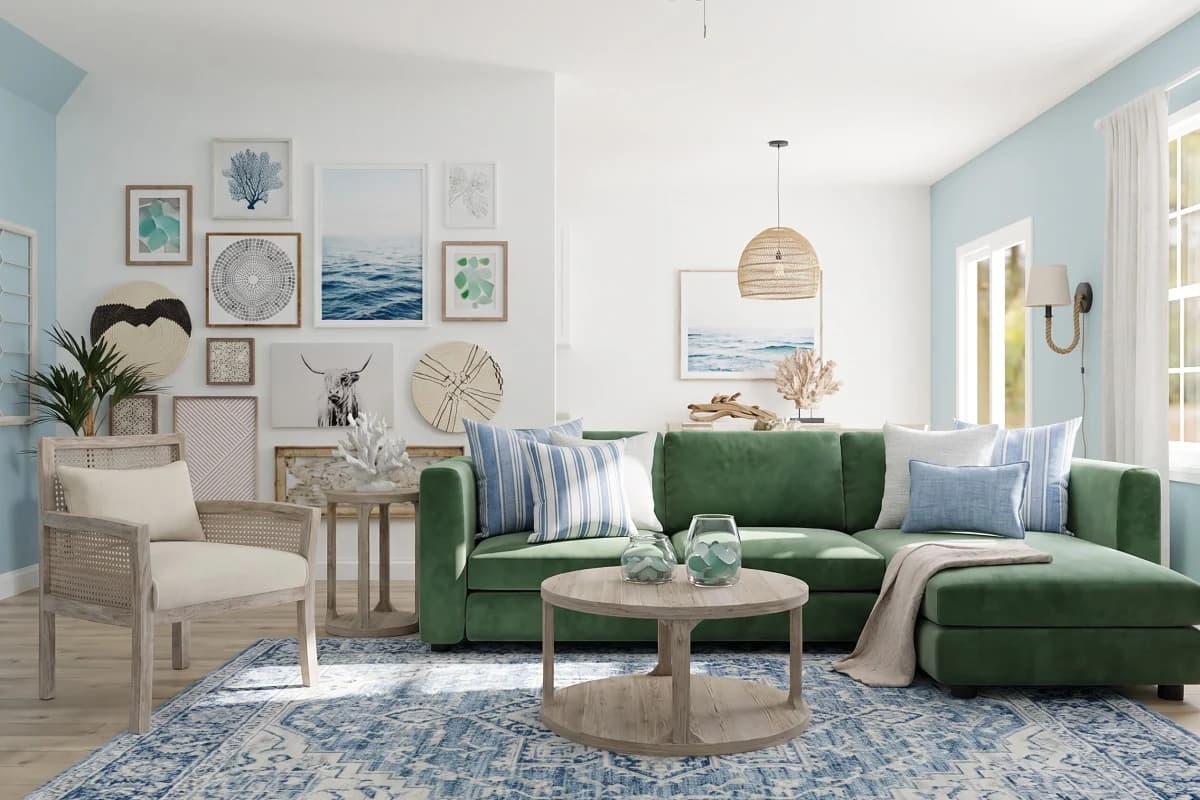
Coastal living room
Living room · Coastal
- Green velvet sofa
- Light oak floor
Made with Interify 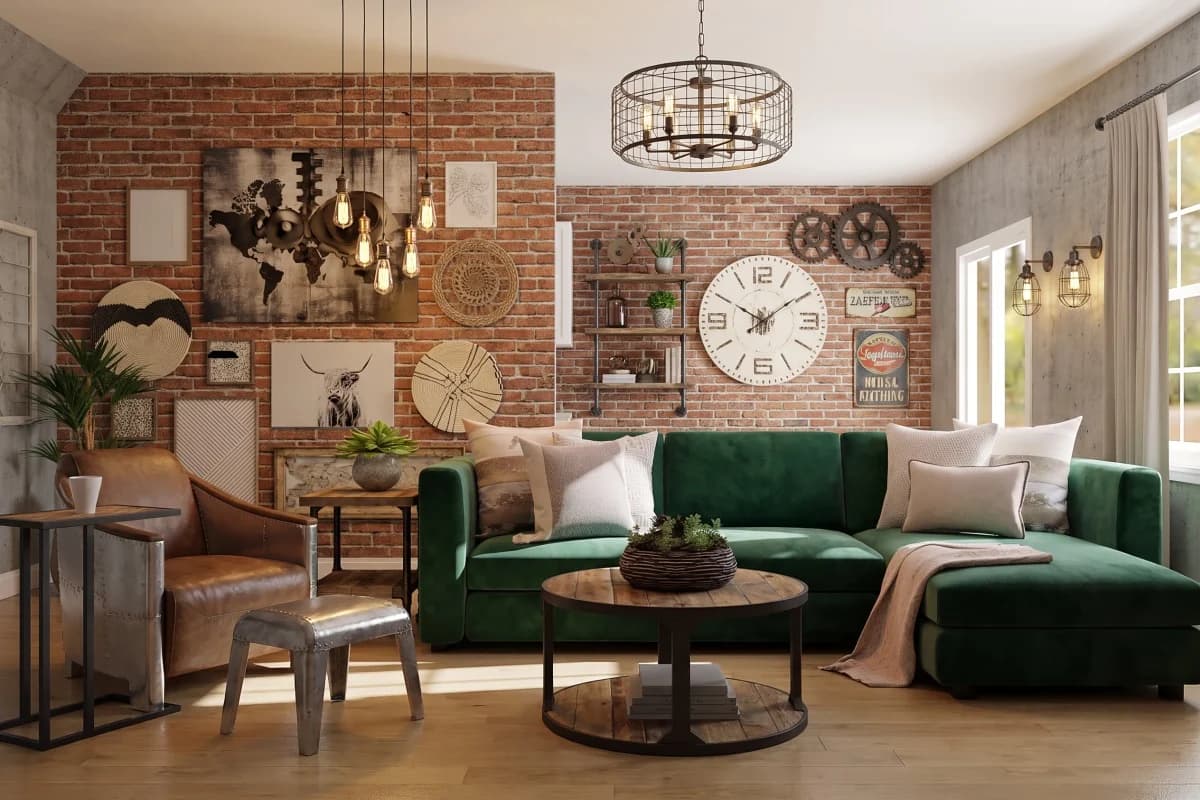
Industrial living room
Living room · Industrial
- Green velvet sofa
- Light oak floor
Made with Interify 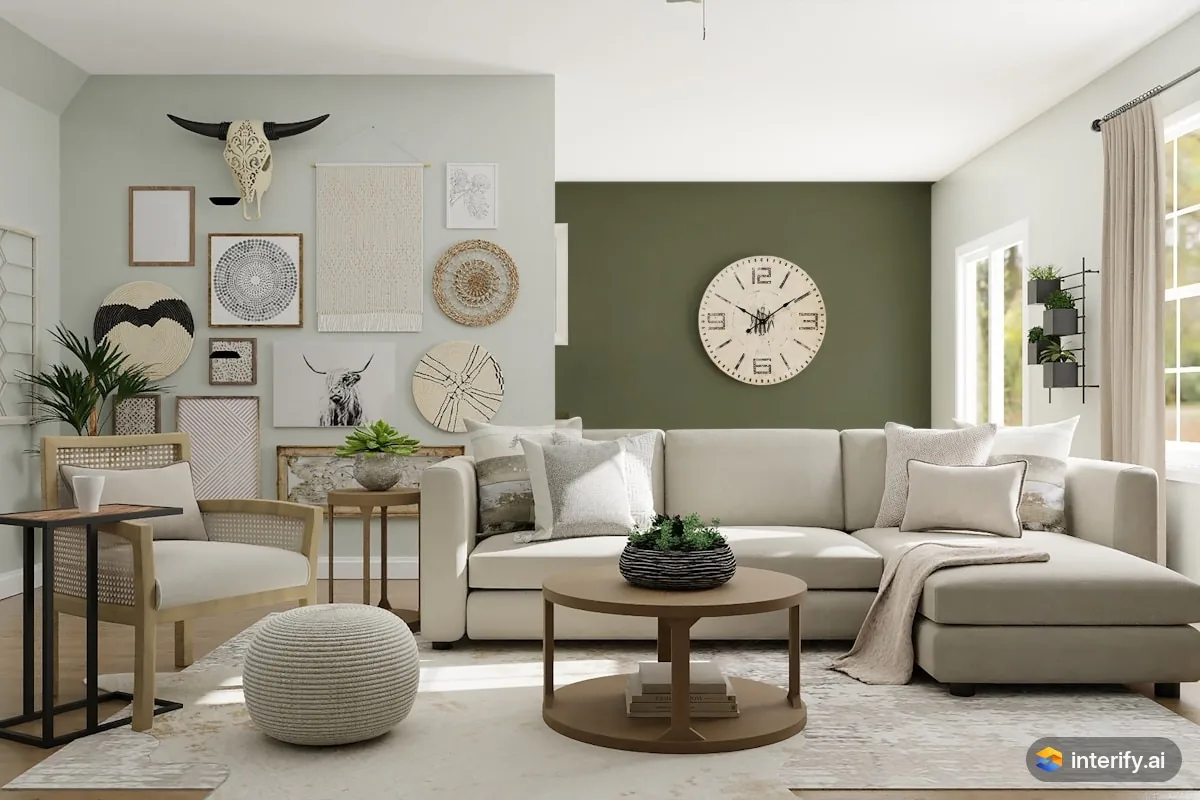
Living room: olive green back wall
Living room
- Paint this wall deep olive green
Made with Interify 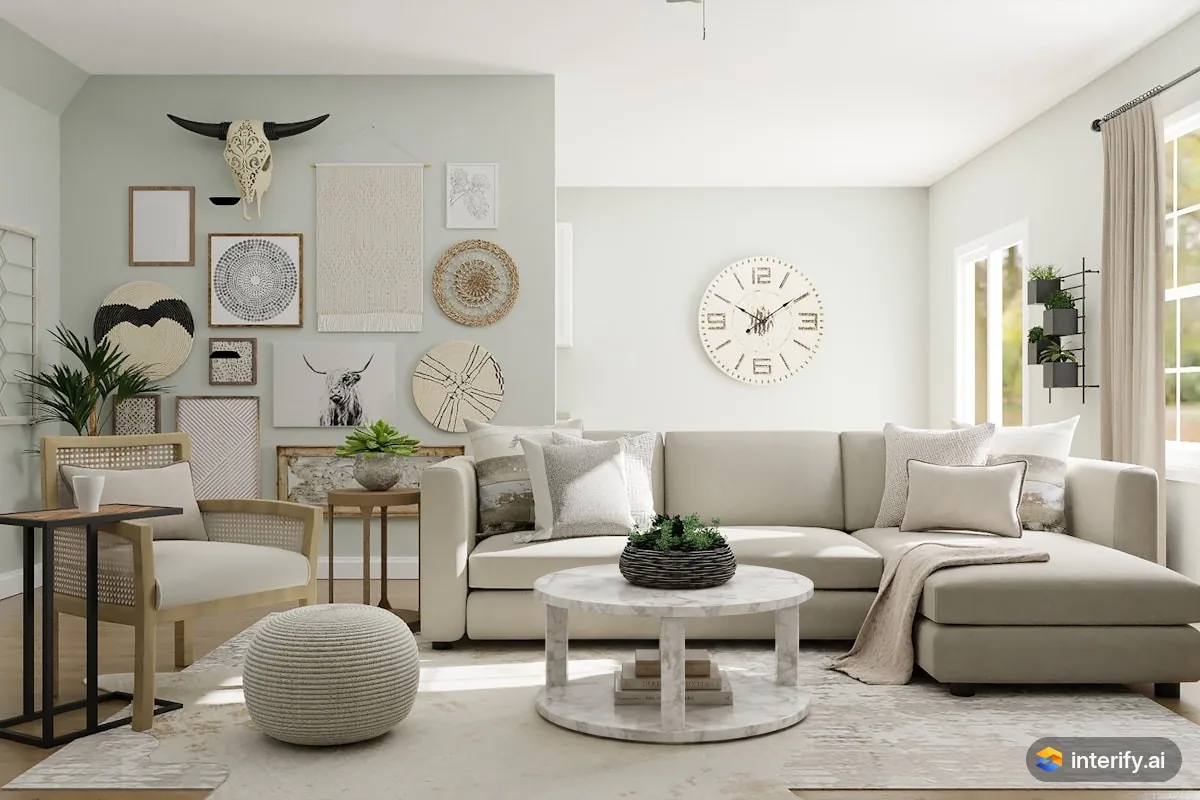
Living room: marble coffee table
Living room
- Round white marble coffee table
Made with Interify 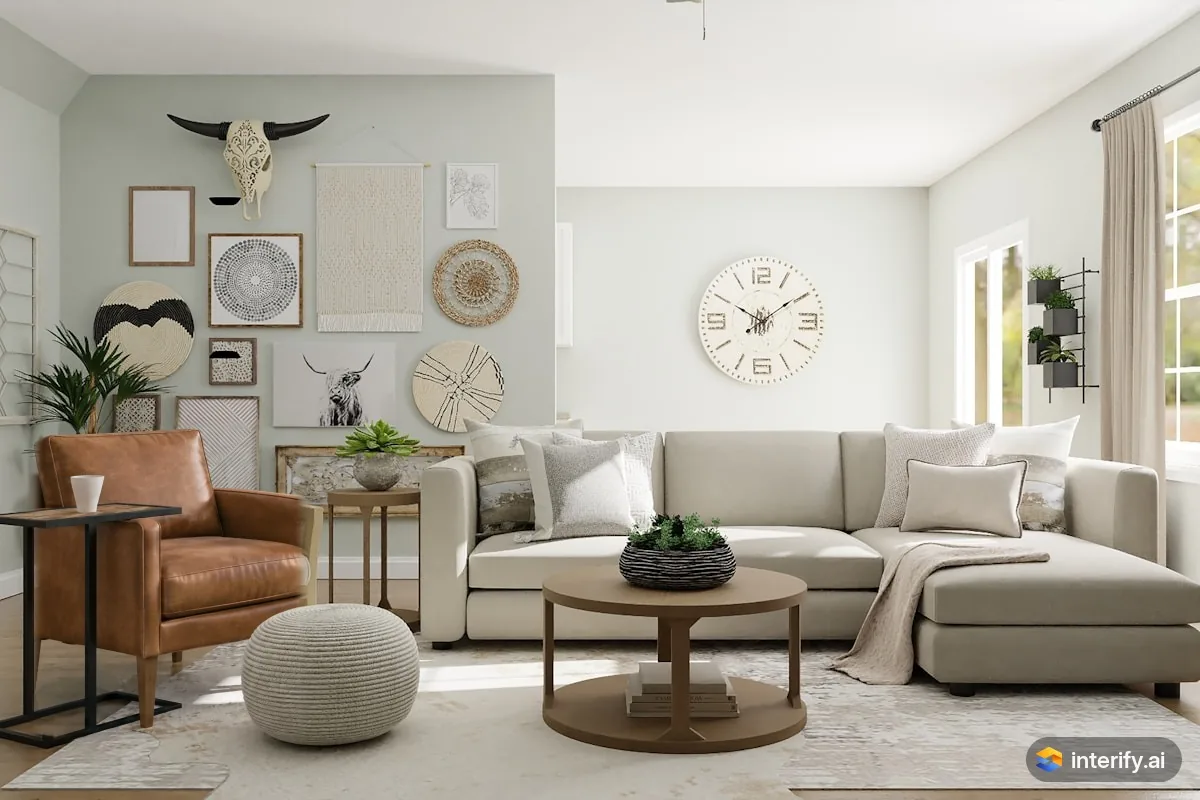
Living room: leather armchair
Living room
- Cognac leather armchair
Made with Interify 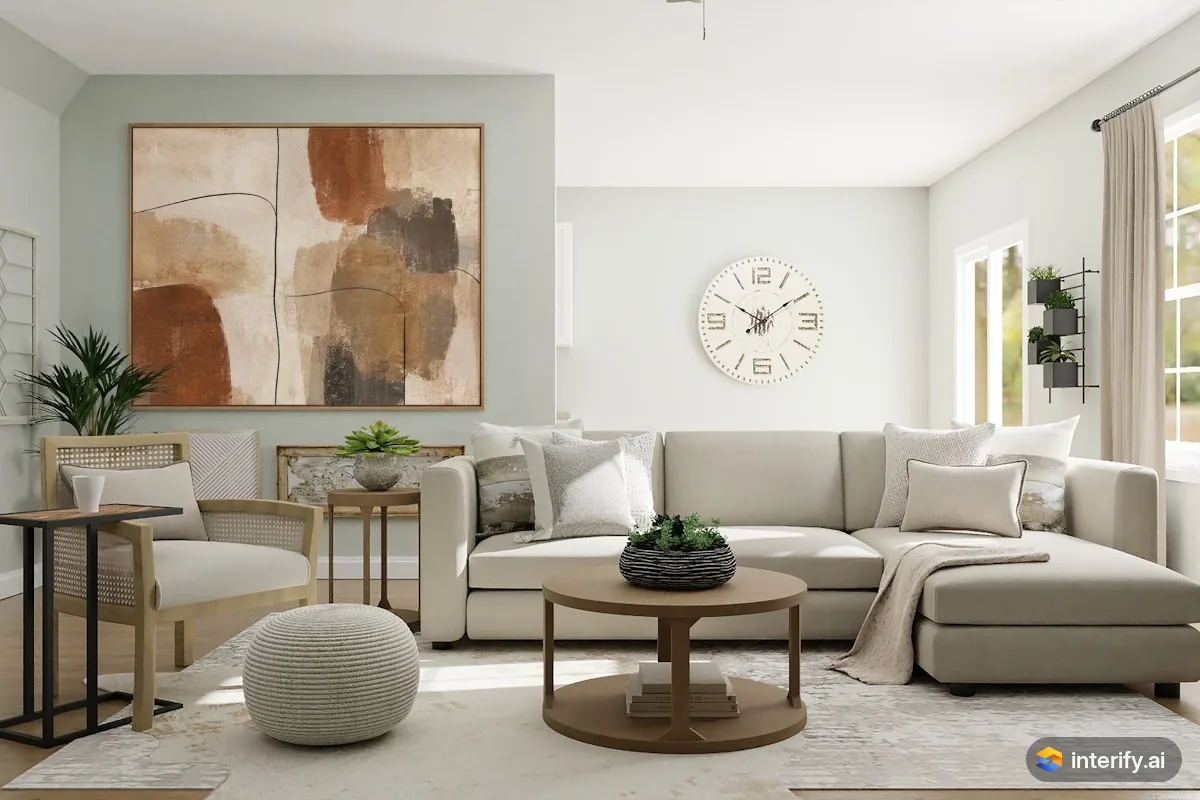
Living room: one large painting instead of a gallery wall
Living room
- One large abstract painting in warm earth tones instead of these pieces
Made with Interify 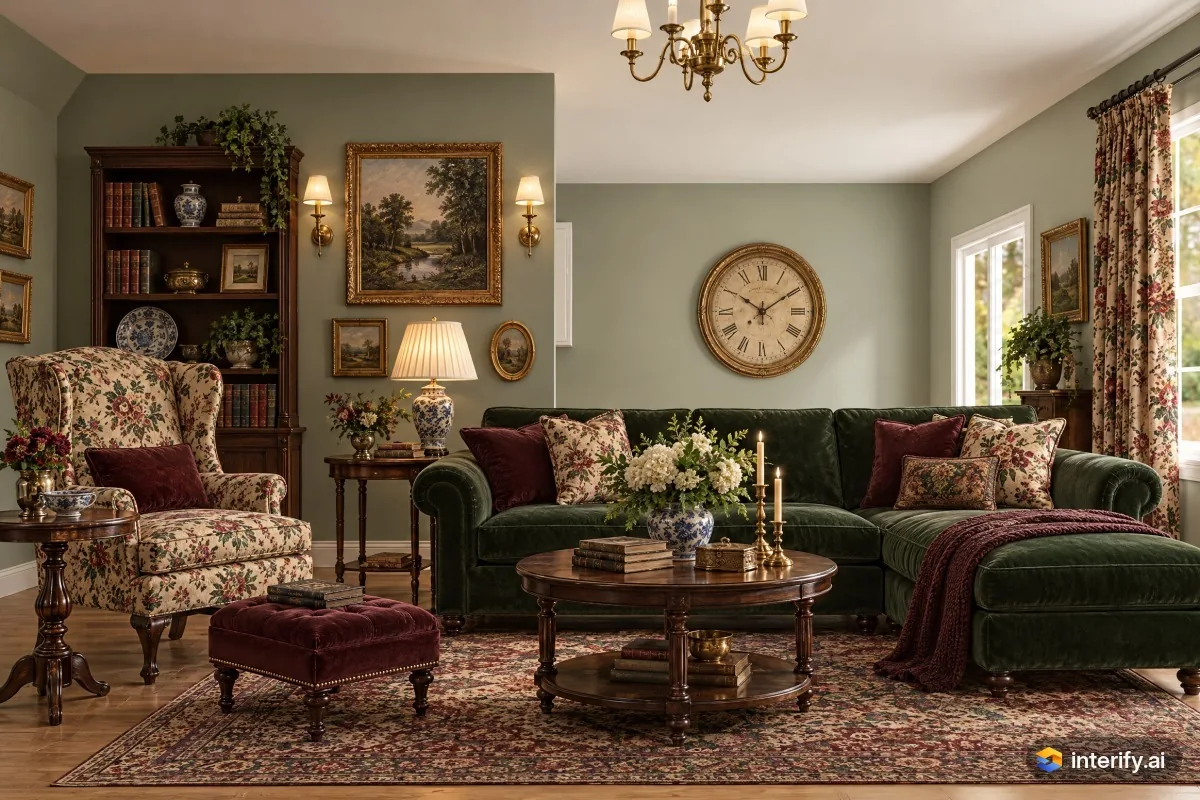
English Country living room
Living room · English Country
- Green velvet sofa
- Light oak floor
Made with Interify 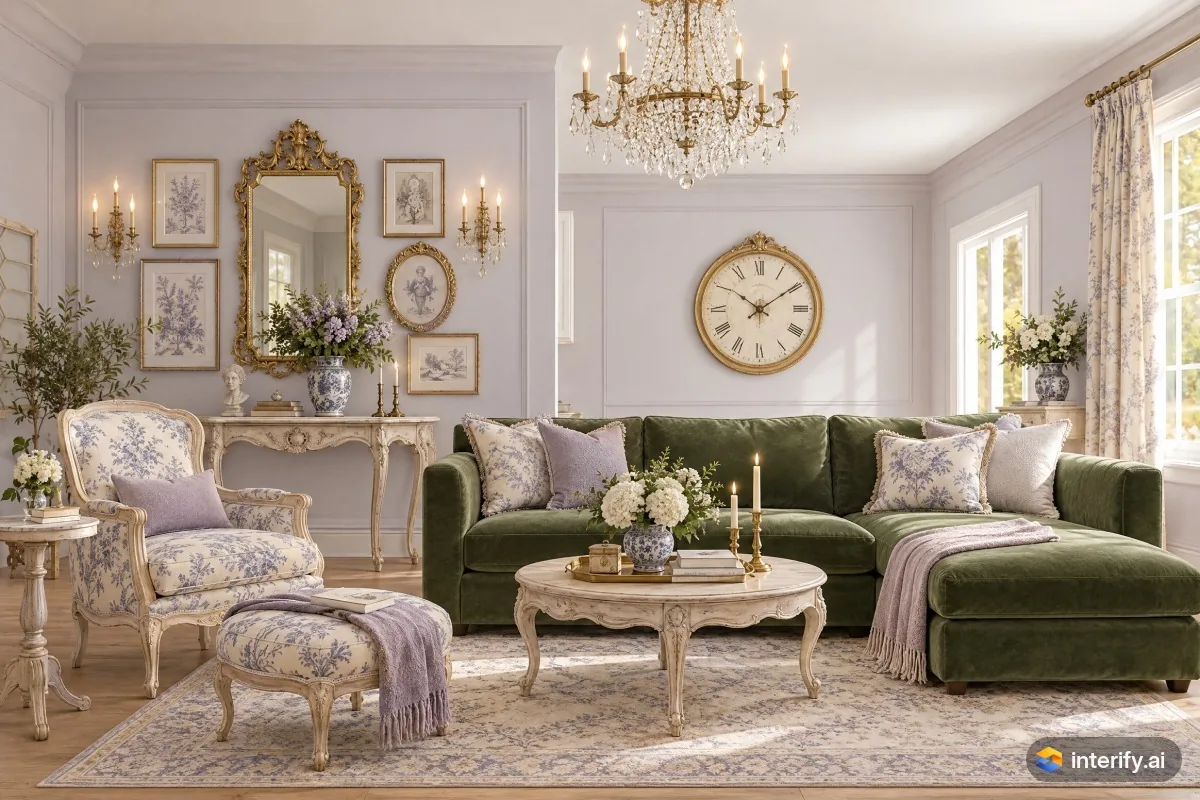
French Provincial living room
Living room · French Provincial
- Green velvet sofa
- Light oak floor
Made with Interify 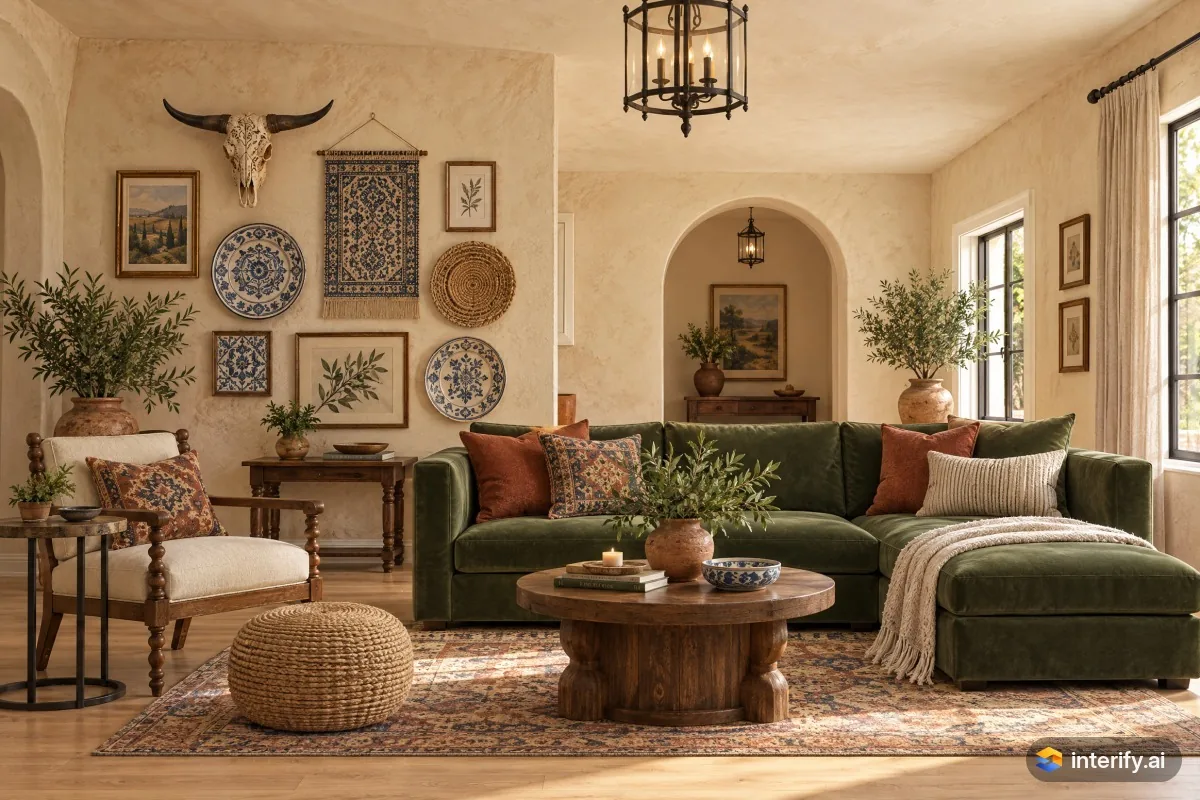
Mediterranean living room
Living room · Mediterranean
- Green velvet sofa
- Light oak floor
Made with Interify 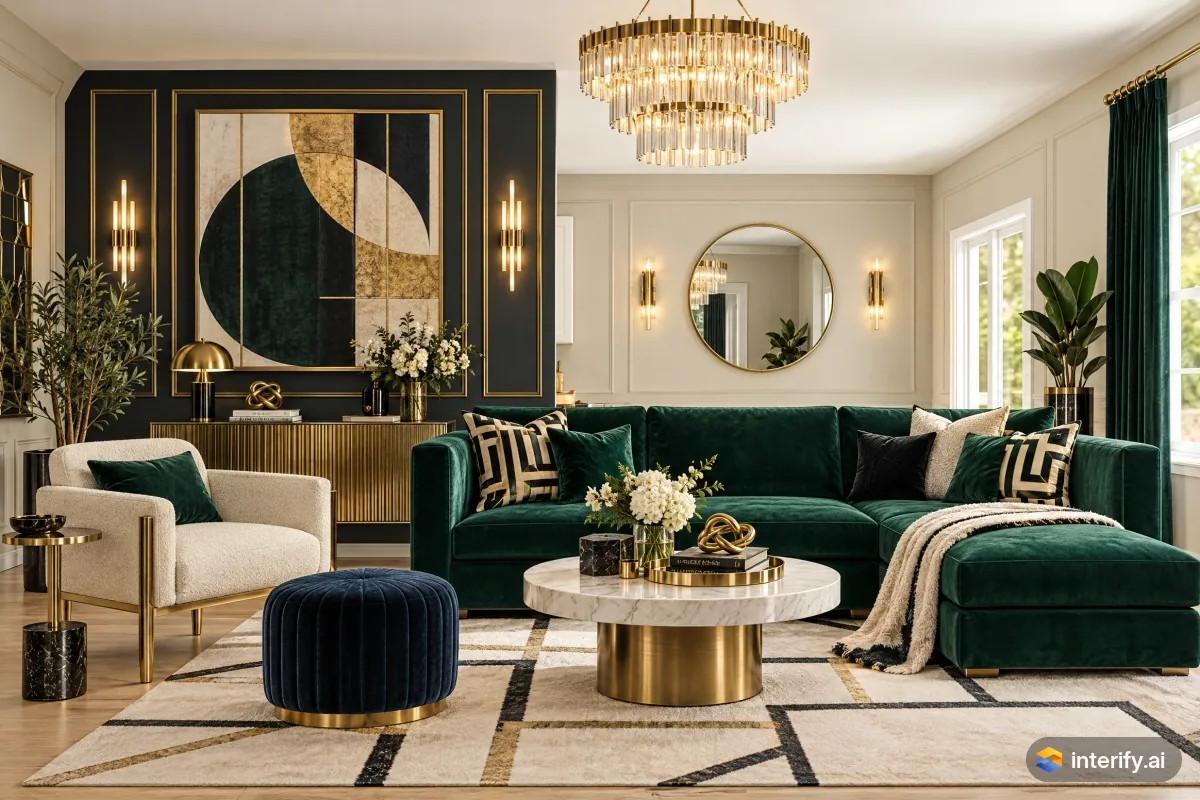
Art Deco living room
Living room · Art Deco
- Green velvet sofa
- Light oak floor
Made with Interify 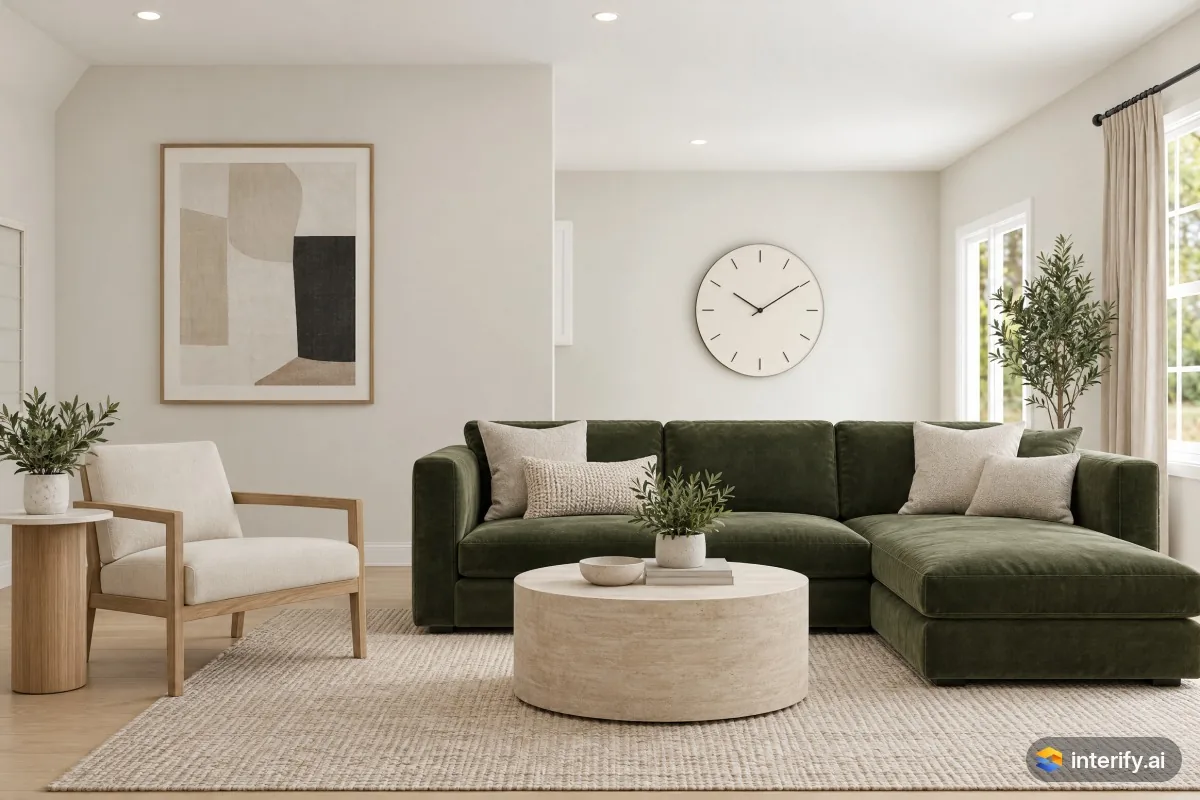
Minimalist living room
Living room · Minimalist
- Green velvet sofa
- Light oak floor
Made with Interify 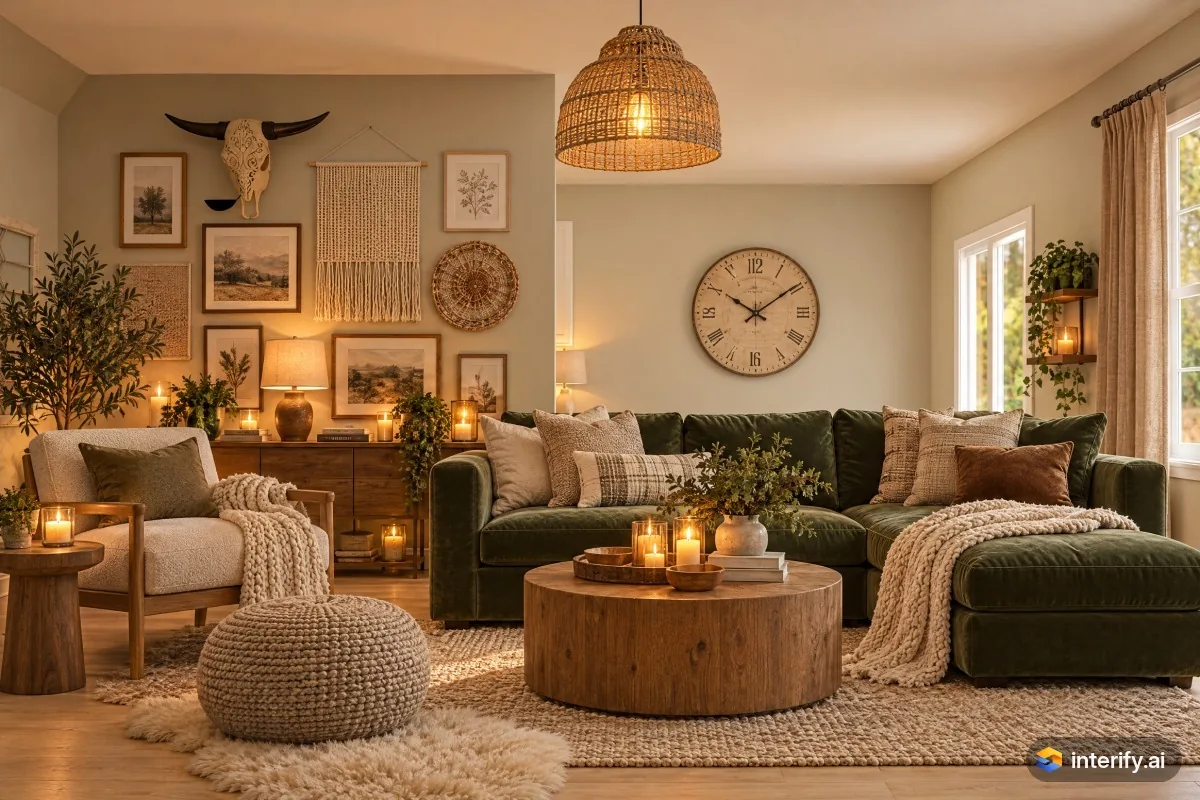
Danish Hygge living room
Living room · Danish Hygge
- Green velvet sofa
- Light oak floor
Made with Interify 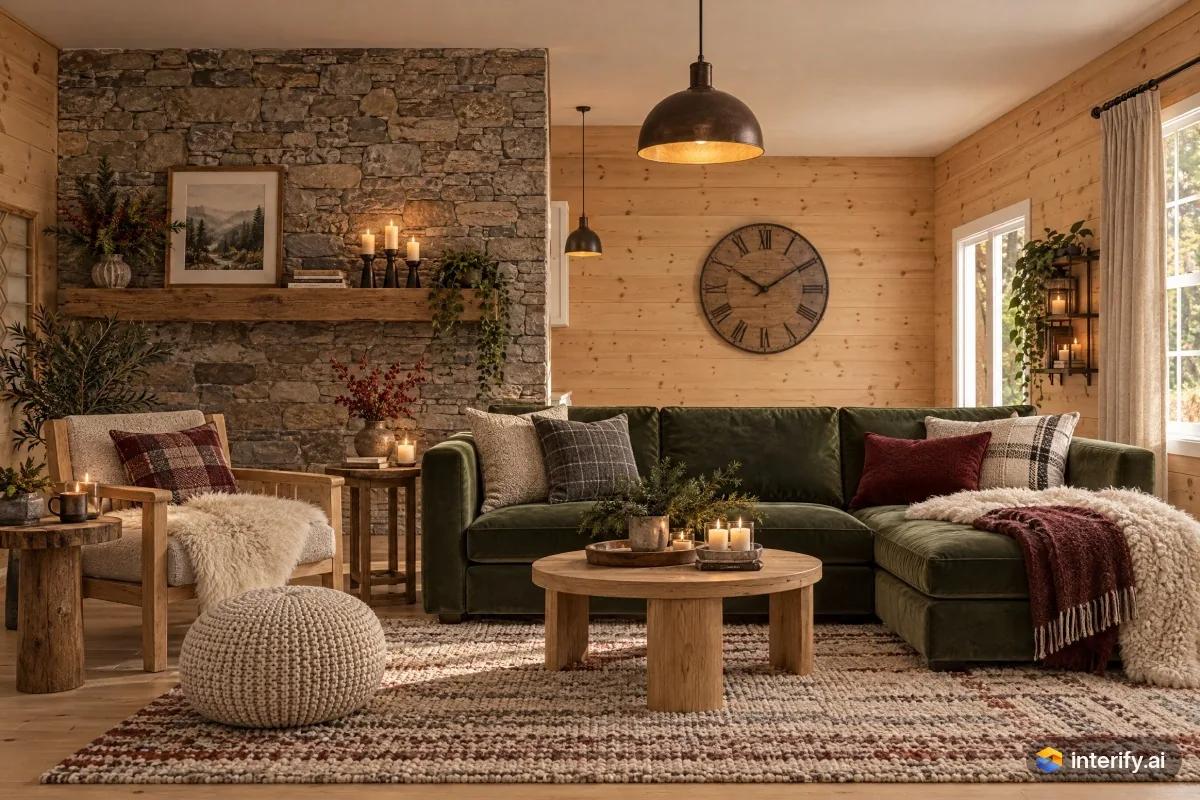
Norwegian Cabin living room
Living room · Norwegian Cabin
- Green velvet sofa
- Light oak floor
Made with Interify 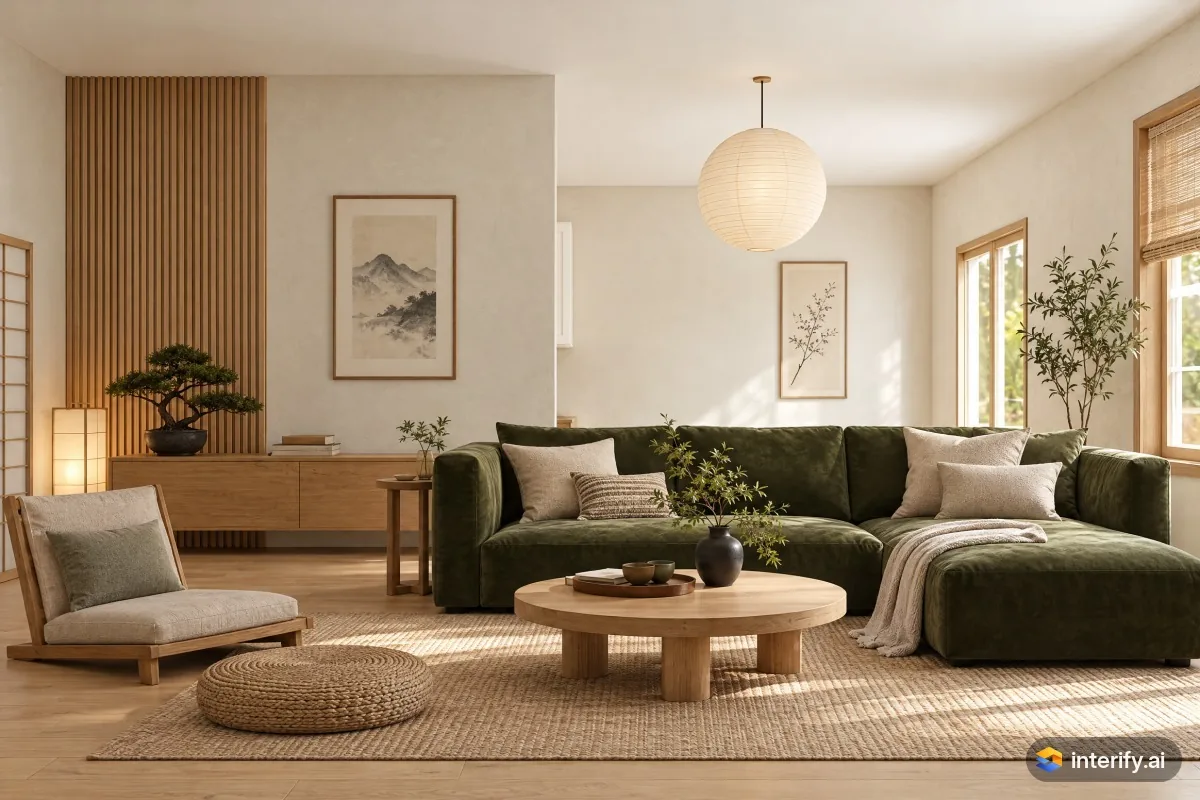
Japanese living room
Living room · Japanese
- Green velvet sofa
- Light oak floor
Made with Interify 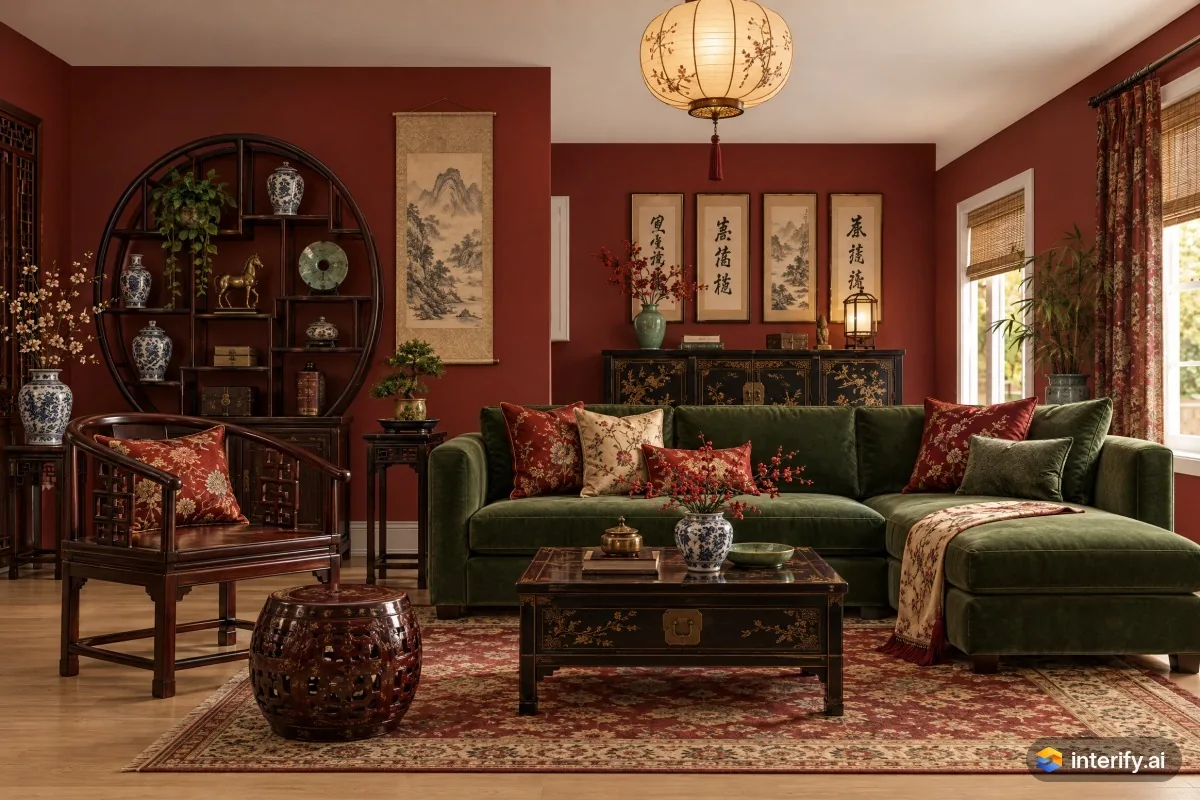
Chinese Classical living room
Living room · Chinese Classical
- Green velvet sofa
- Light oak floor
Made with Interify 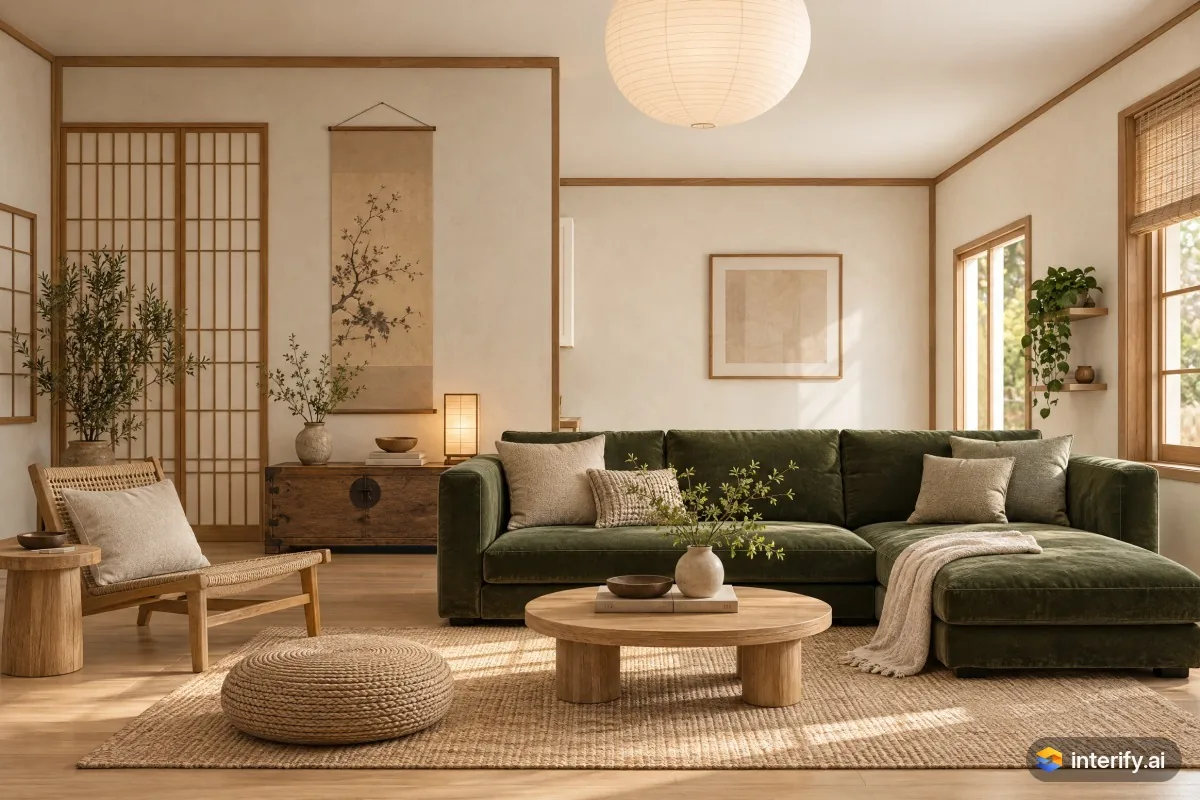
Korean Hanok living room
Living room · Korean Hanok
- Green velvet sofa
- Light oak floor
Made with Interify 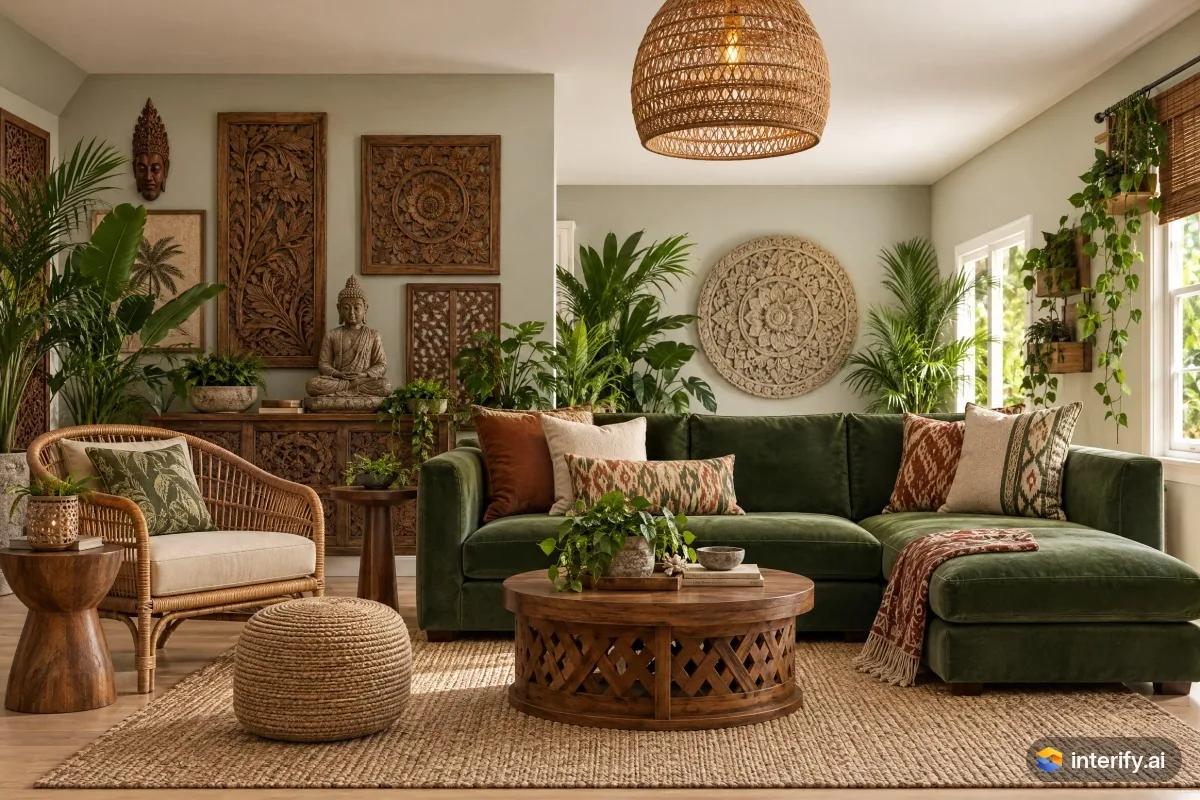
Balinese living room
Living room · Balinese
- Green velvet sofa
- Light oak floor
Made with Interify 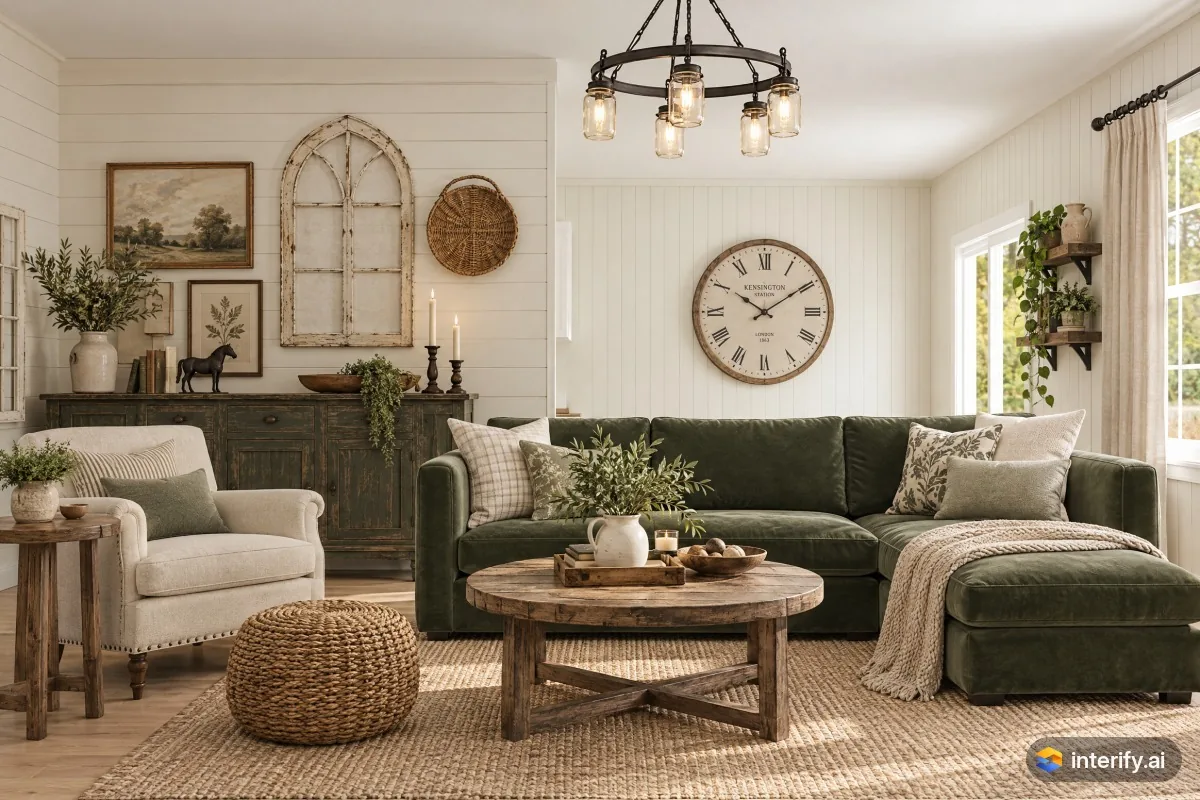
Farmhouse living room
Living room · Farmhouse
- Green velvet sofa
- Light oak floor
Made with Interify 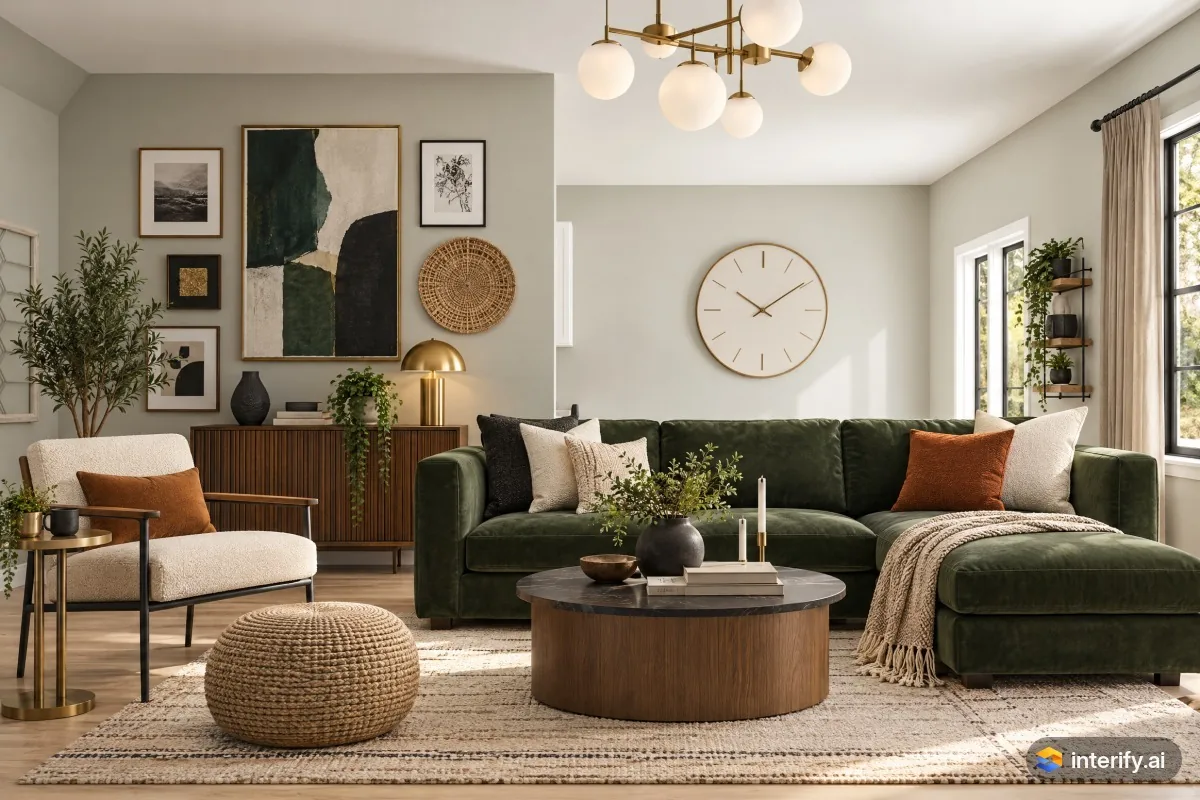
Contemporary living room
Living room · Contemporary
- Green velvet sofa
- Light oak floor
Made with Interify 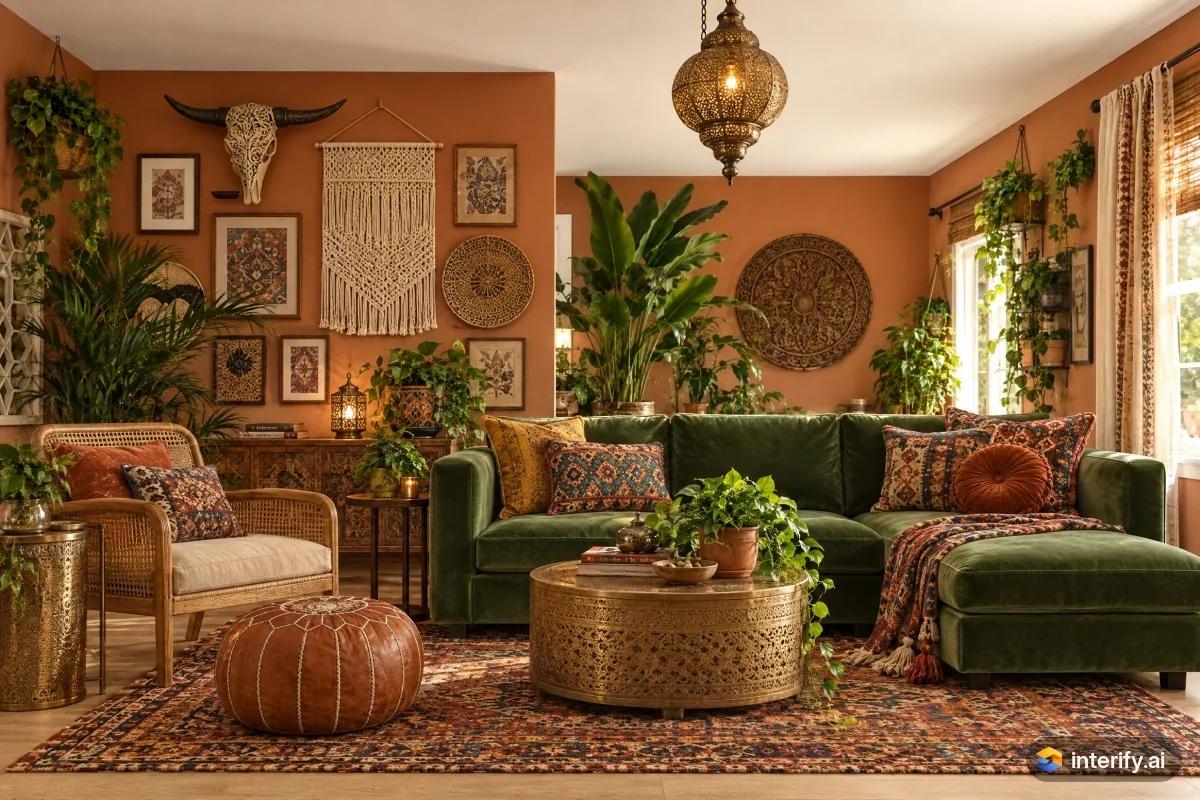
Bohemian living room
Living room · Bohemian
- Green velvet sofa
- Light oak floor
Made with Interify 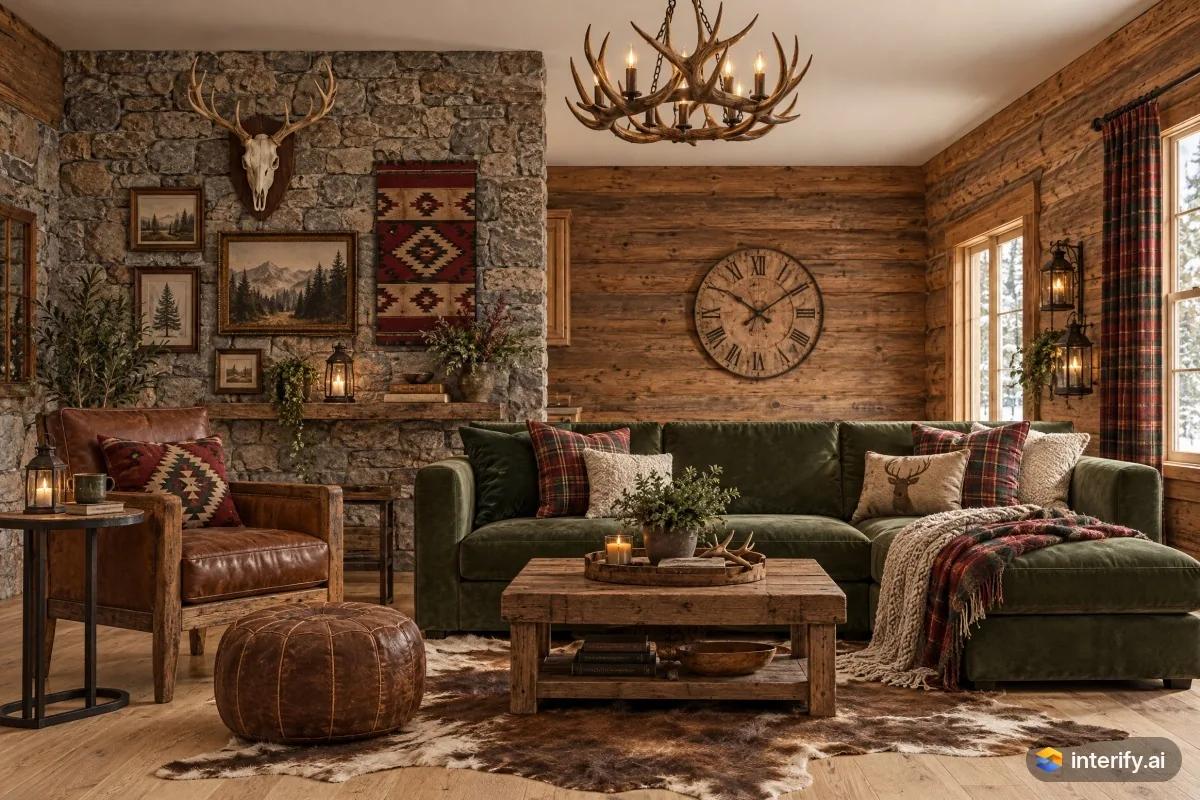
Rustic living room
Living room · Rustic
- Green velvet sofa
- Light oak floor
Made with Interify 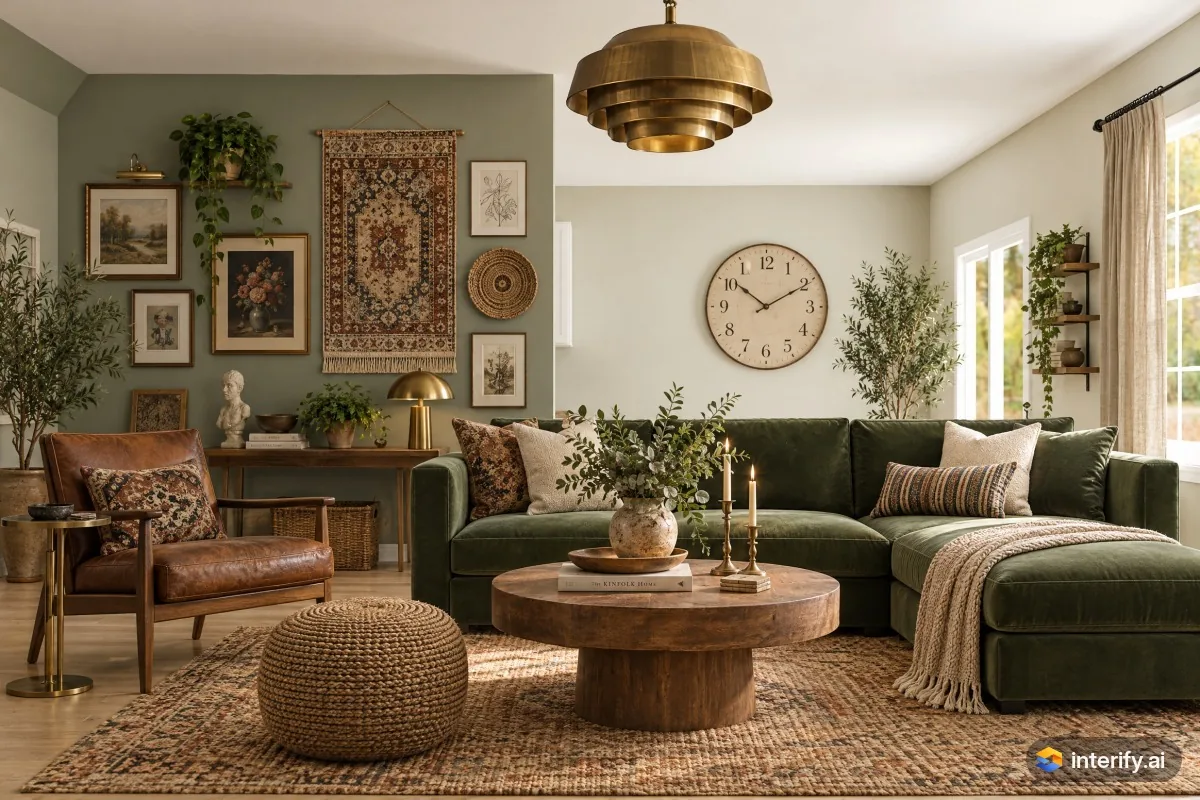
Eclectic living room
Living room · Eclectic
- Green velvet sofa
- Light oak floor
Made with Interify 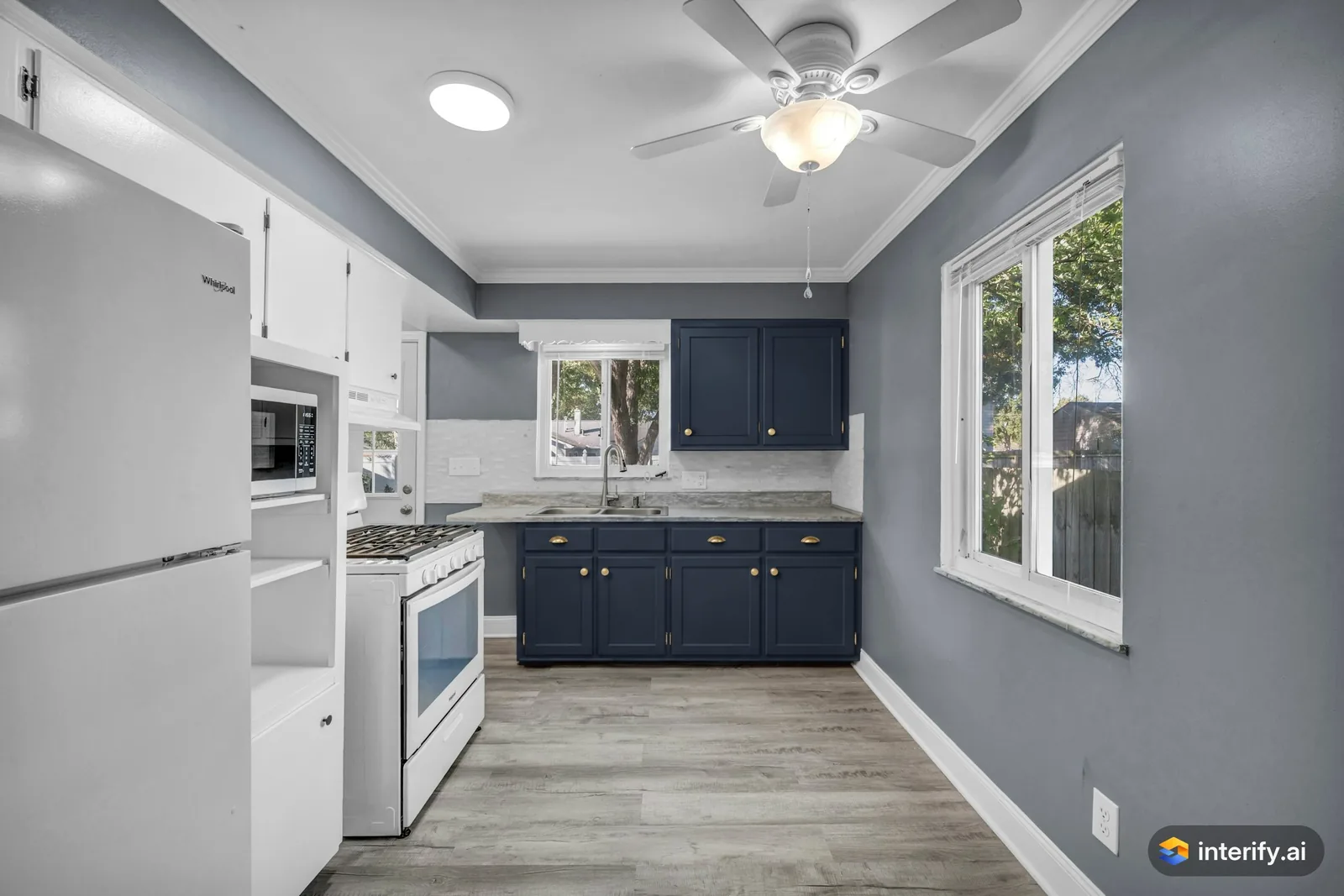
Galley kitchen: navy cabinets
Kitchen
- Deep navy blue cabinets with brass pulls
Made with Interify 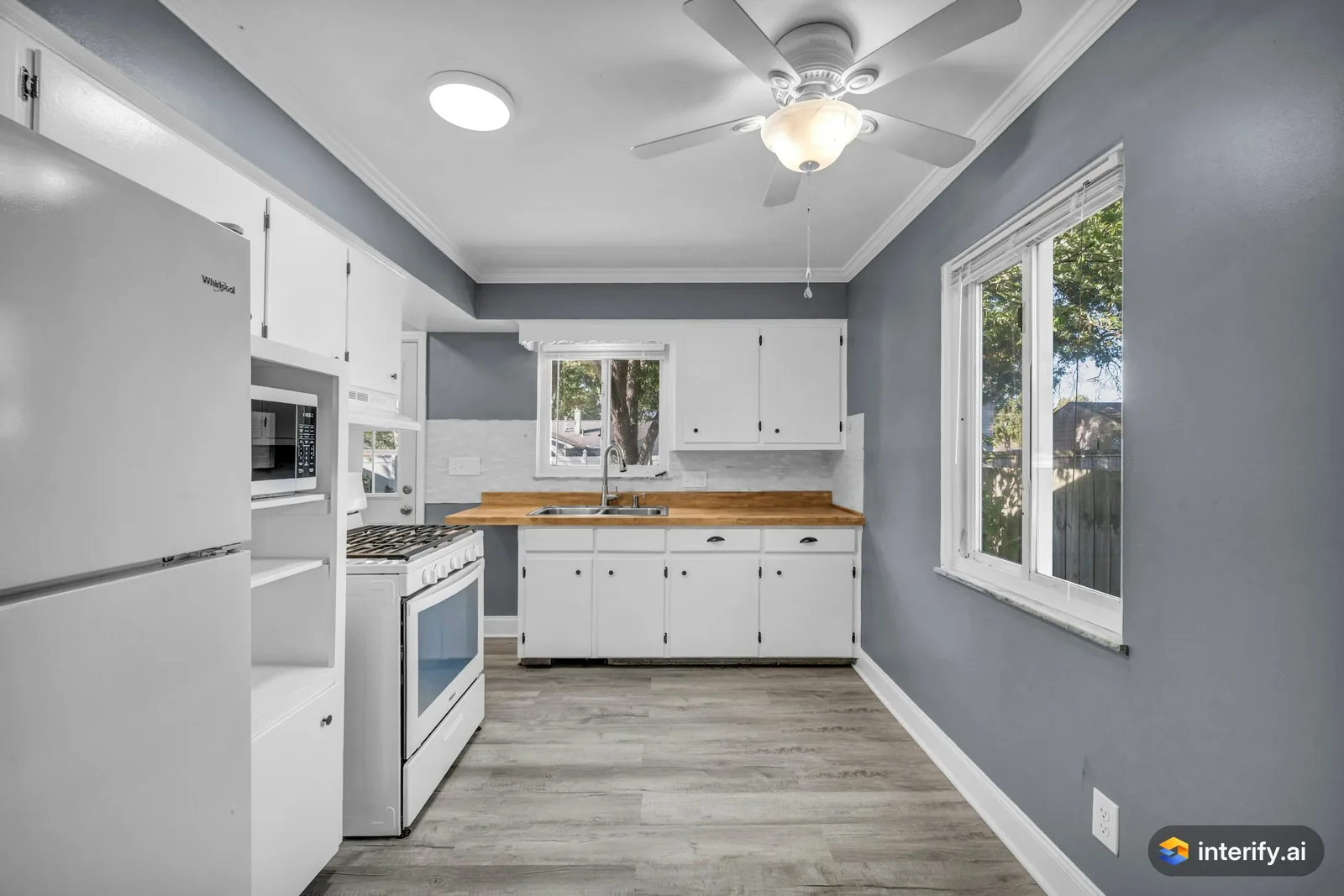
Galley kitchen: butcher block countertop
Kitchen
- Butcher block oak countertop
Made with Interify 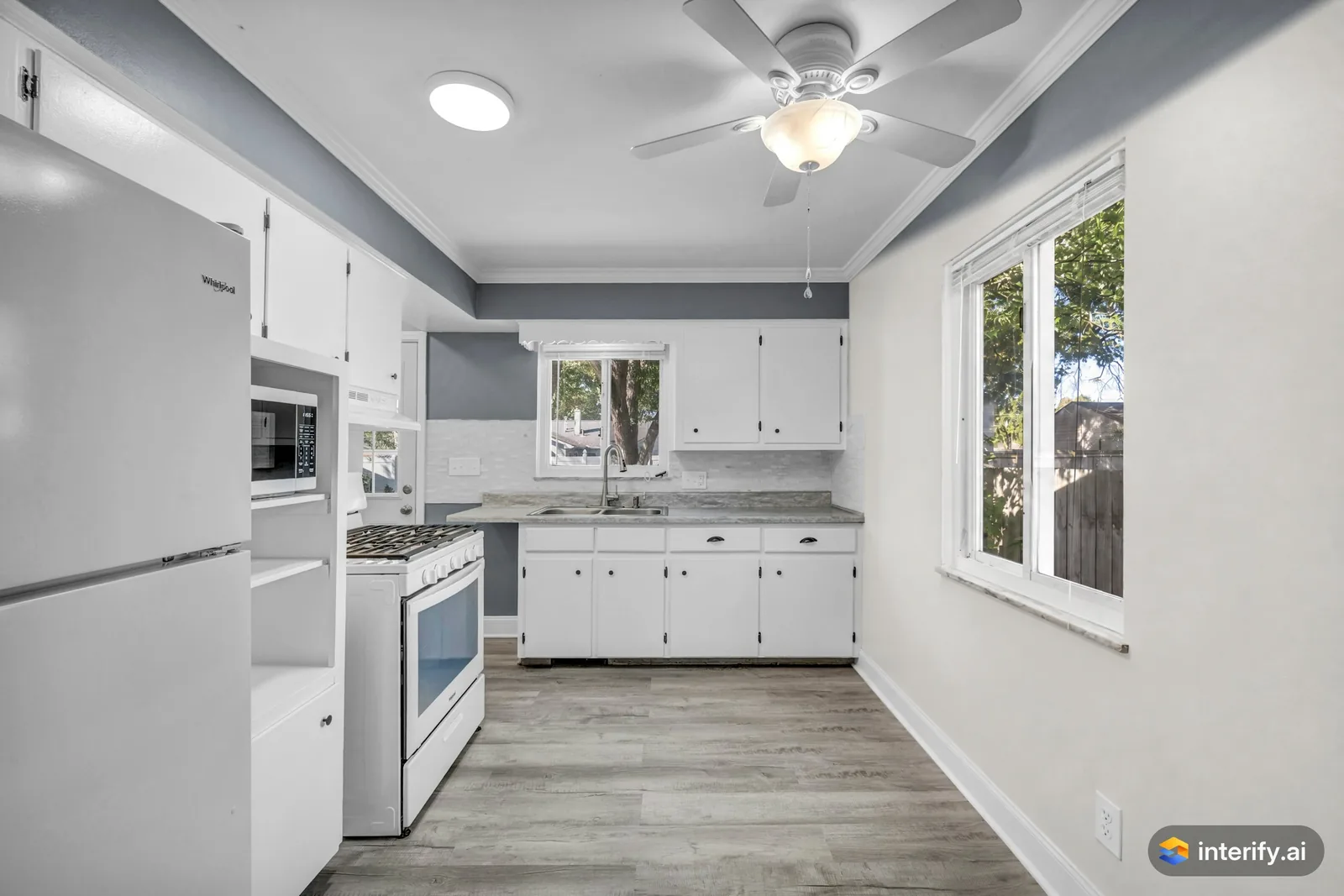
Galley kitchen: warm white walls
Kitchen
- Paint the walls warm white
Made with Interify 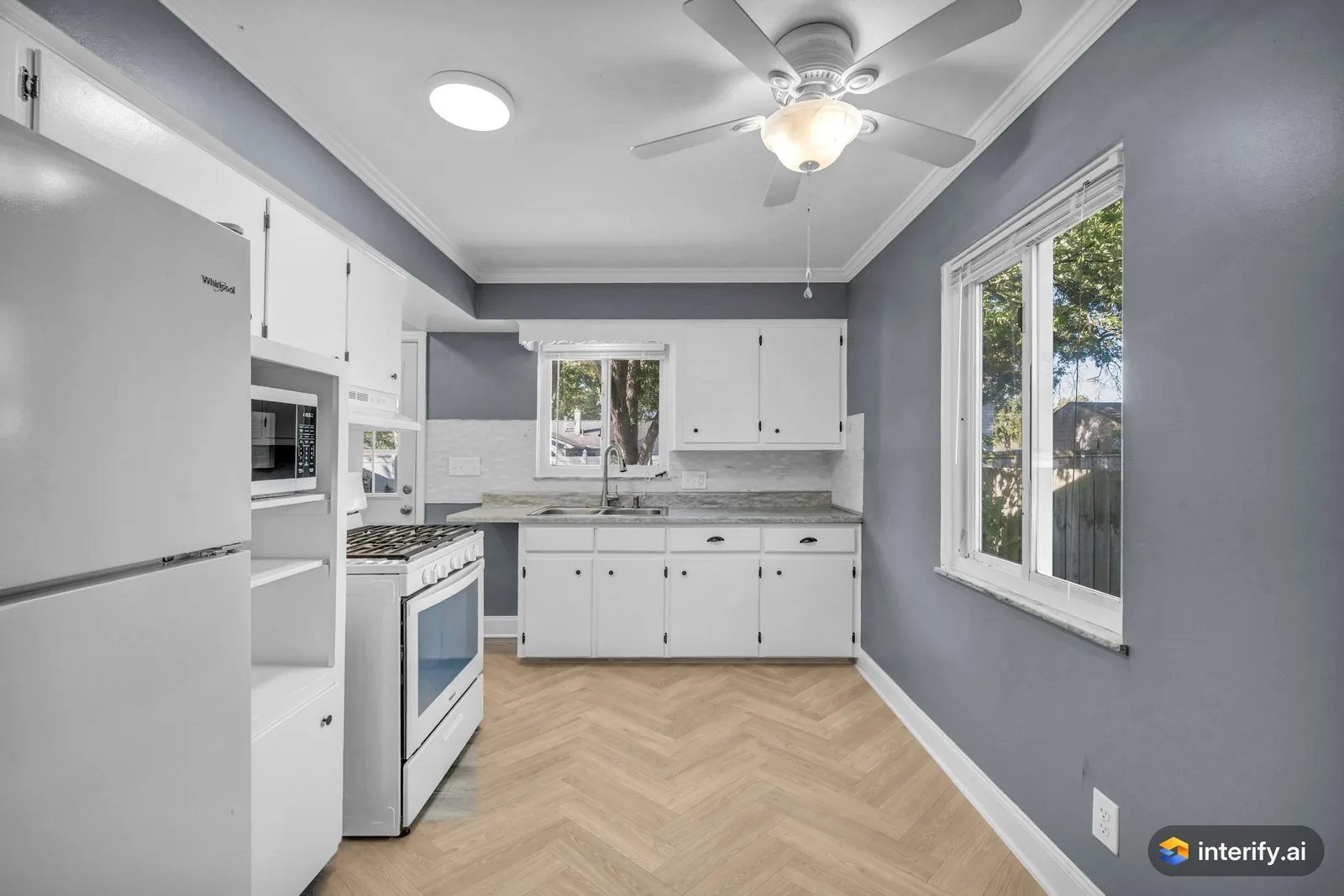
Galley kitchen: herringbone oak floor
Kitchen
- Light oak herringbone wood floor
Made with Interify 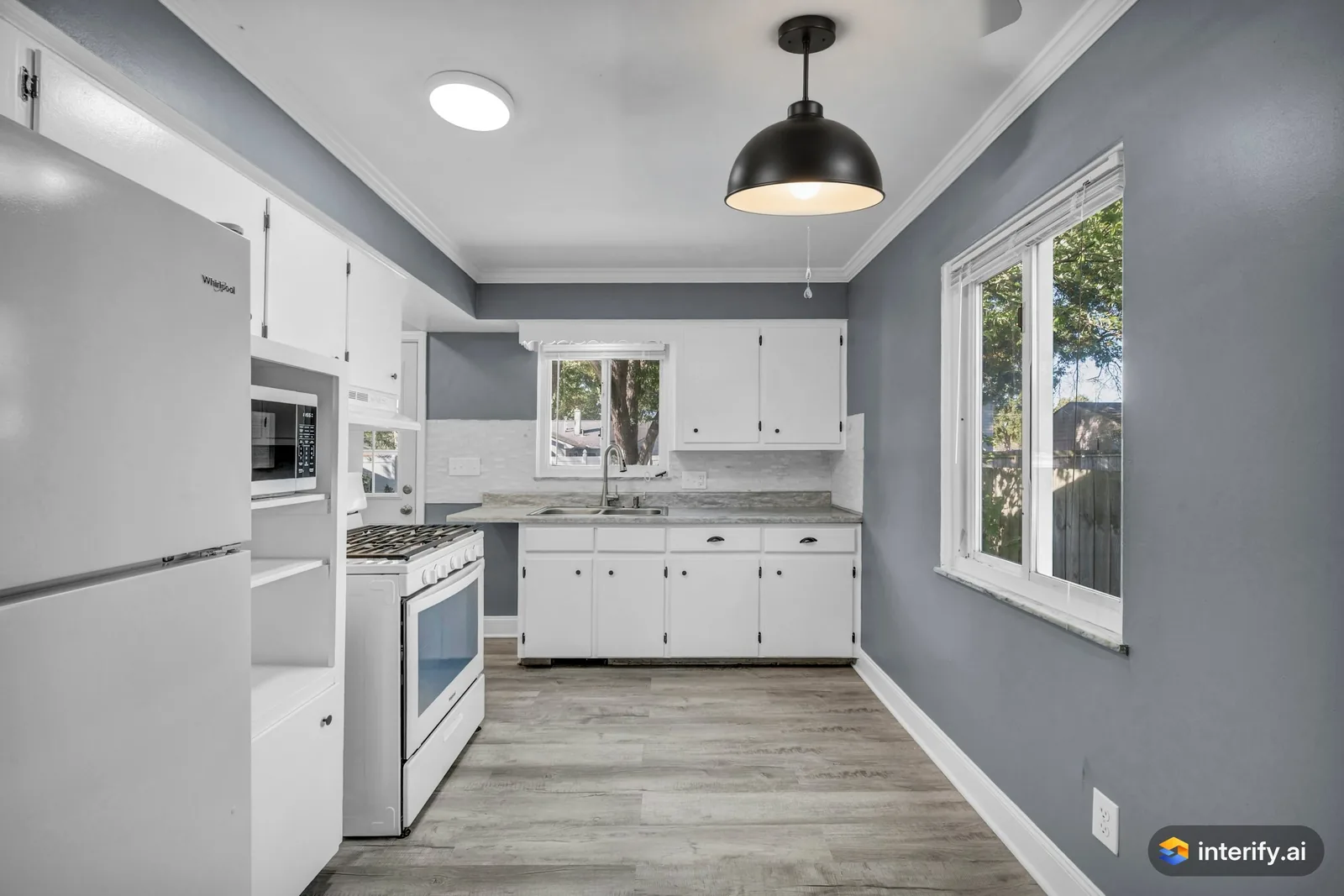
Galley kitchen: pendant light instead of the ceiling fan
Kitchen
- Replace the ceiling fan with a black metal dome pendant light
Made with Interify 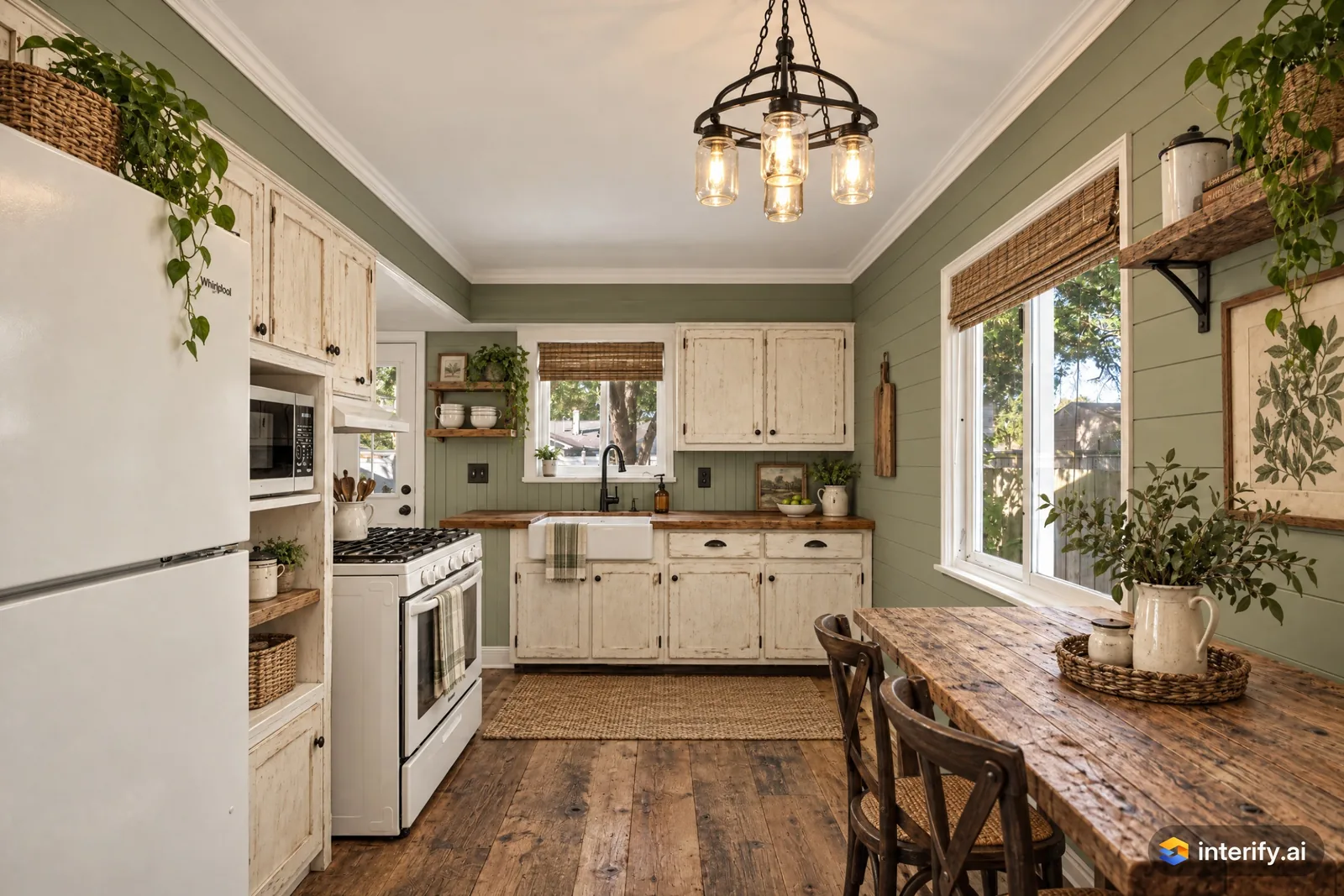
Farmhouse galley kitchen
Kitchen · Farmhouse
Nothing marked: the style restyled the whole room.
Made with Interify 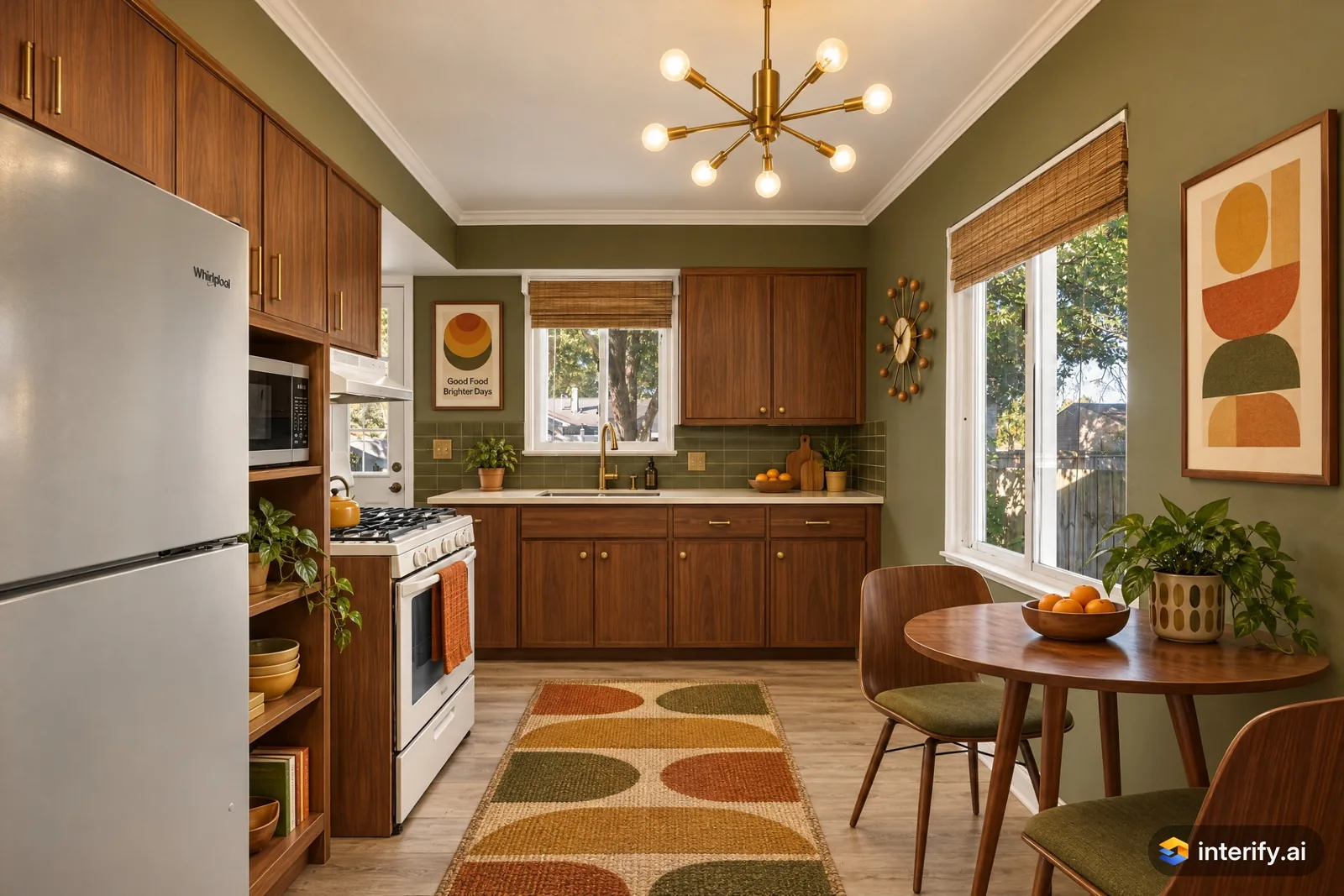
Mid-Century Modern galley kitchen
Kitchen · Mid-Century Modern
Nothing marked: the style restyled the whole room.
Made with Interify 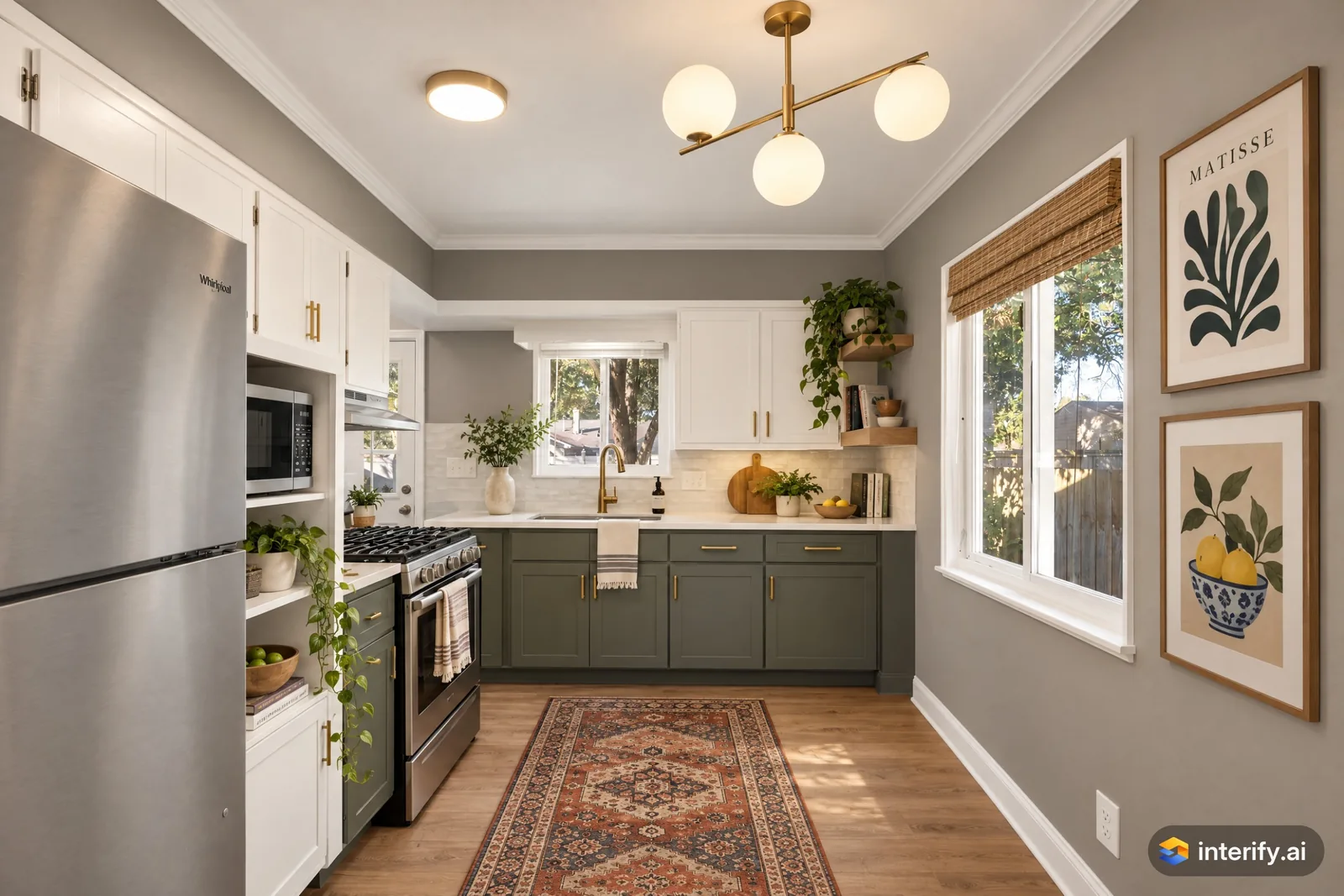
Contemporary galley kitchen
Kitchen · Contemporary
Nothing marked: the style restyled the whole room.
Made with Interify 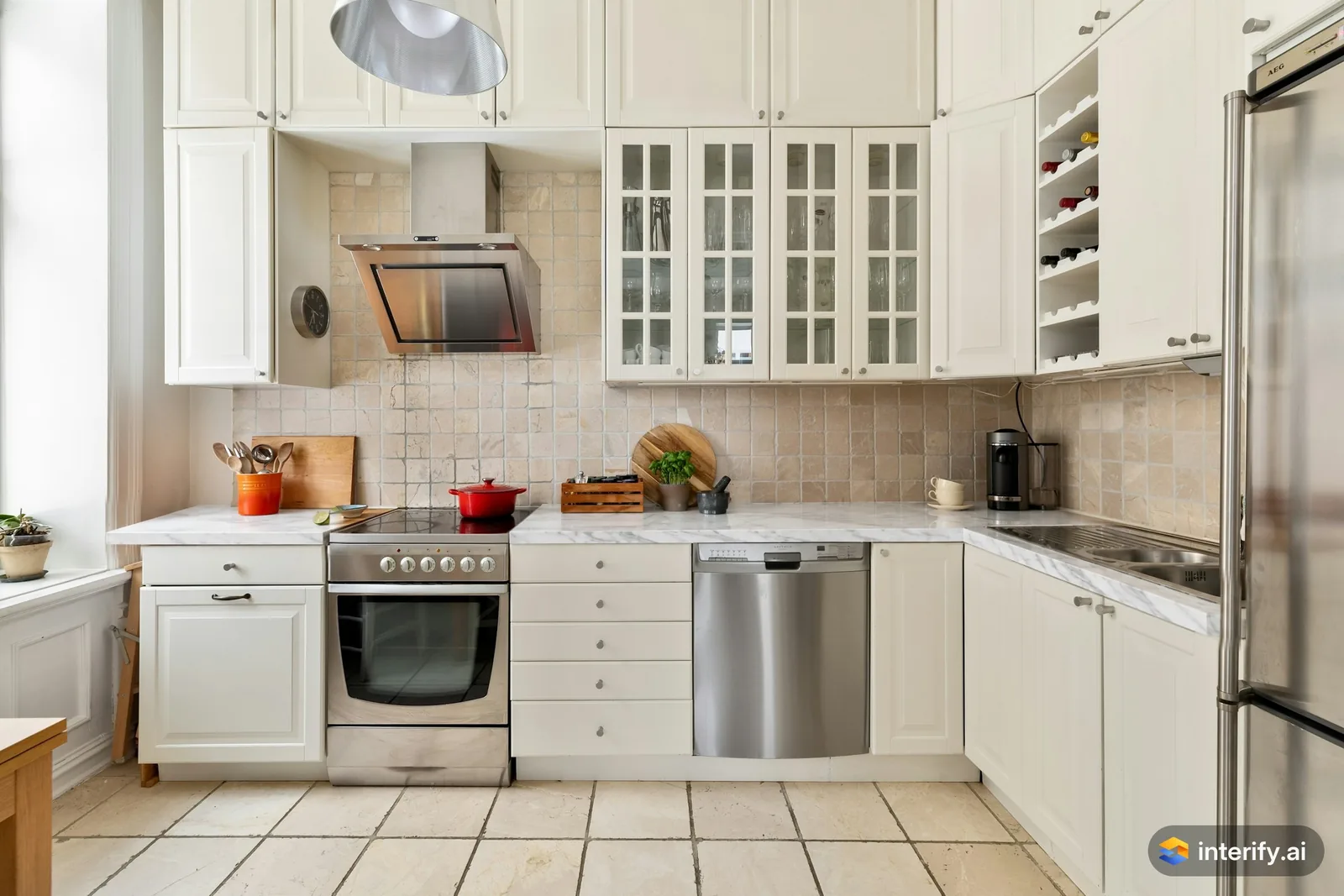
L-shaped kitchen: marble countertop
Kitchen
- White marble countertop with soft gray veining
Made with Interify 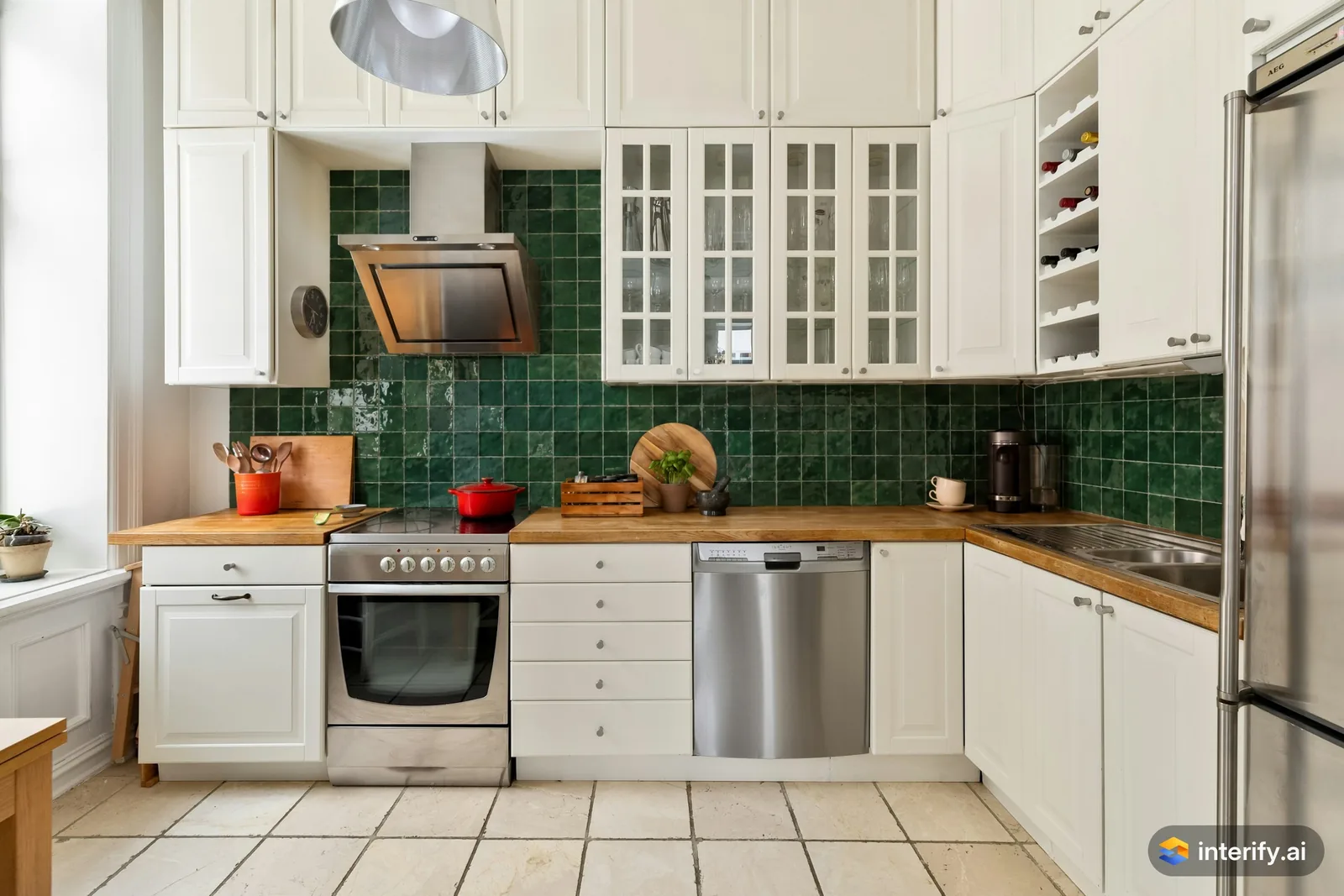
L-shaped kitchen: green zellige backsplash
Kitchen
- Deep green zellige tile backsplash
Made with Interify 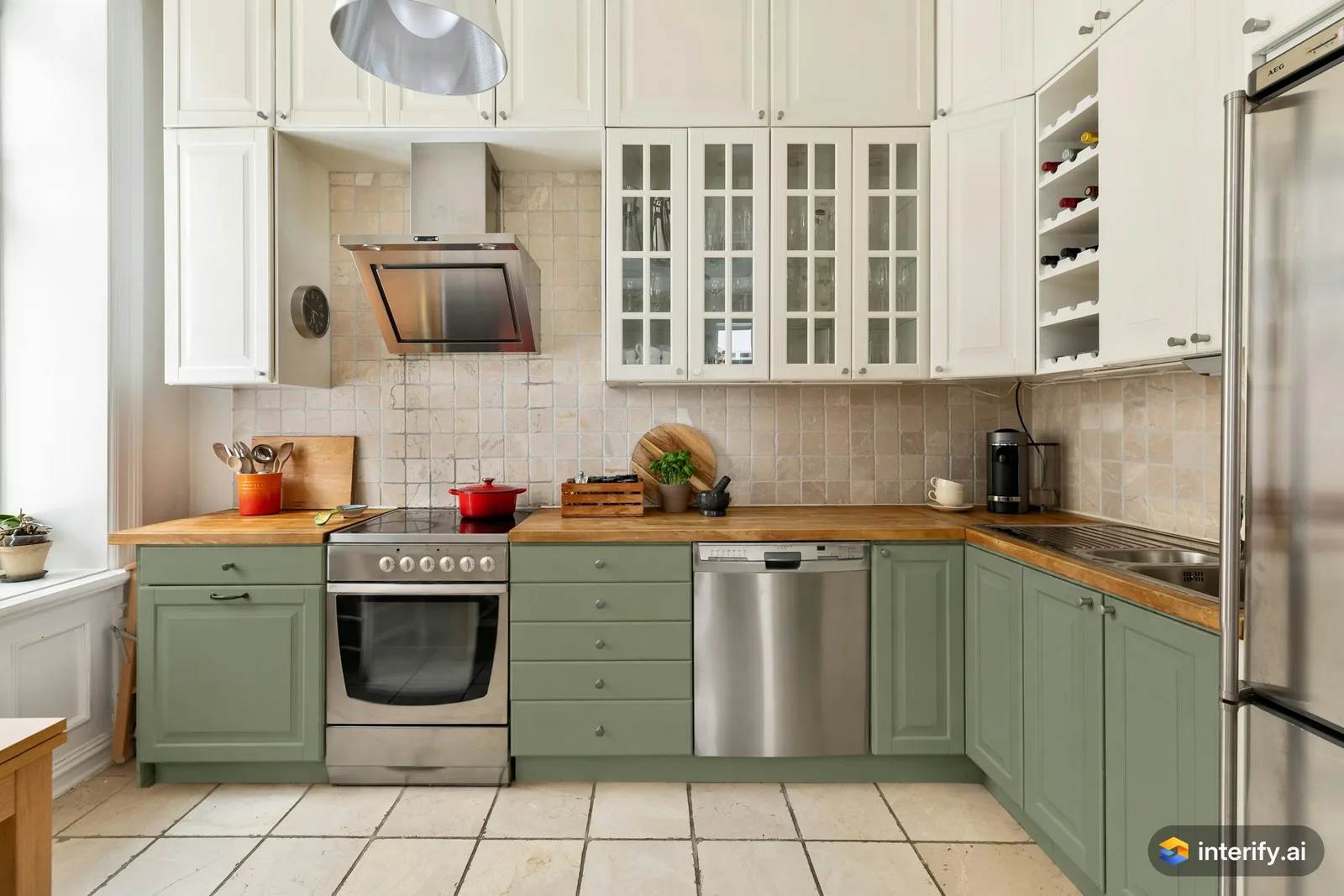
L-shaped kitchen: sage green lower cabinets
Kitchen
- Sage green lower cabinets, keep the oven and dishwasher
Made with Interify 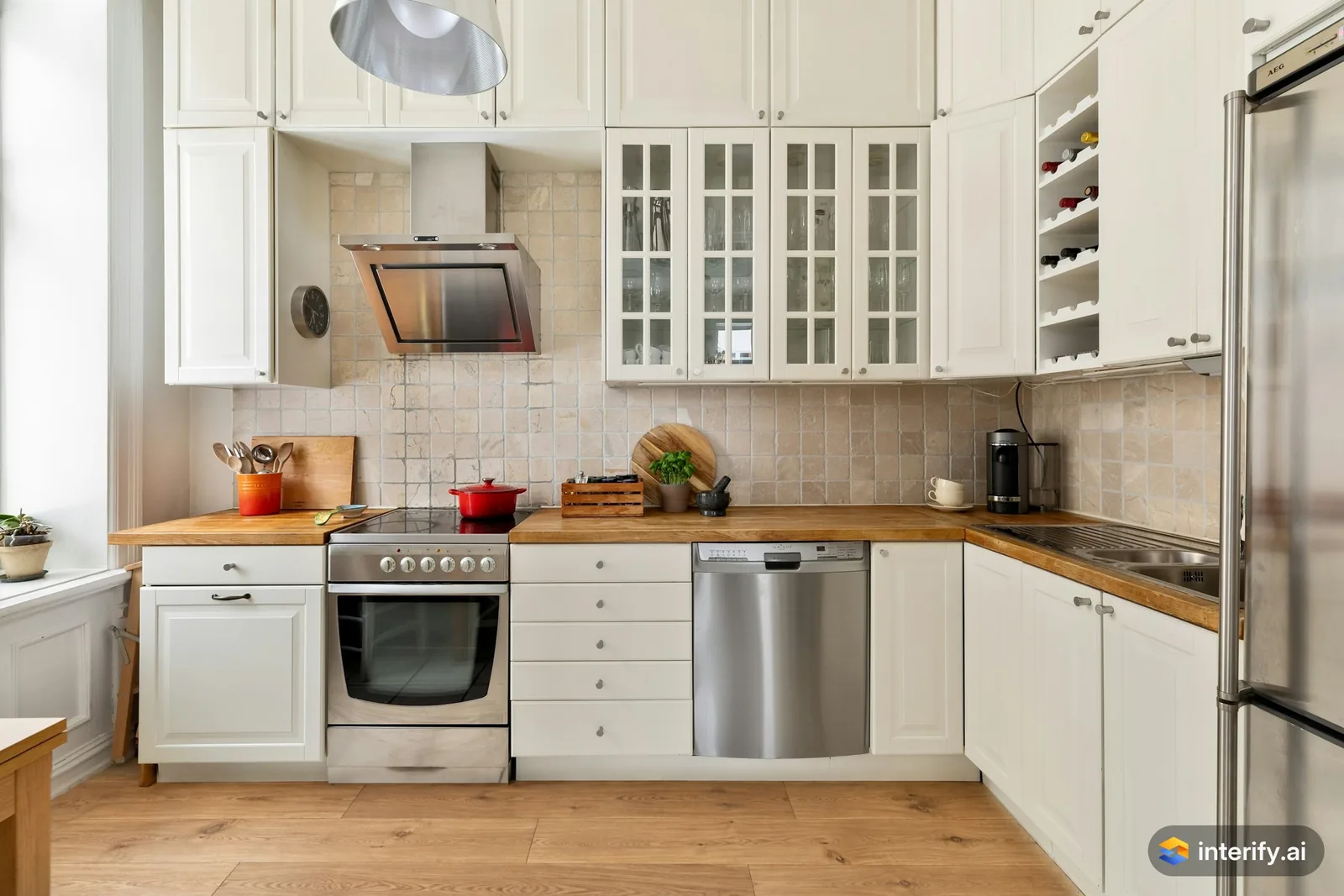
L-shaped kitchen: oak plank floor
Kitchen
- Warm oak plank floor
Made with Interify 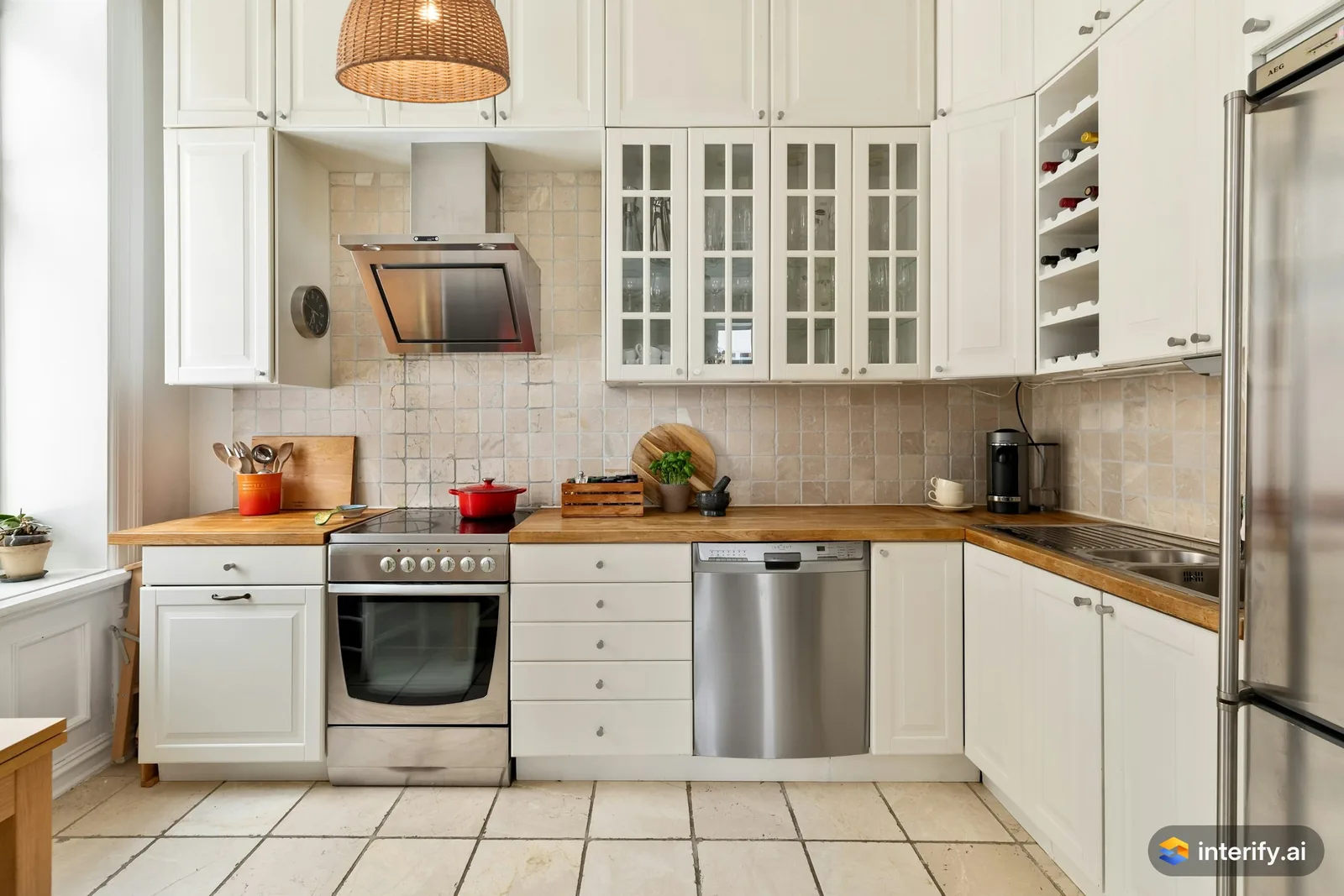
L-shaped kitchen: rattan pendant
Kitchen
- Woven rattan pendant light
Made with Interify 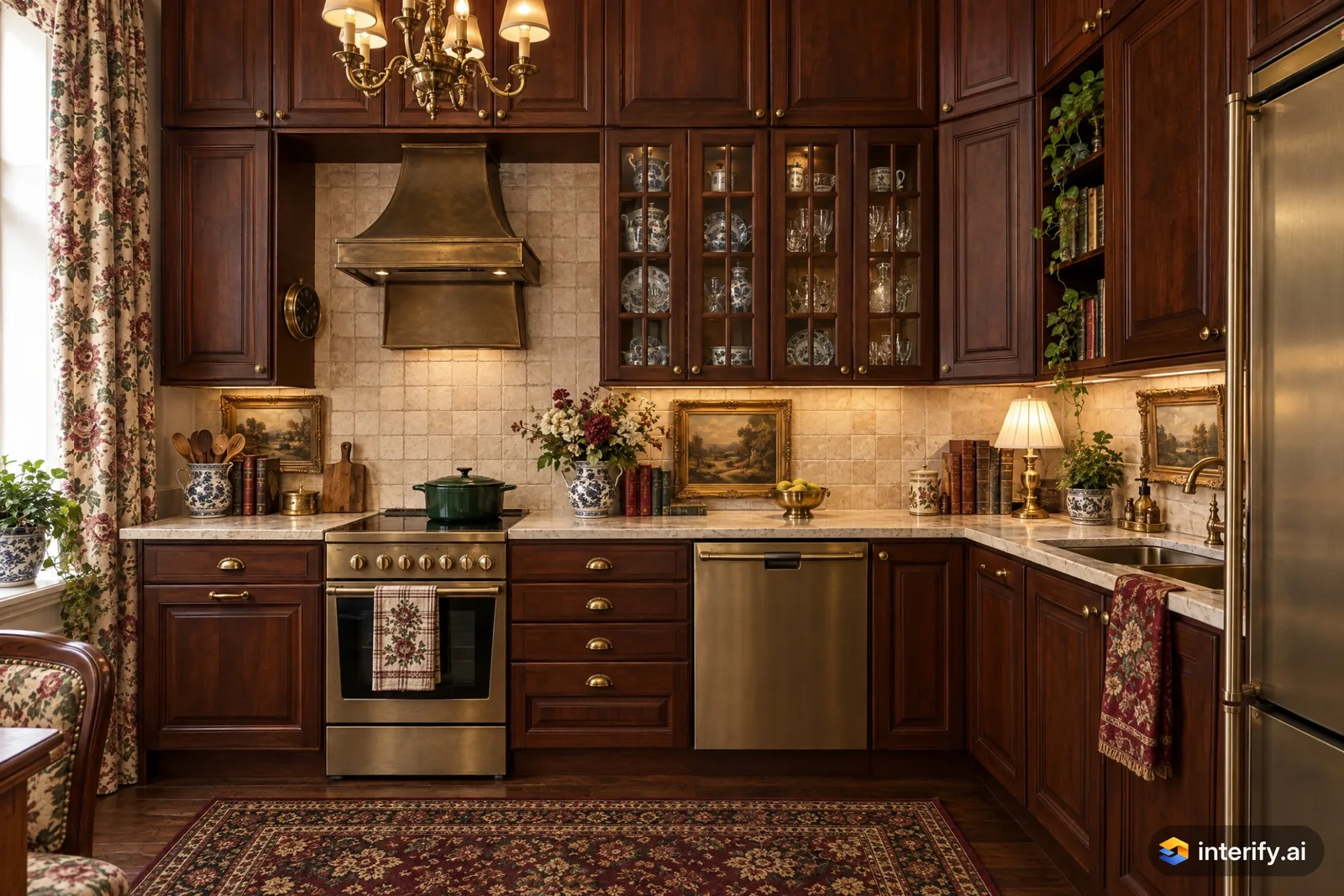
English Country L-shaped kitchen
Kitchen · English Country
Nothing marked: the style restyled the whole room.
Made with Interify 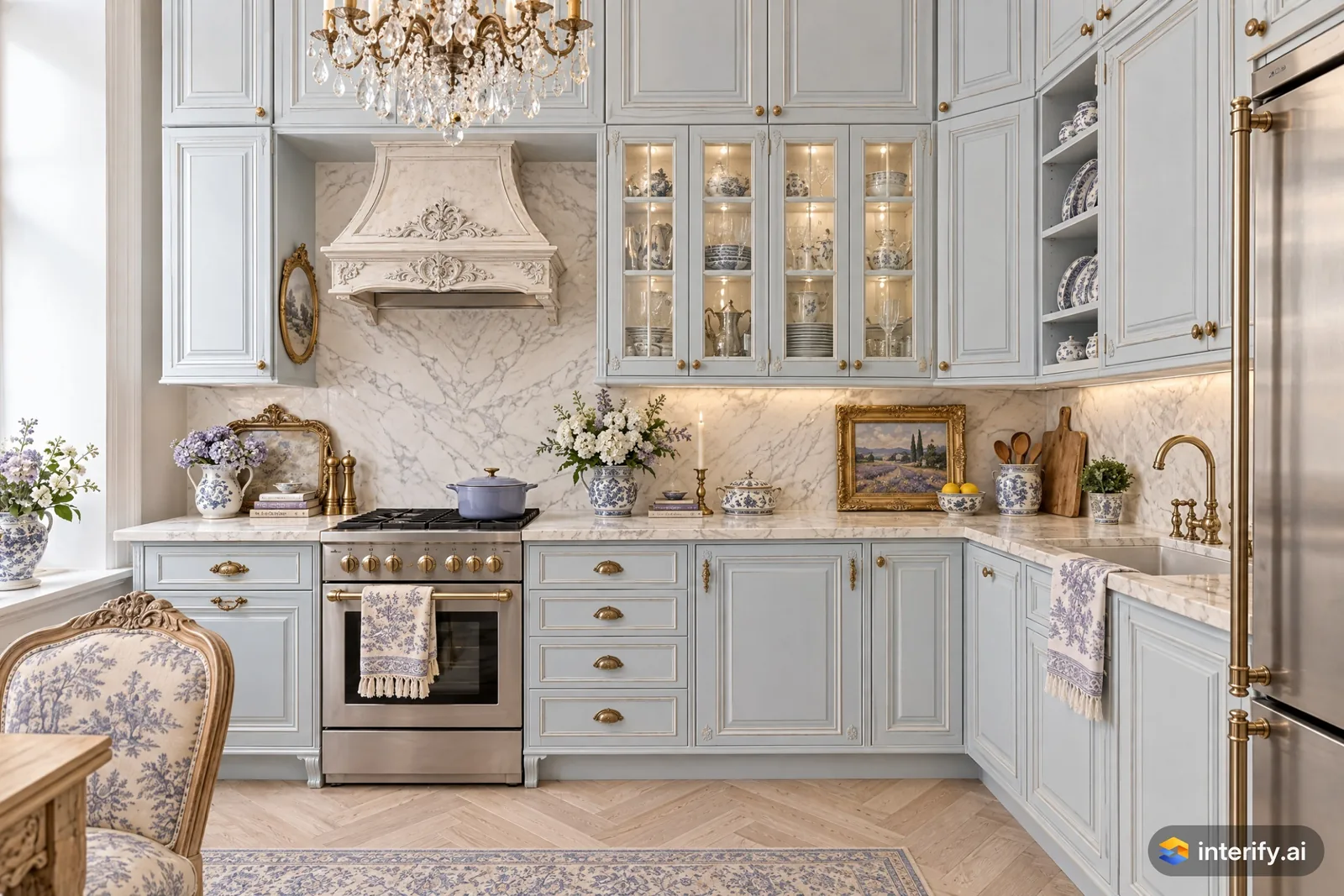
French Provincial L-shaped kitchen
Kitchen · French Provincial
Nothing marked: the style restyled the whole room.
Made with Interify 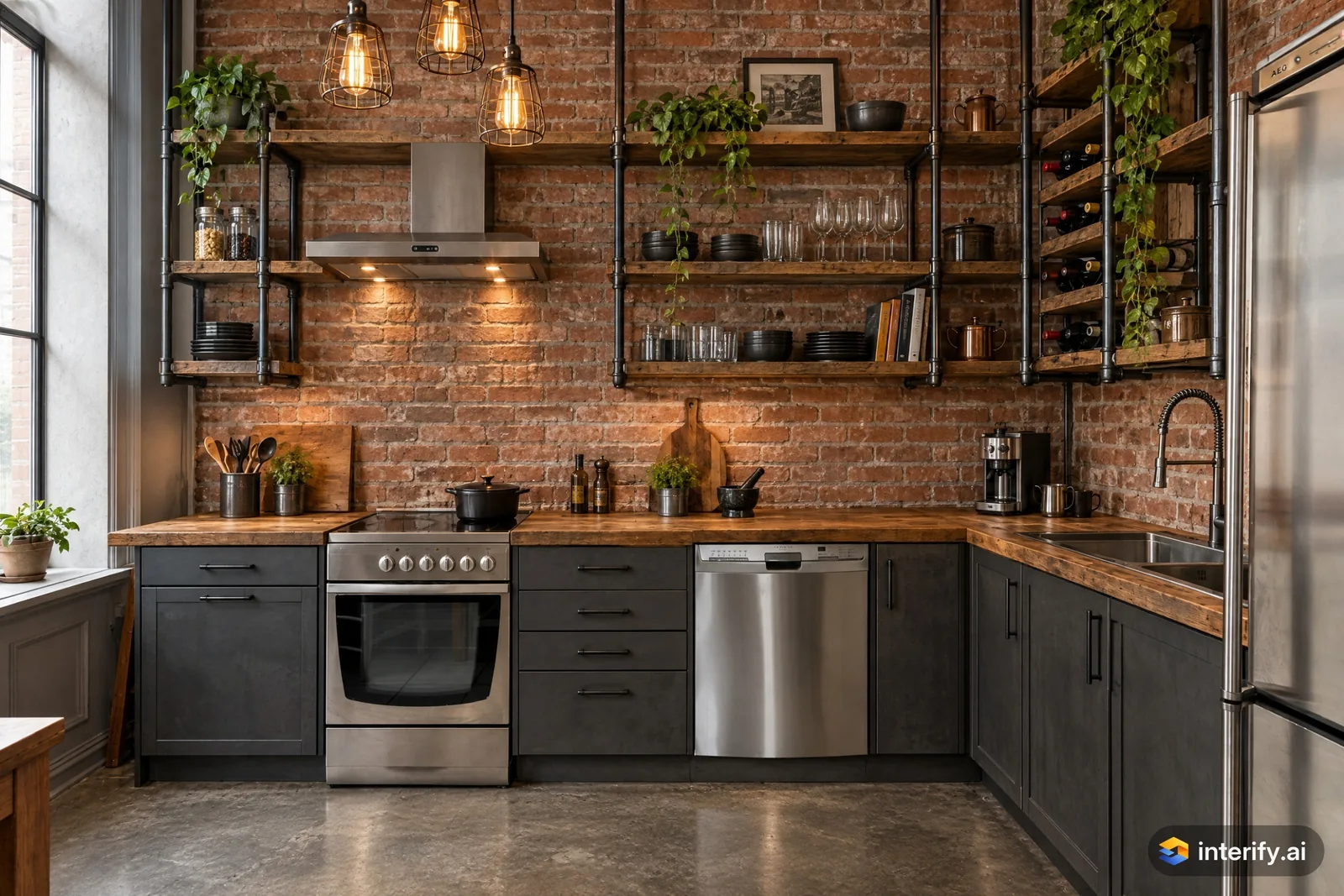
Industrial L-shaped kitchen
Kitchen · Industrial
Nothing marked: the style restyled the whole room.
Made with Interify 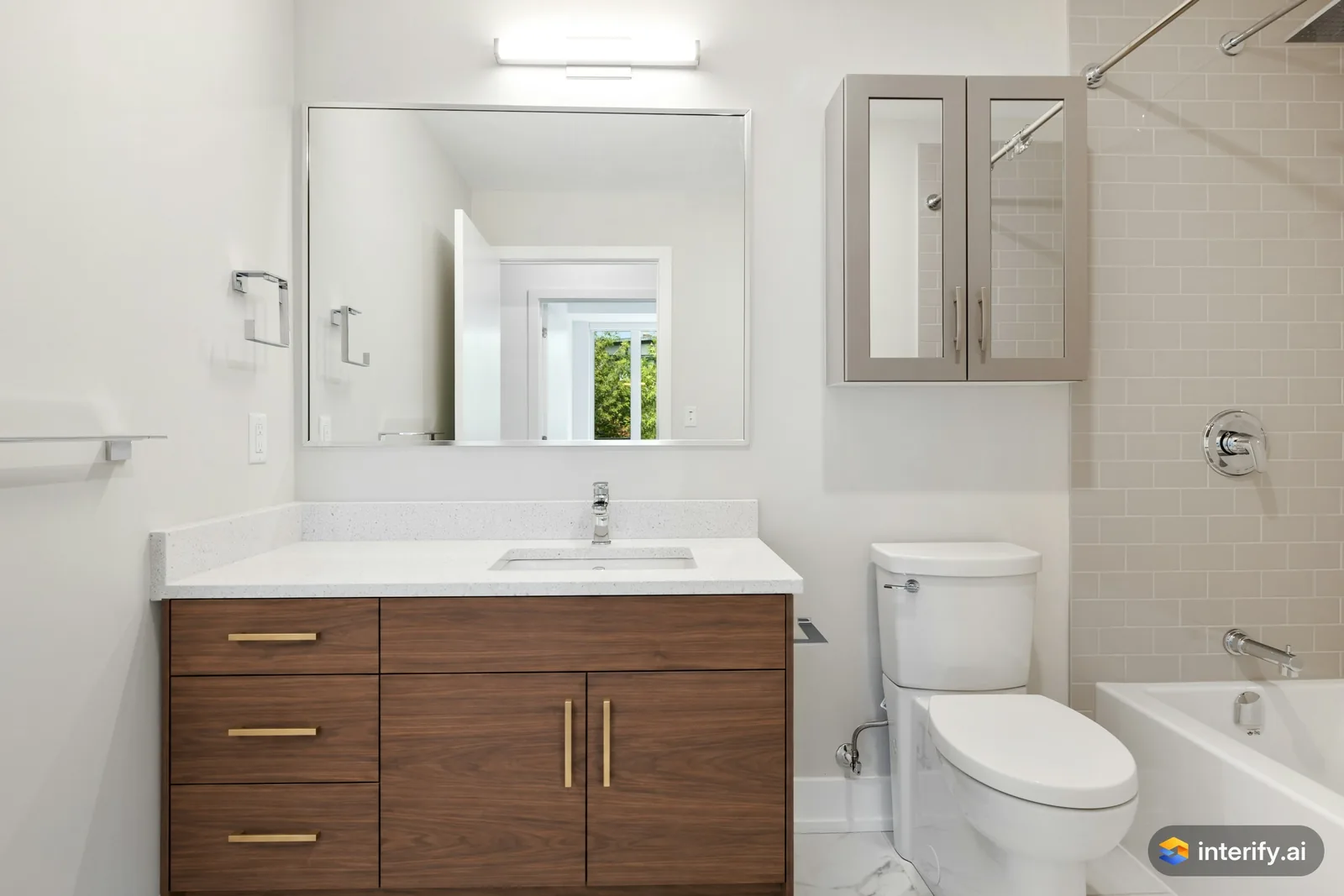
Bathroom: walnut vanity
Bathroom
- Walnut wood vanity with flat fronts and brass handles
Made with Interify 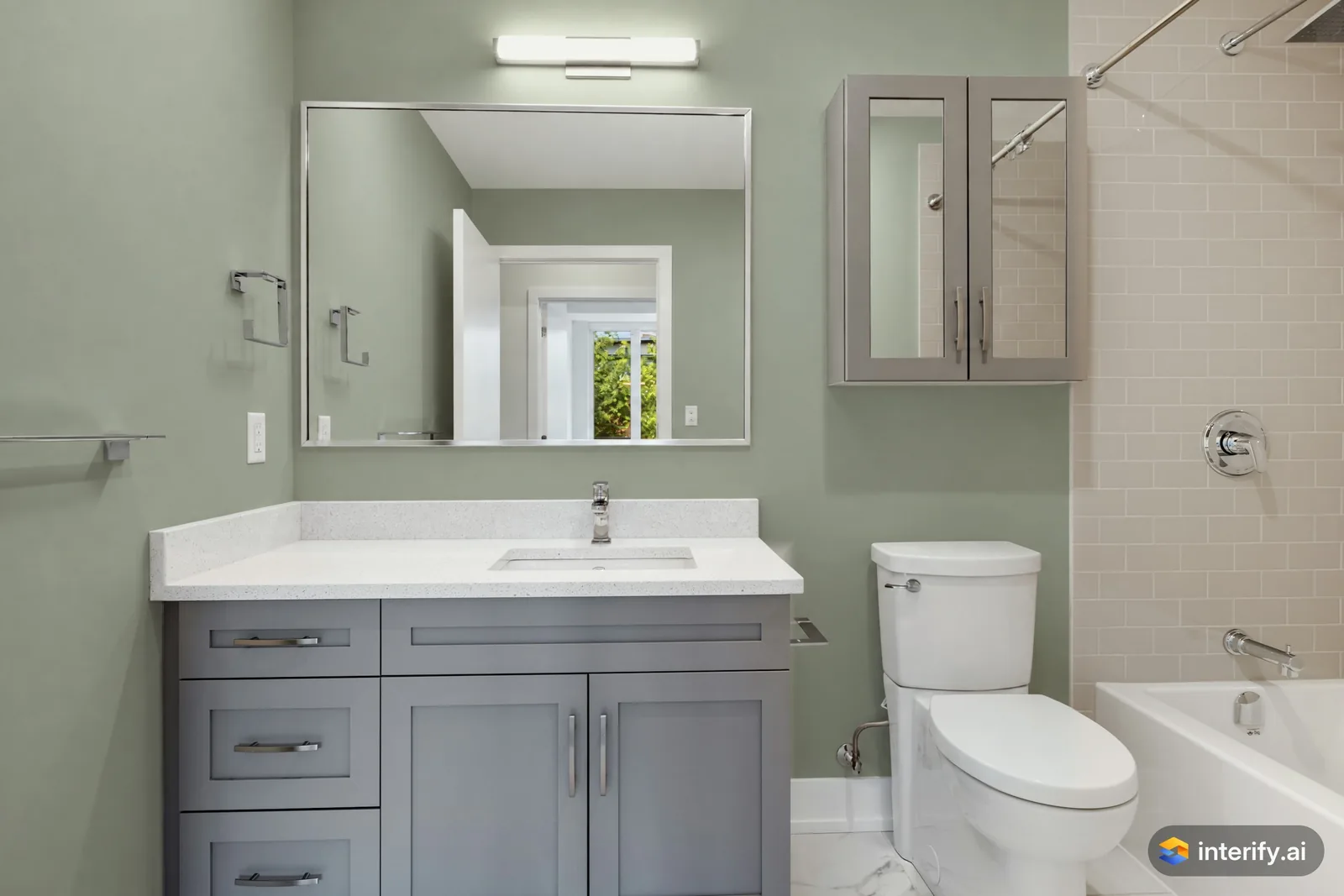
Bathroom: sage green walls
Bathroom
- Paint the walls dusty sage green
Made with Interify 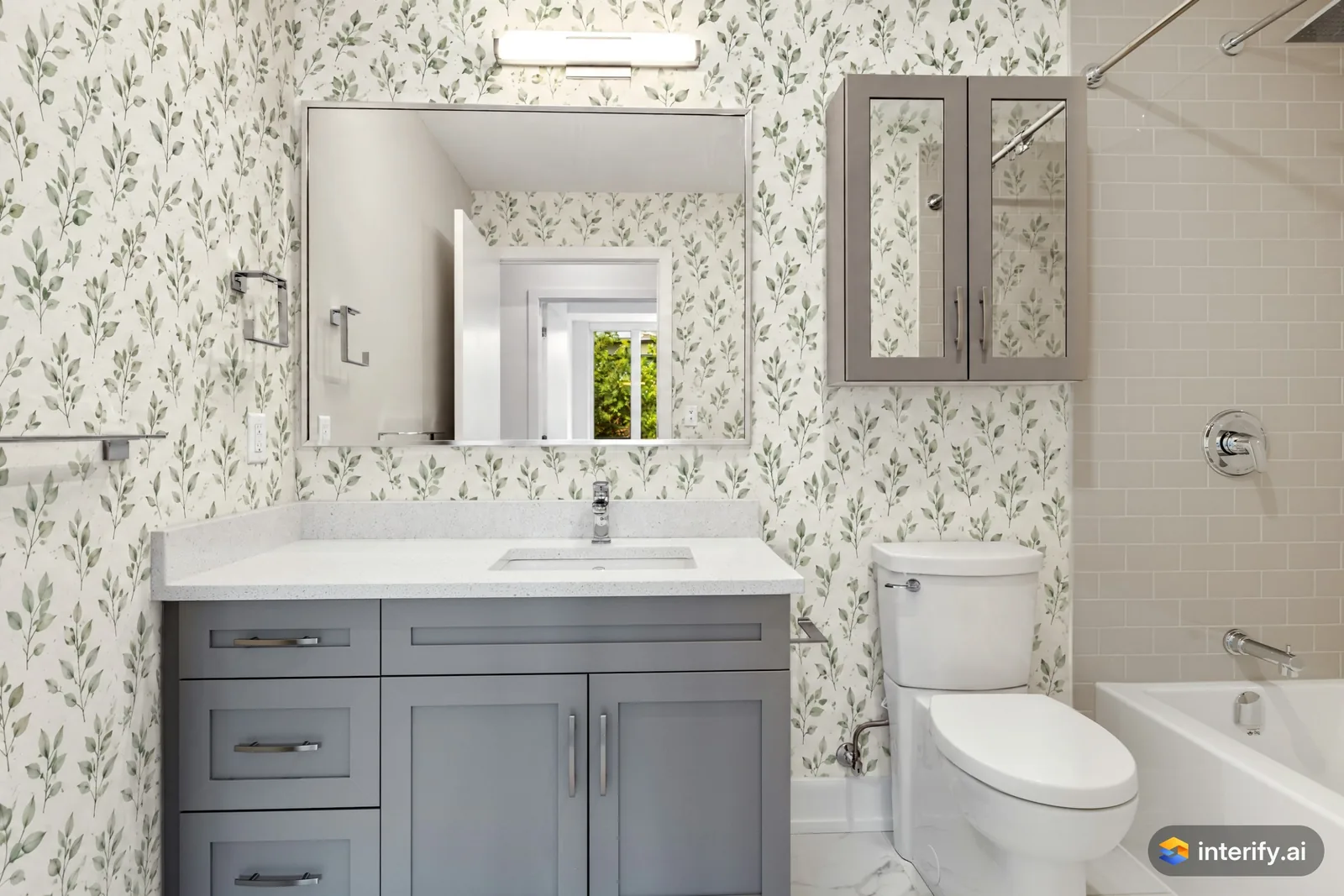
Bathroom: botanical wallpaper
Bathroom
- Wallpaper with a small green leaf pattern on white
Made with Interify 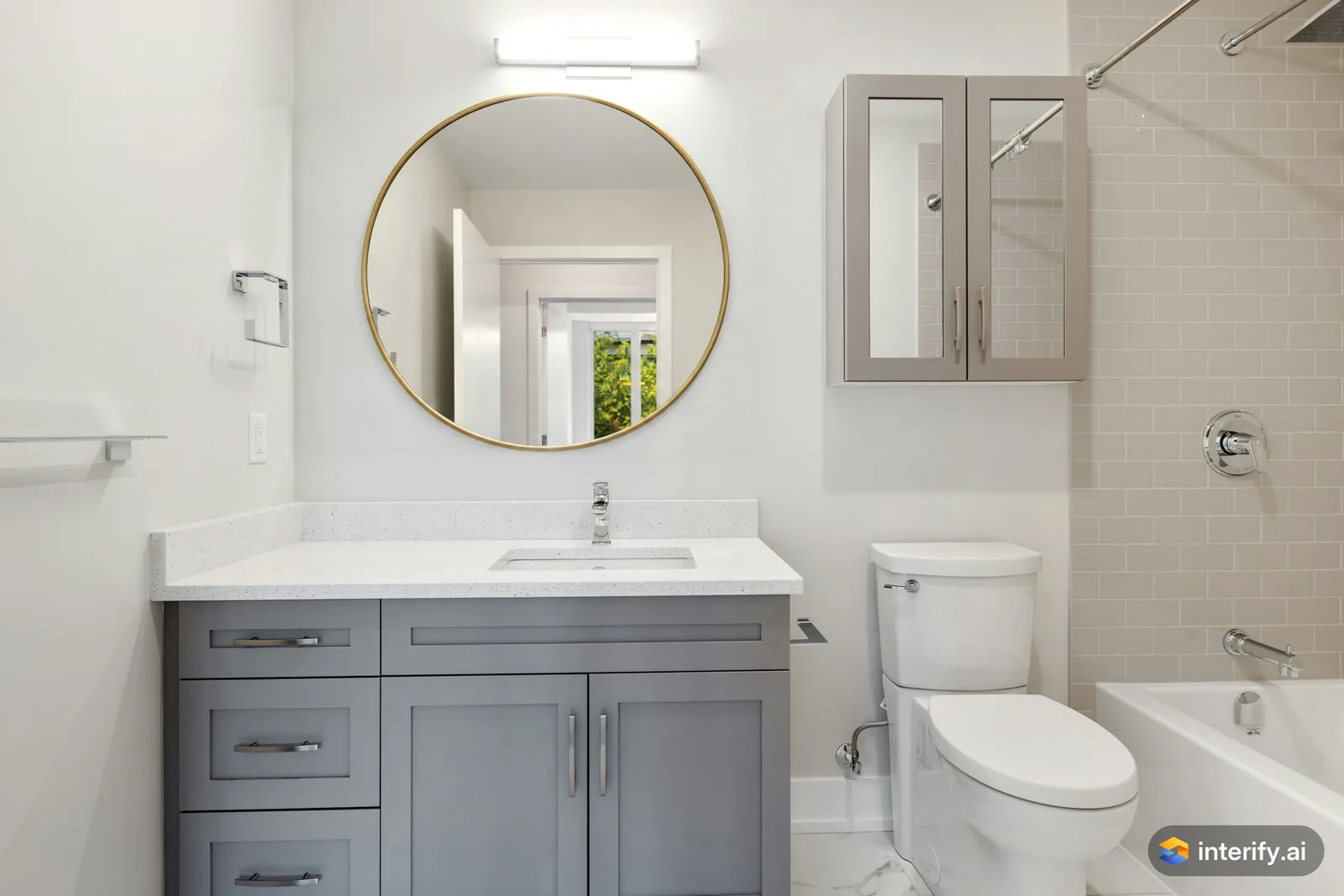
Bathroom: round brass mirror
Bathroom
- Round mirror with a thin brass frame
Made with Interify 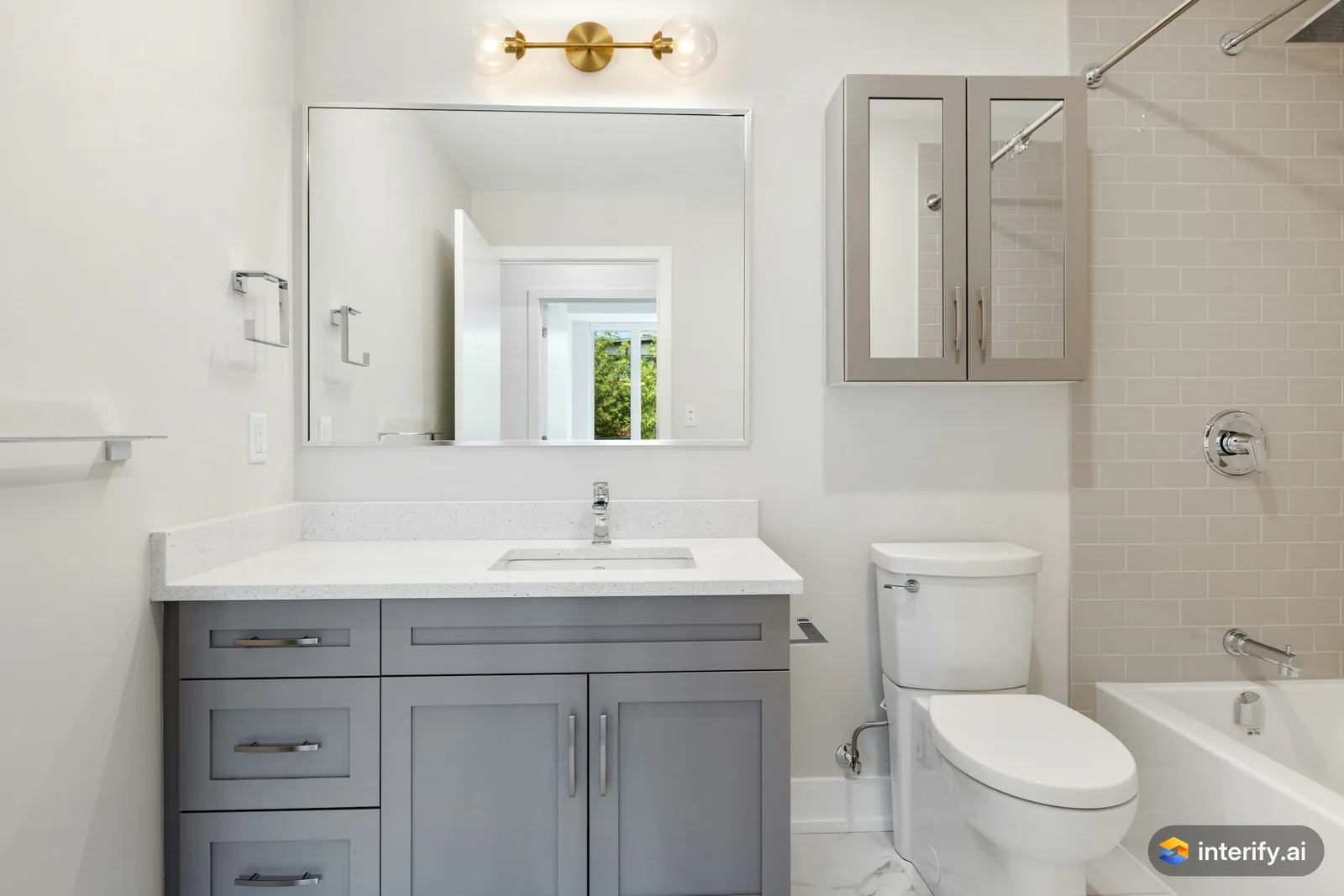
Bathroom: brass wall light
Bathroom
- Brass wall light with two glass globes
Made with Interify 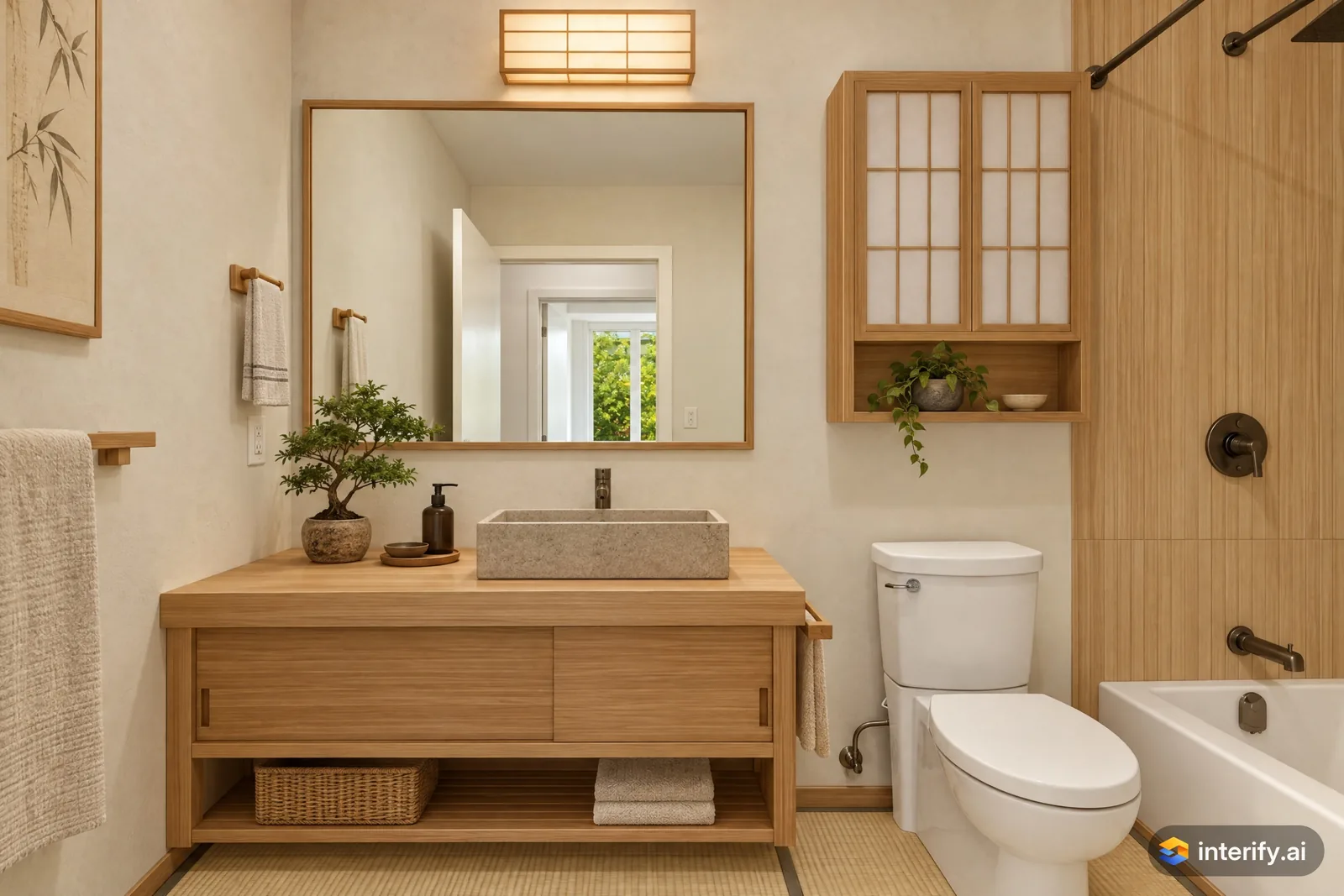
Japanese bathroom
Bathroom · Japanese
Nothing marked: the style restyled the whole room.
Made with Interify 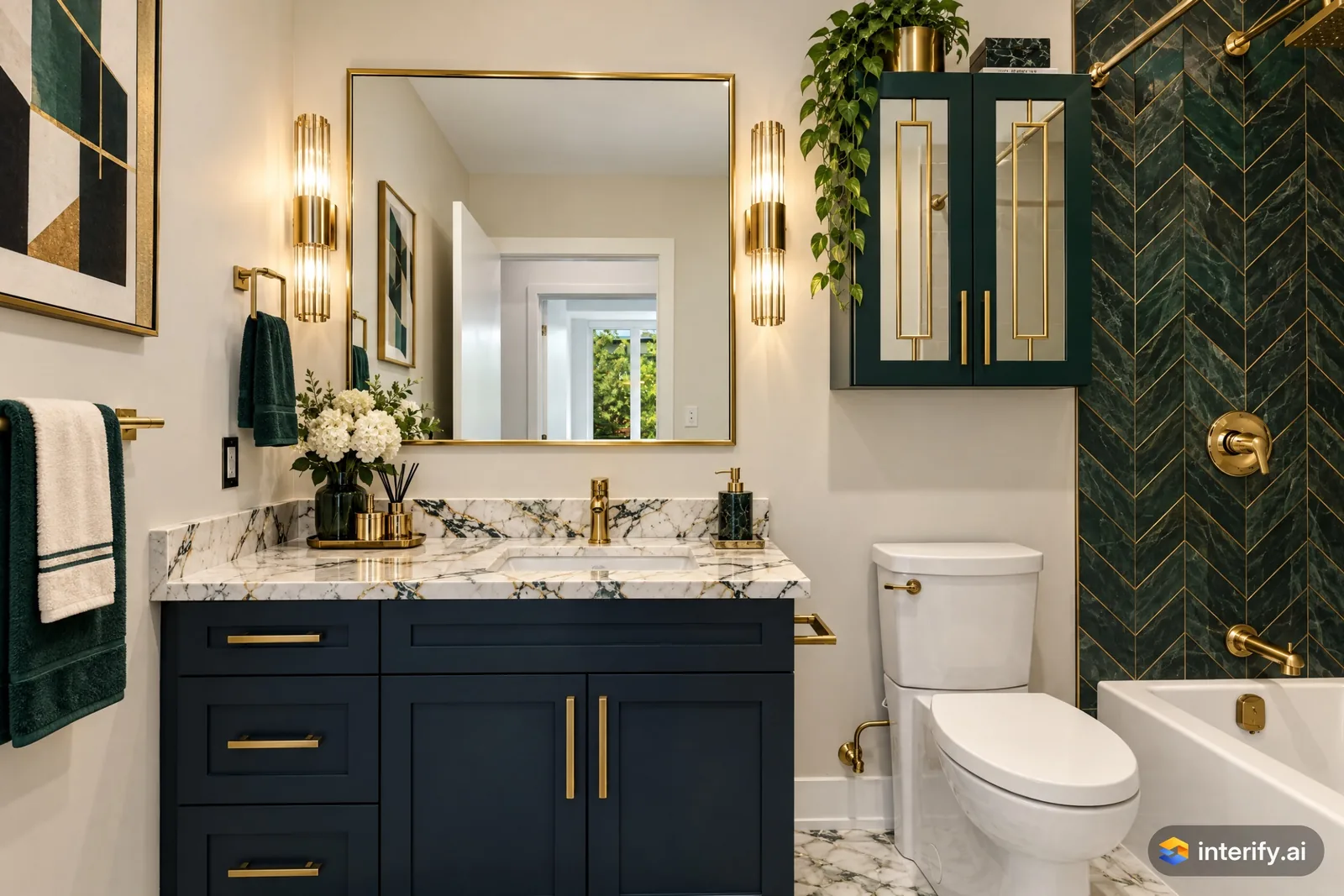
Art Deco bathroom
Bathroom · Art Deco
Nothing marked: the style restyled the whole room.
Made with Interify 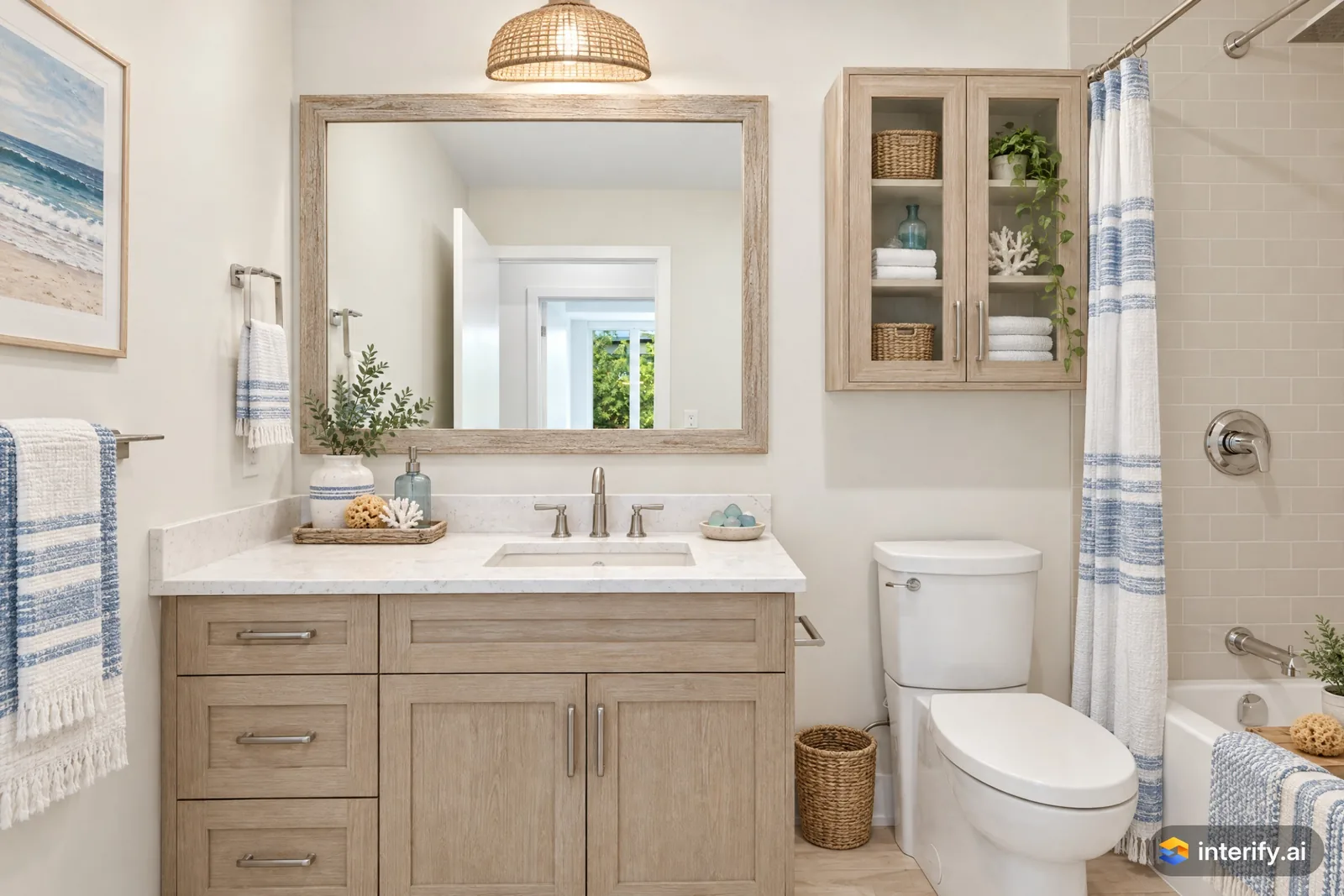
Coastal bathroom
Bathroom · Coastal
Nothing marked: the style restyled the whole room.
Made with Interify 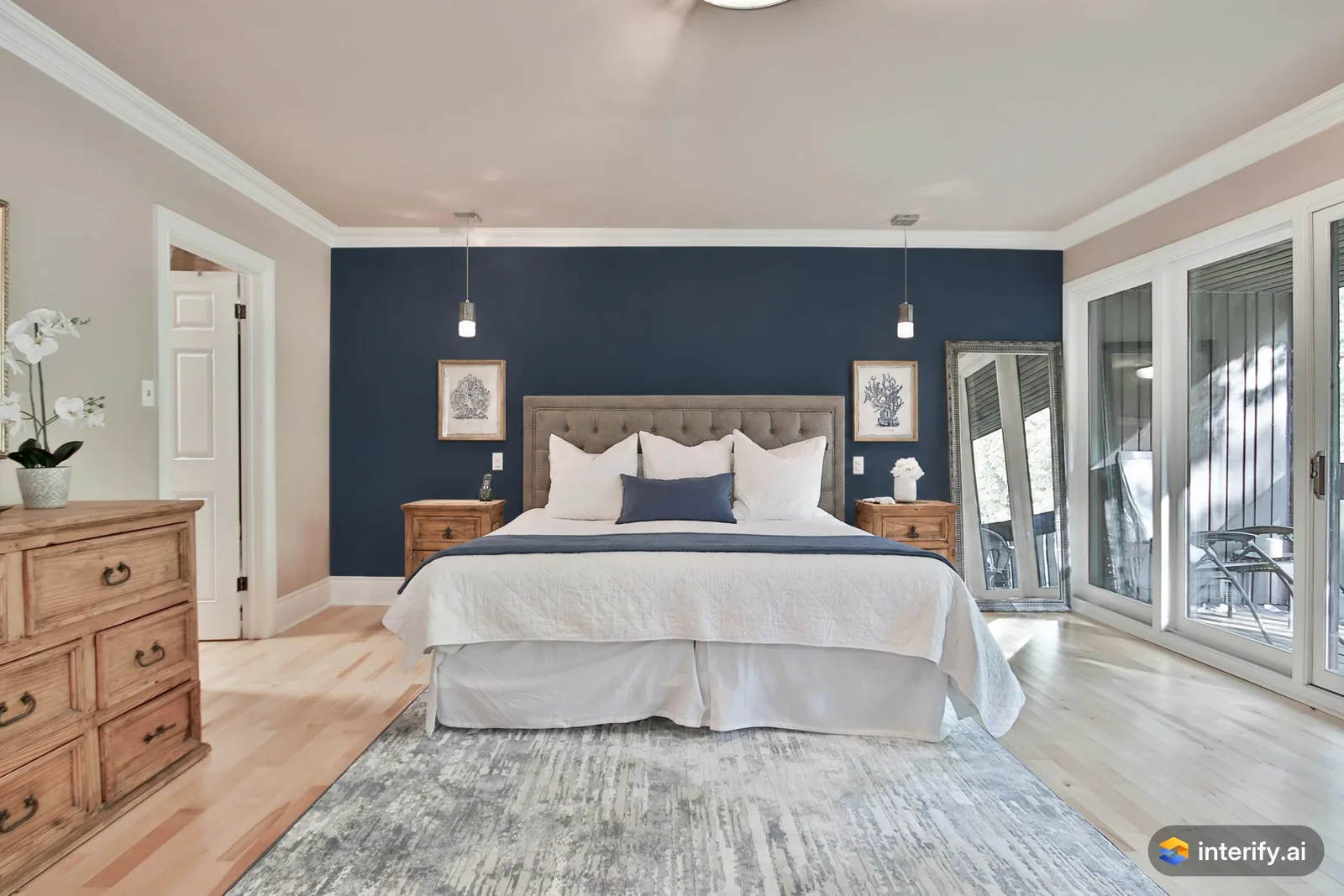
Bedroom: navy accent wall
Bedroom
- Paint this wall deep navy blue
Made with Interify 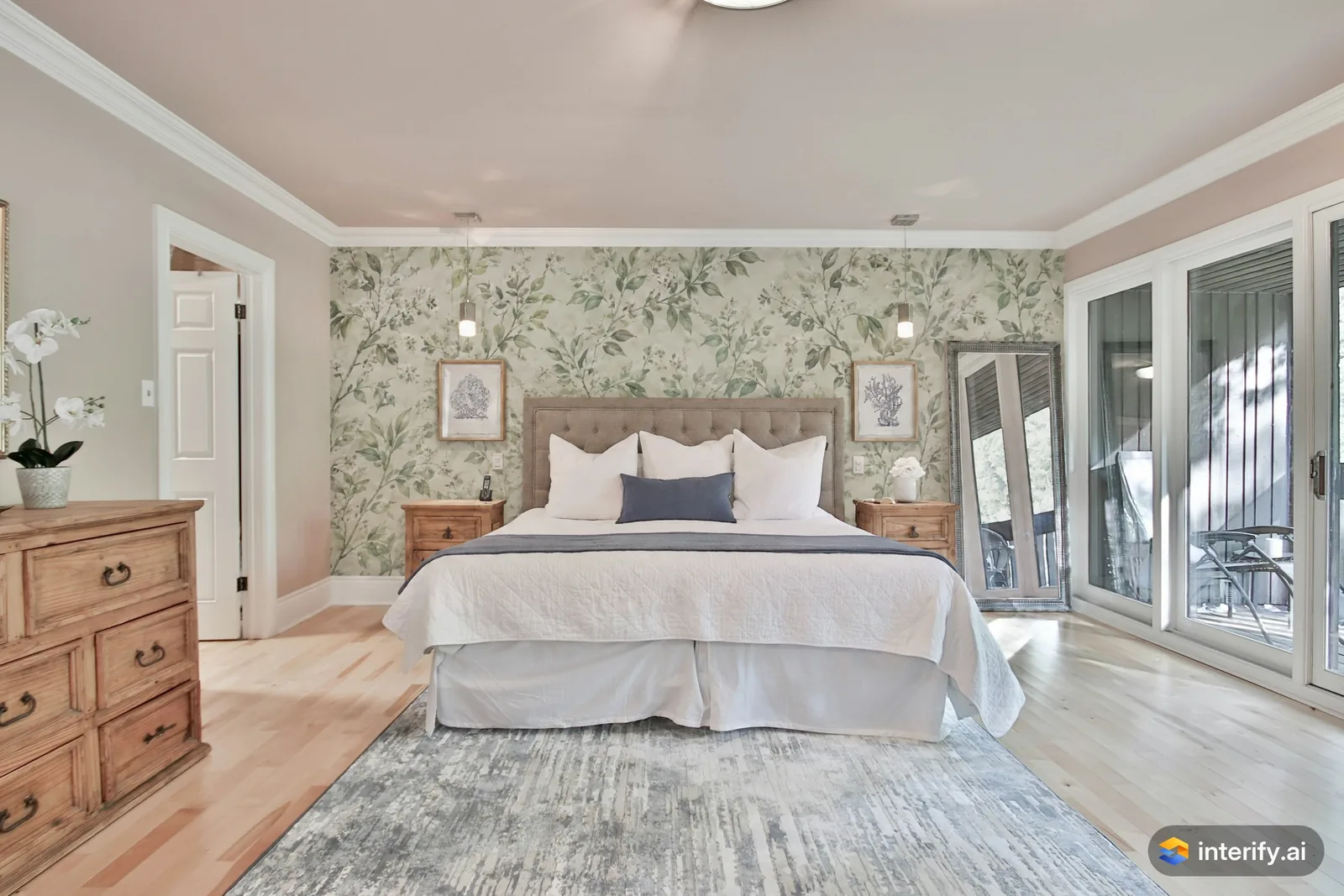
Bedroom: botanical wallpaper behind the bed
Bedroom
- Wallpaper with a soft green botanical pattern
Made with Interify 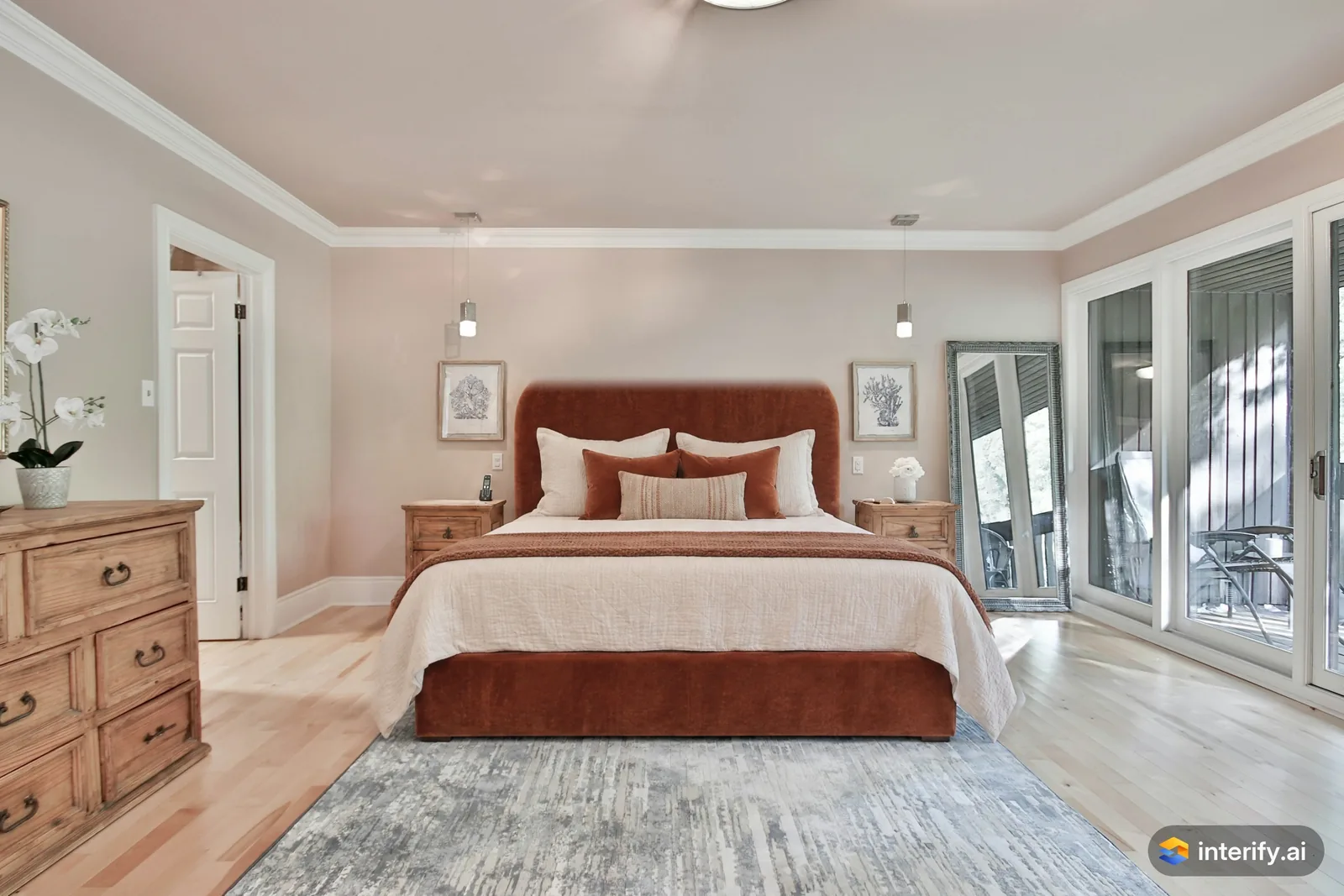
Bedroom: rust velvet bed
Bedroom
- Upholstered bed in rust velvet with a tall rounded headboard
Made with Interify 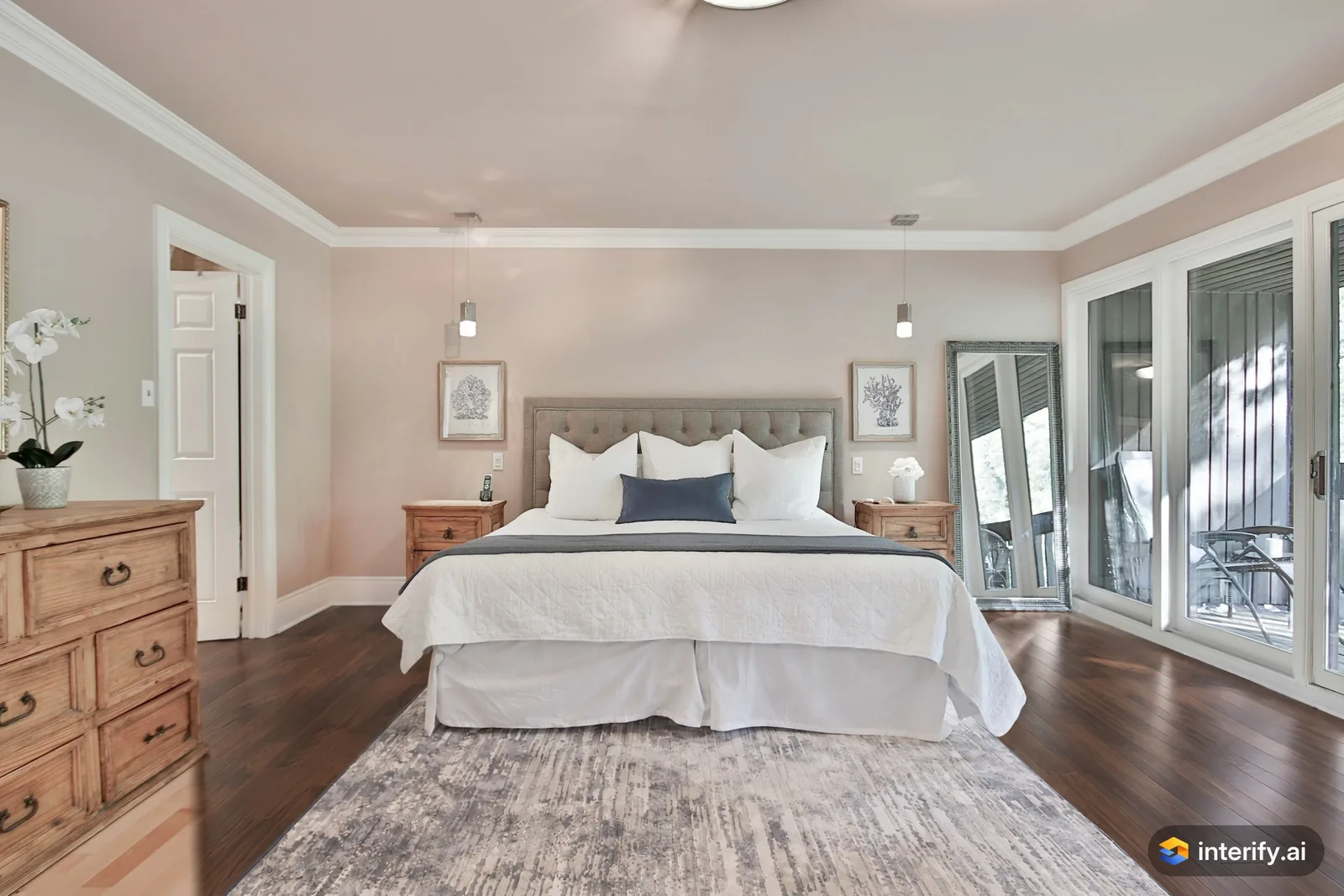
Bedroom: dark walnut floor
Bedroom
- Dark walnut wood floor, keep the rug
Made with Interify 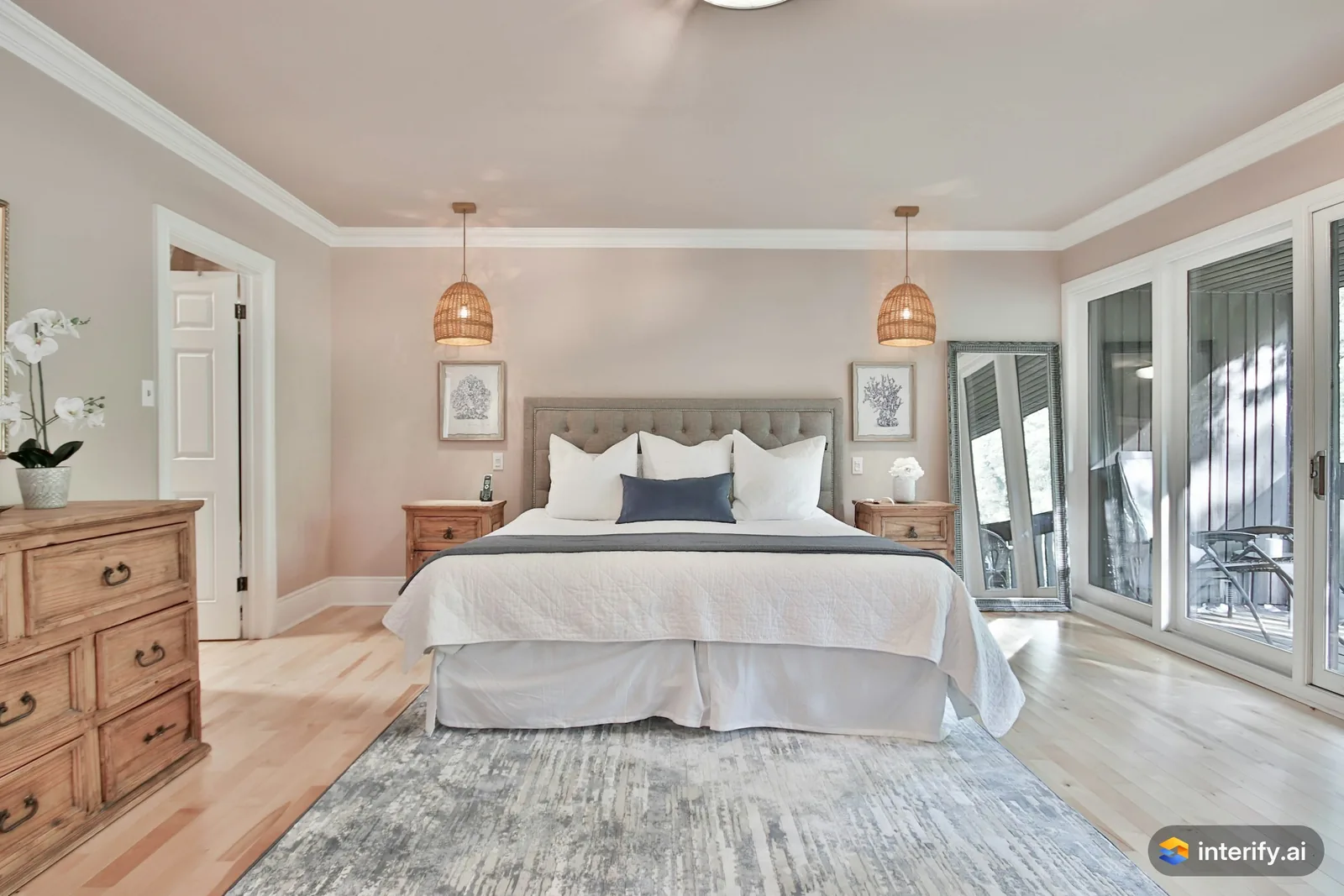
Bedroom: rattan pendants
Bedroom
- Woven rattan pendant light
Made with Interify 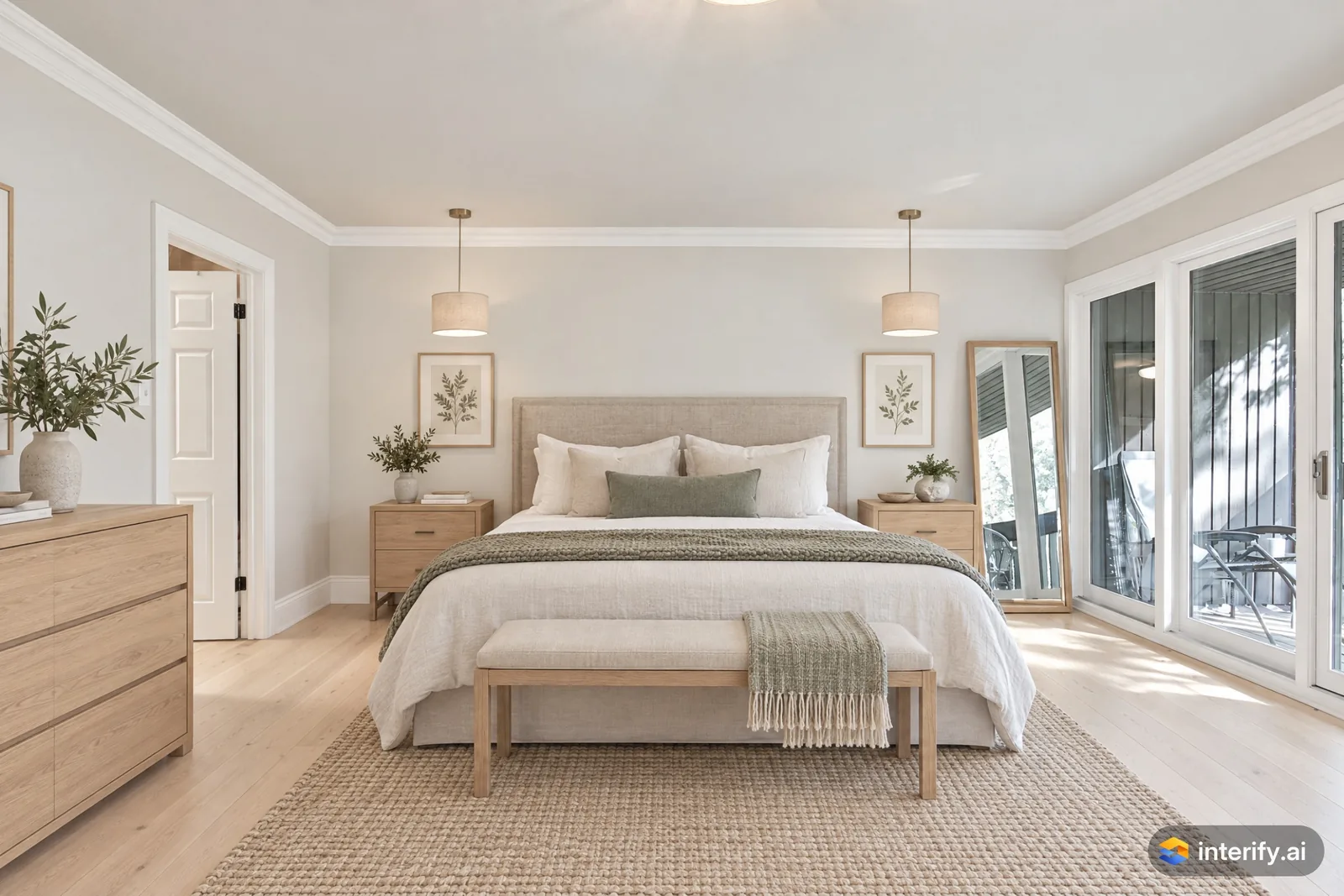
Scandinavian bedroom
Bedroom · Scandinavian
Nothing marked: the style restyled the whole room.
Made with Interify 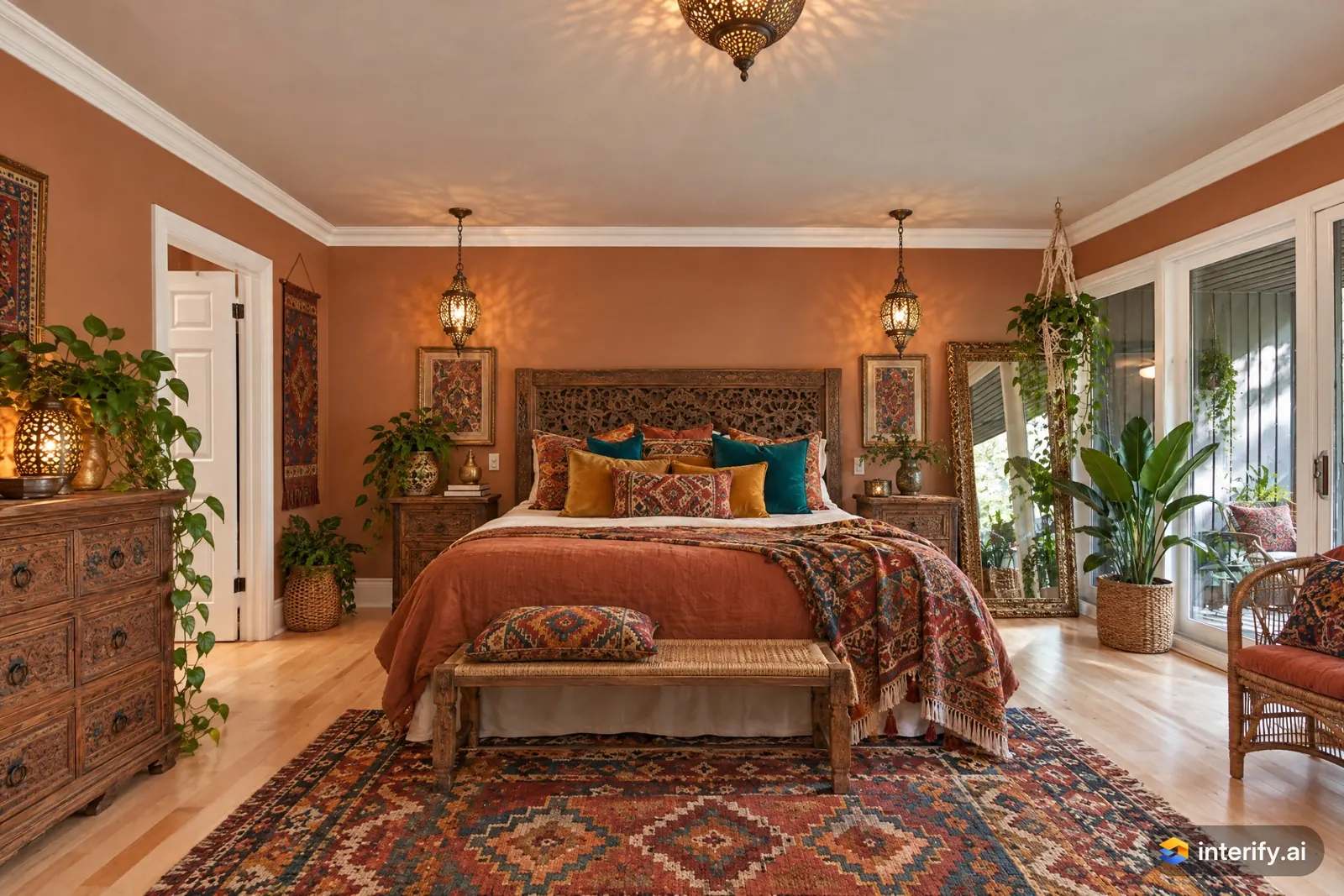
Bohemian bedroom
Bedroom · Bohemian
Nothing marked: the style restyled the whole room.
Made with Interify 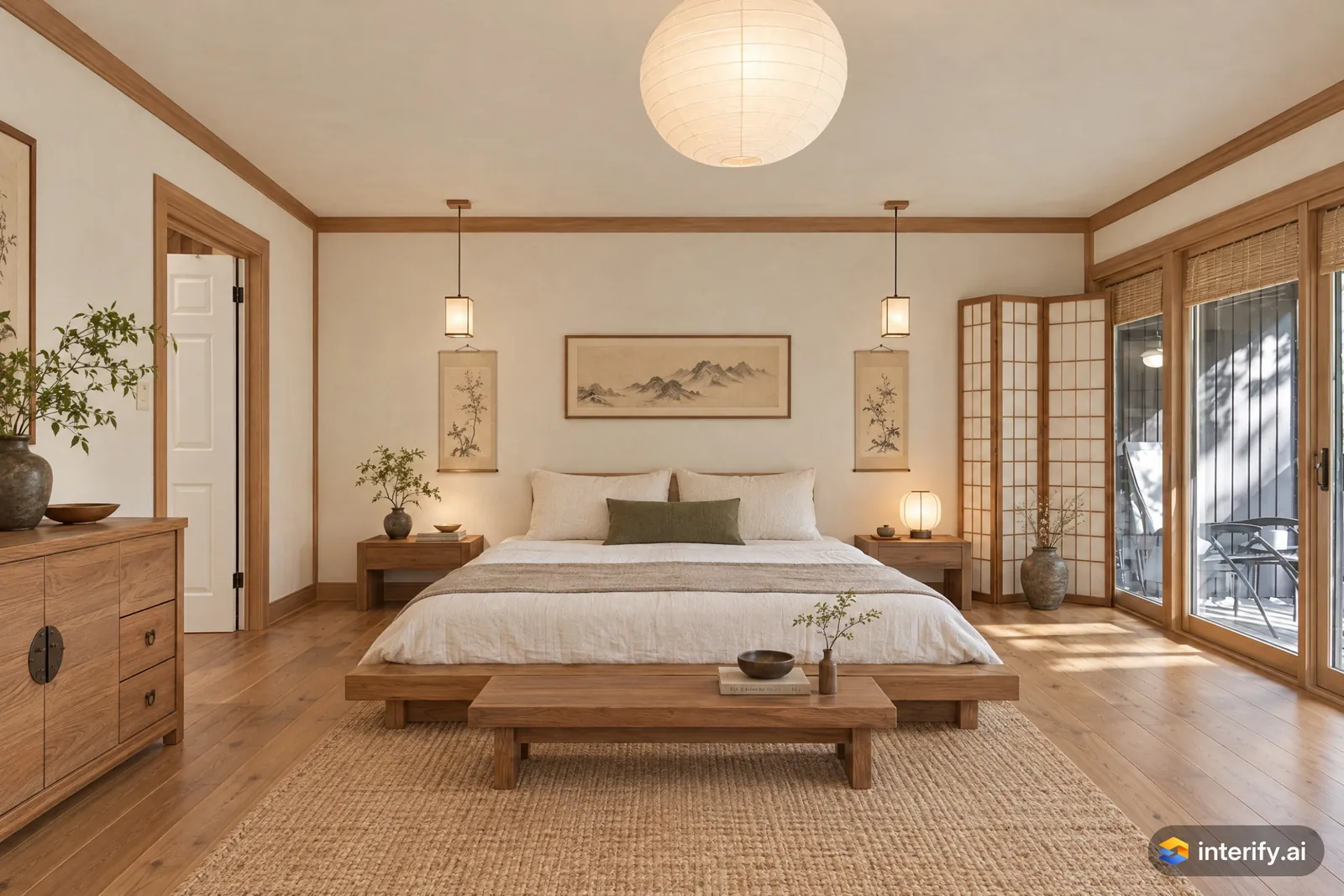
Korean Hanok bedroom
Bedroom · Korean Hanok
Nothing marked: the style restyled the whole room.
Made with Interify 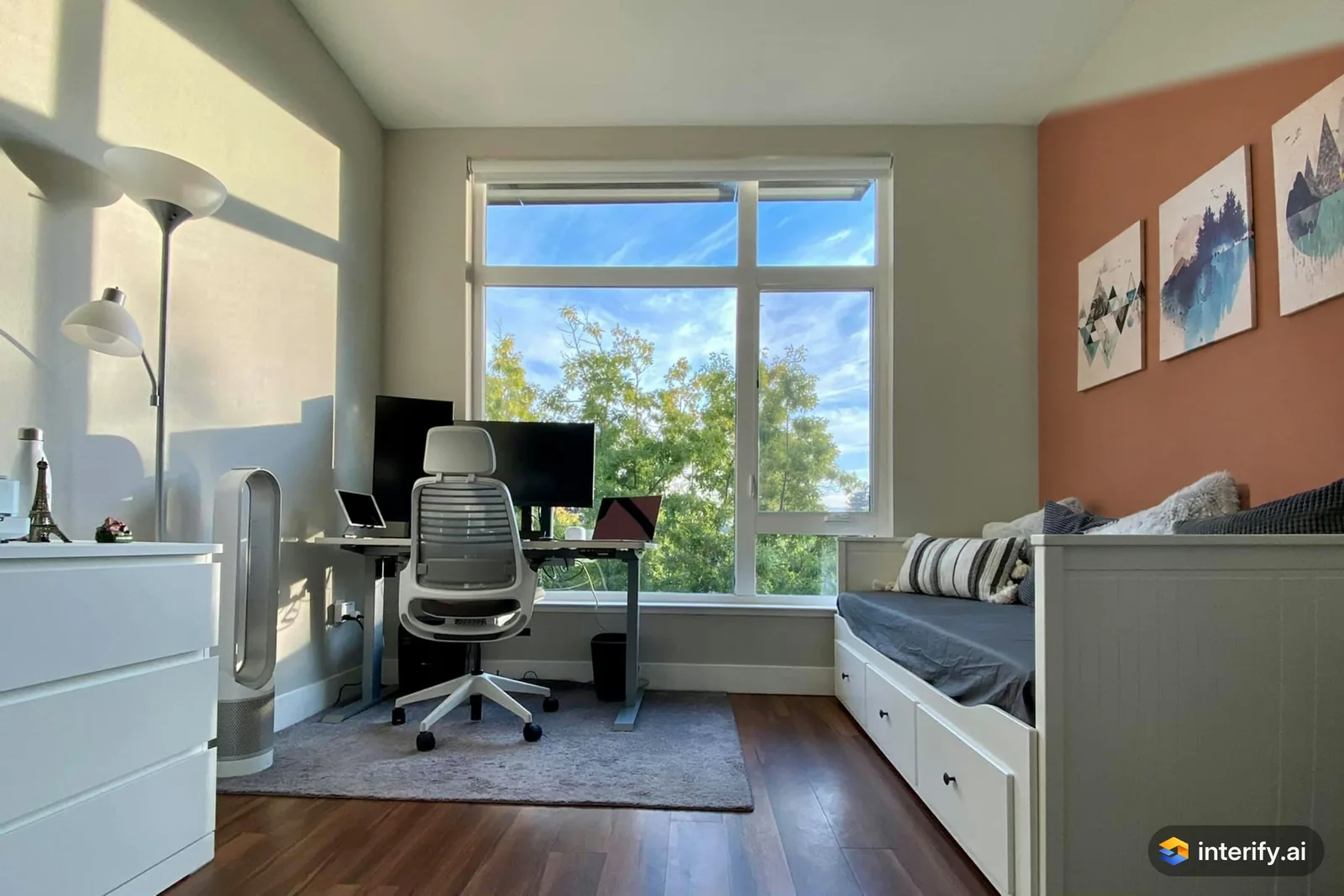
Home office: terracotta wall
Home office
- Paint this wall muted terracotta
Made with Interify 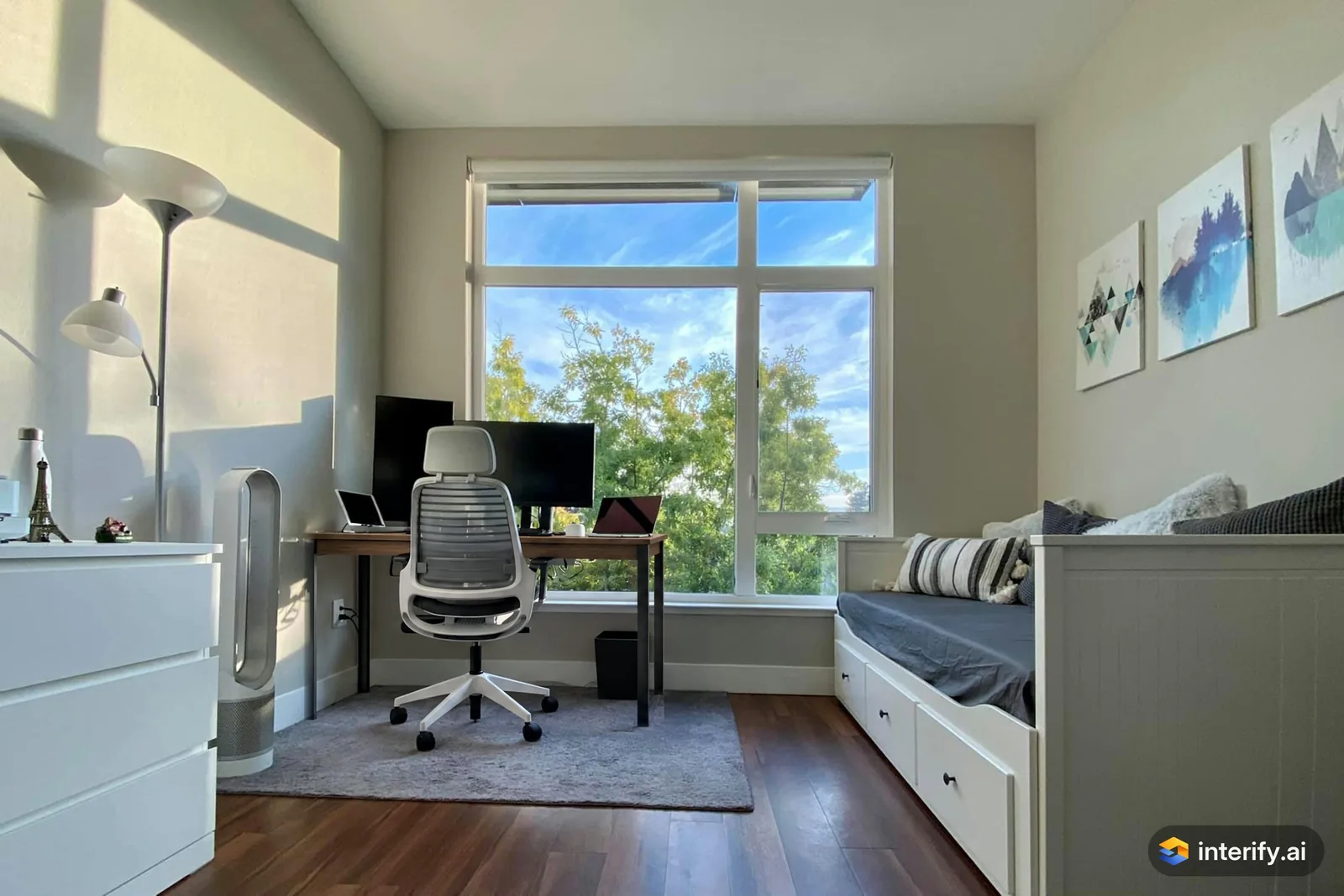
Home office: walnut desk
Home office
- Walnut desk with slim black legs, keep the monitors
Made with Interify 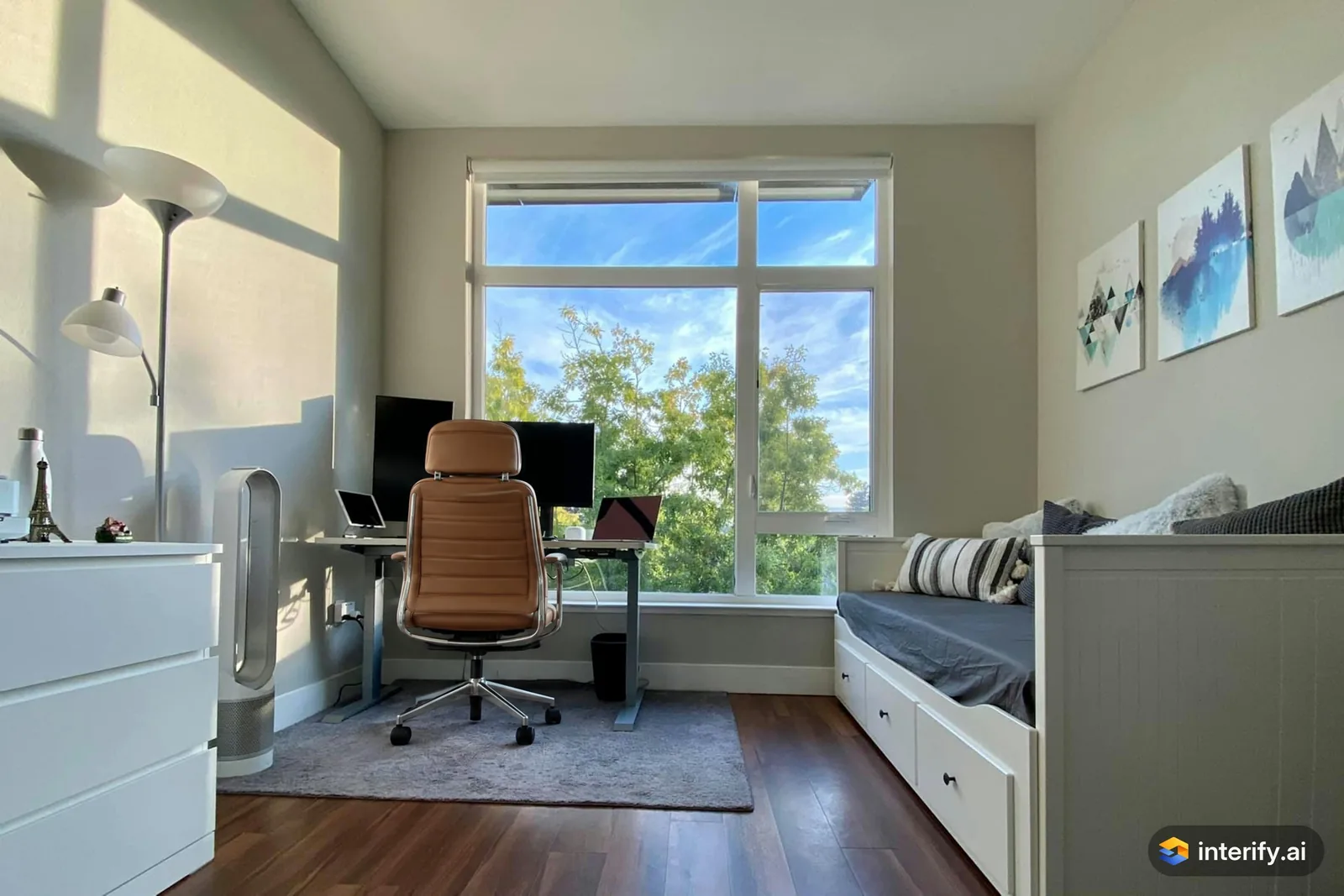
Home office: leather desk chair
Home office
- Cognac leather desk chair
Made with Interify 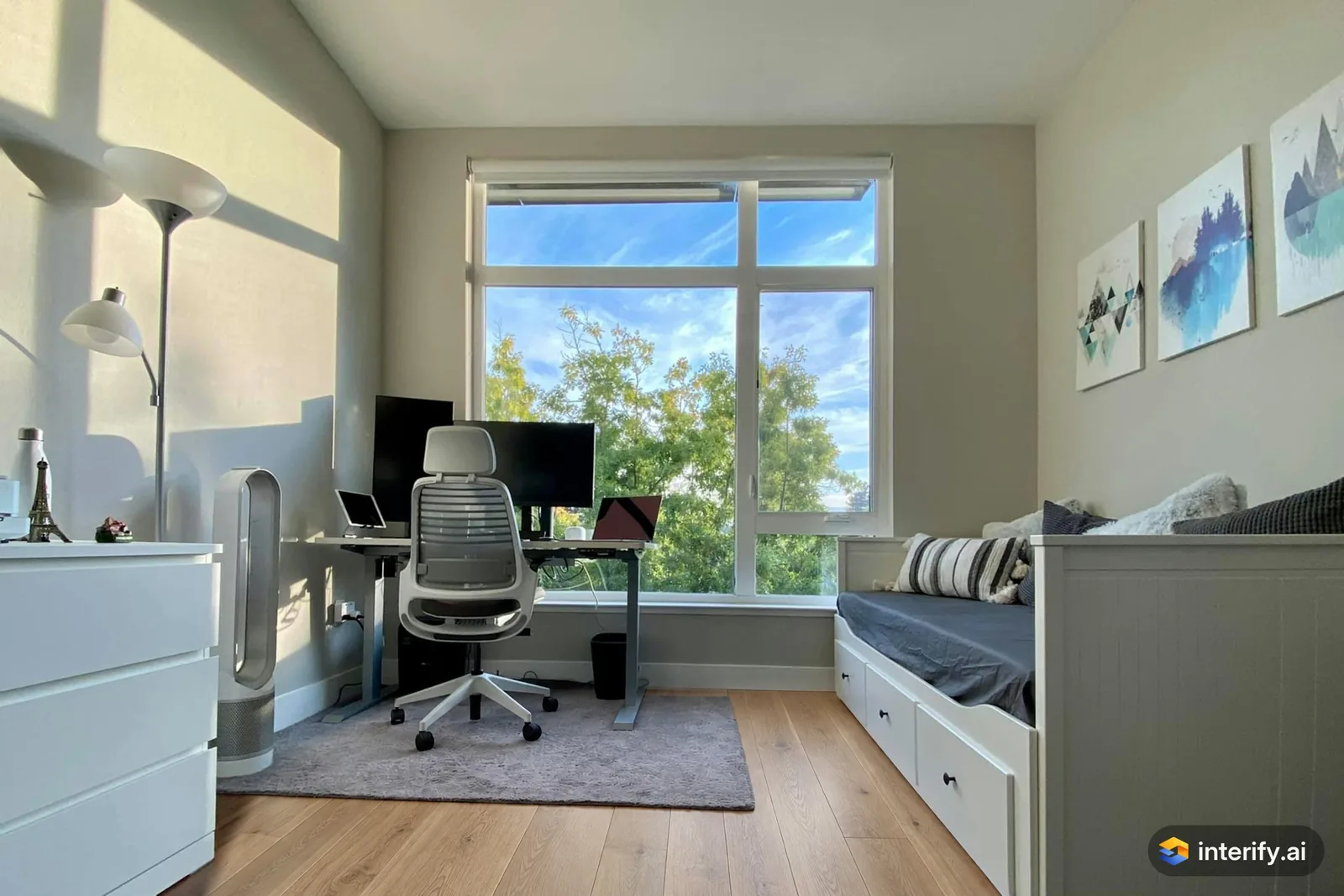
Home office: light oak floor
Home office
- Light oak wood floor, keep the rug
Made with Interify 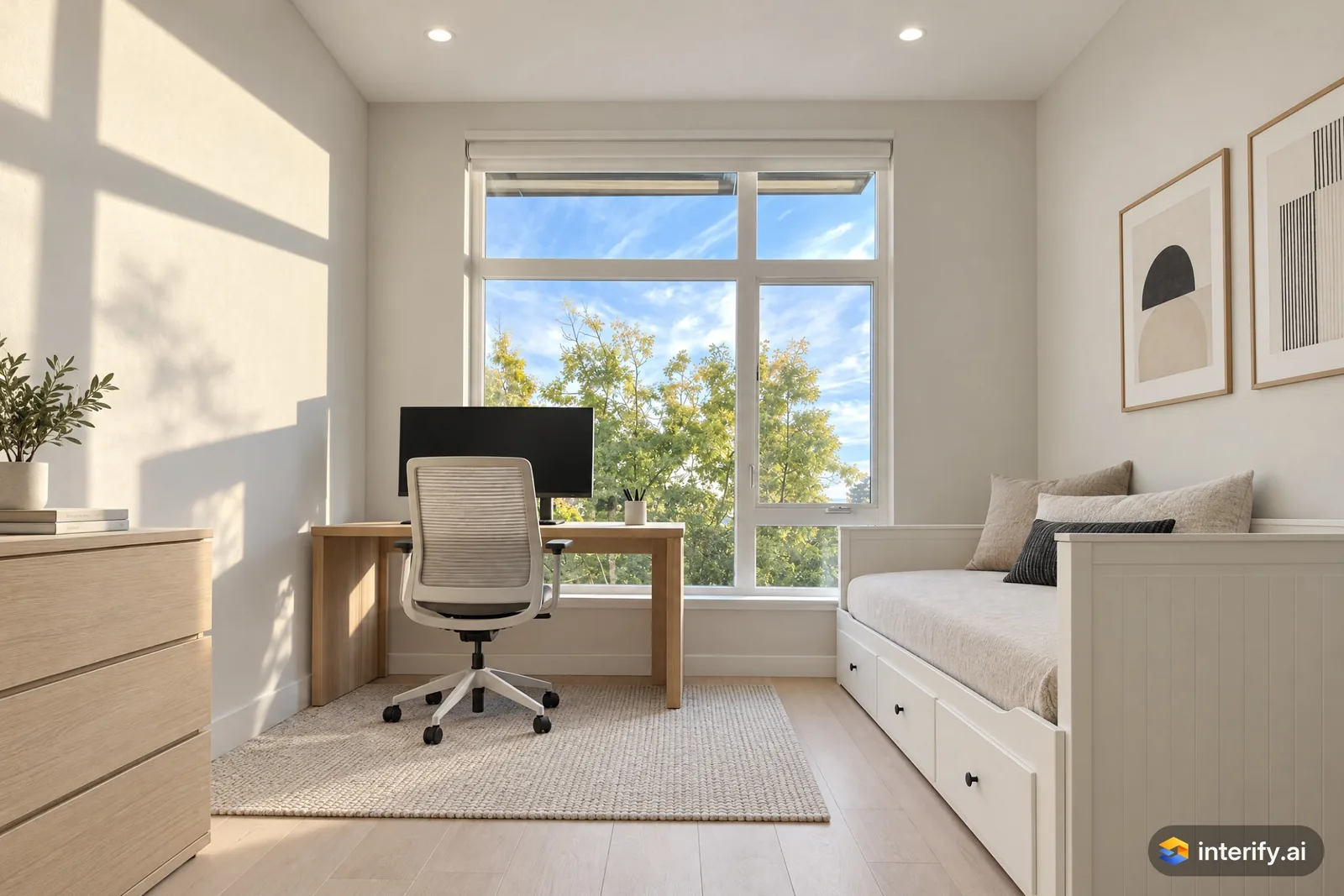
Minimalist home office
Home office · Minimalist
Nothing marked: the style restyled the whole room.
Made with Interify 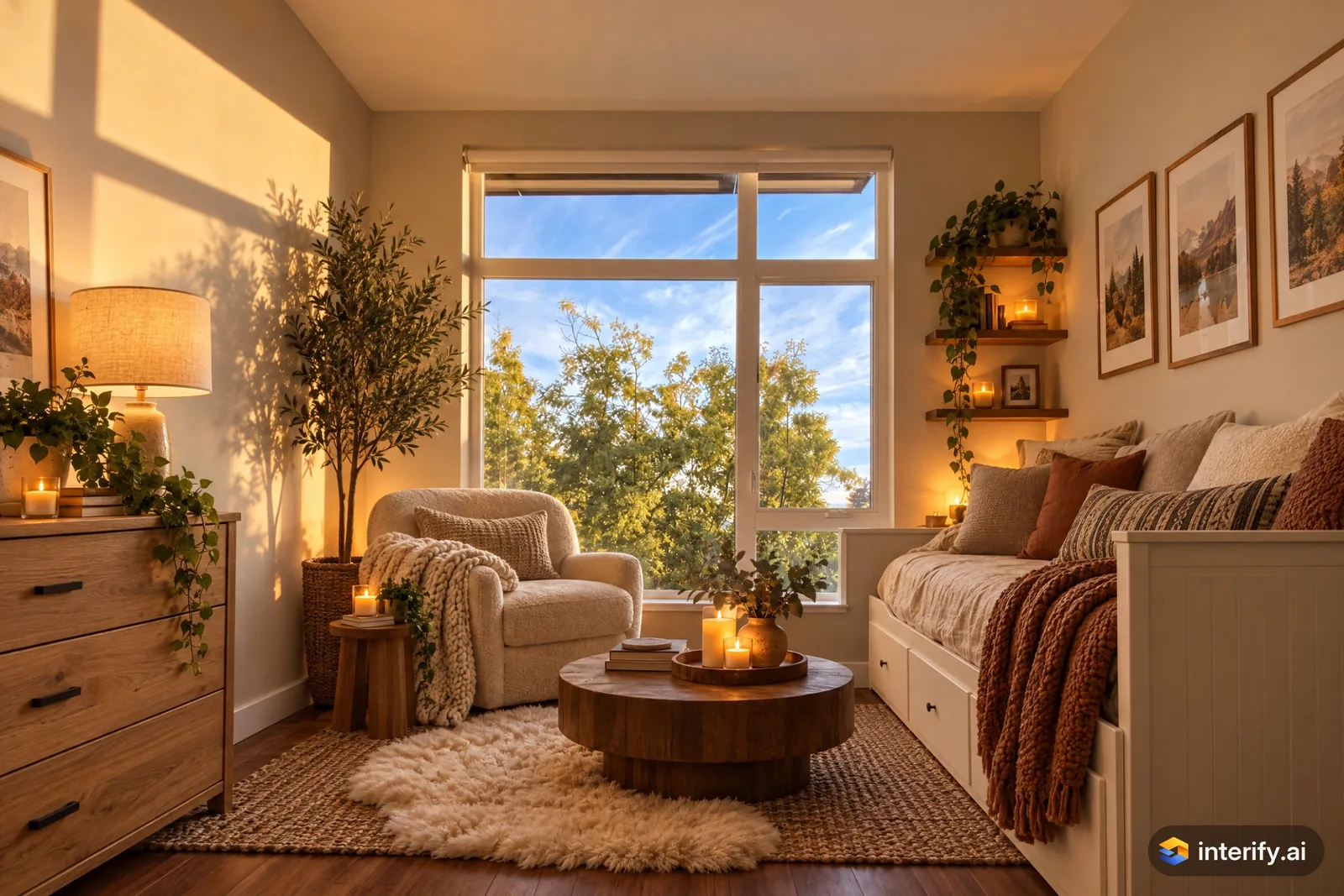
Danish Hygge home office
Home office · Danish Hygge
Nothing marked: the style restyled the whole room.
Made with Interify 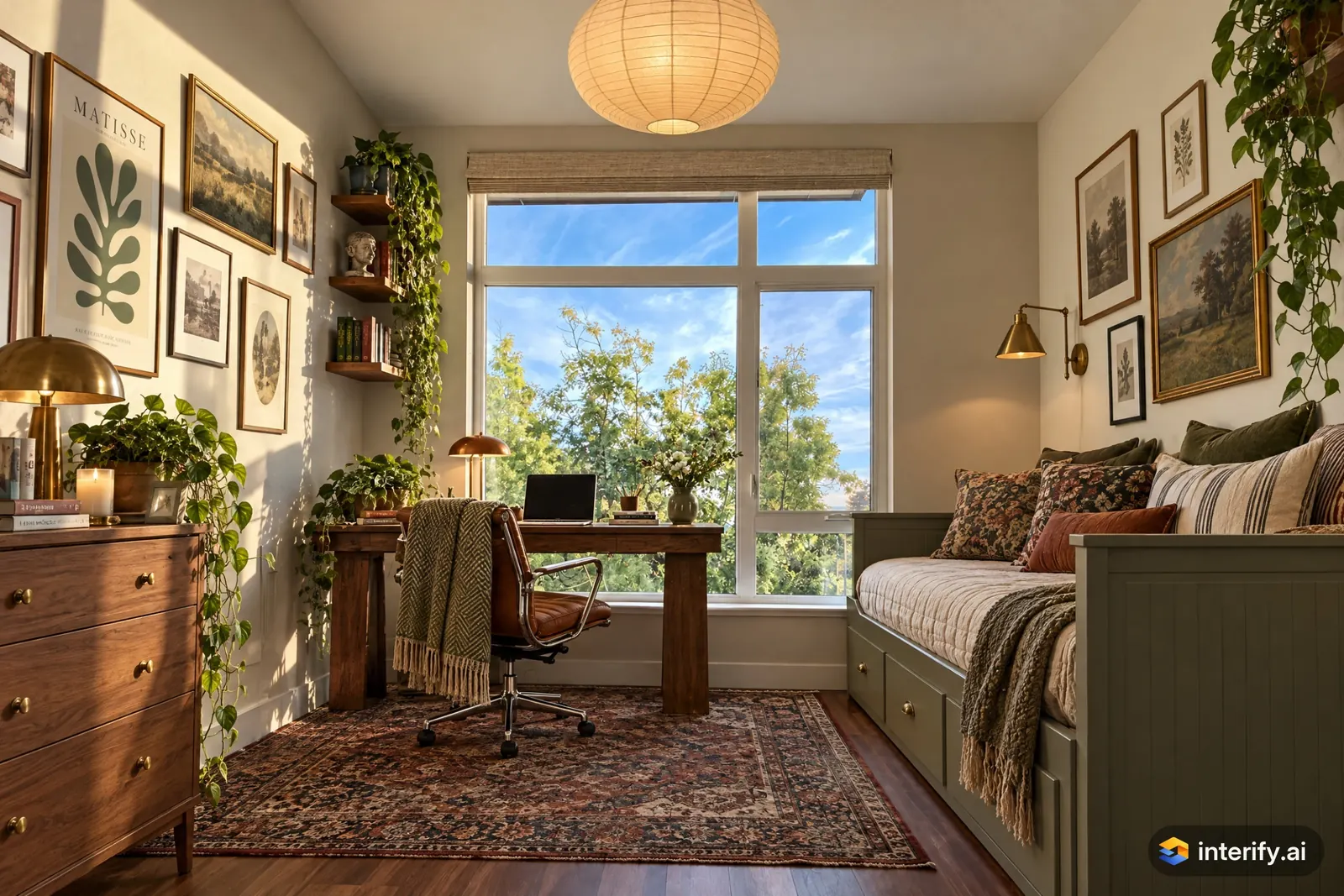
Eclectic home office
Home office · Eclectic
Nothing marked: the style restyled the whole room.
Made with Interify 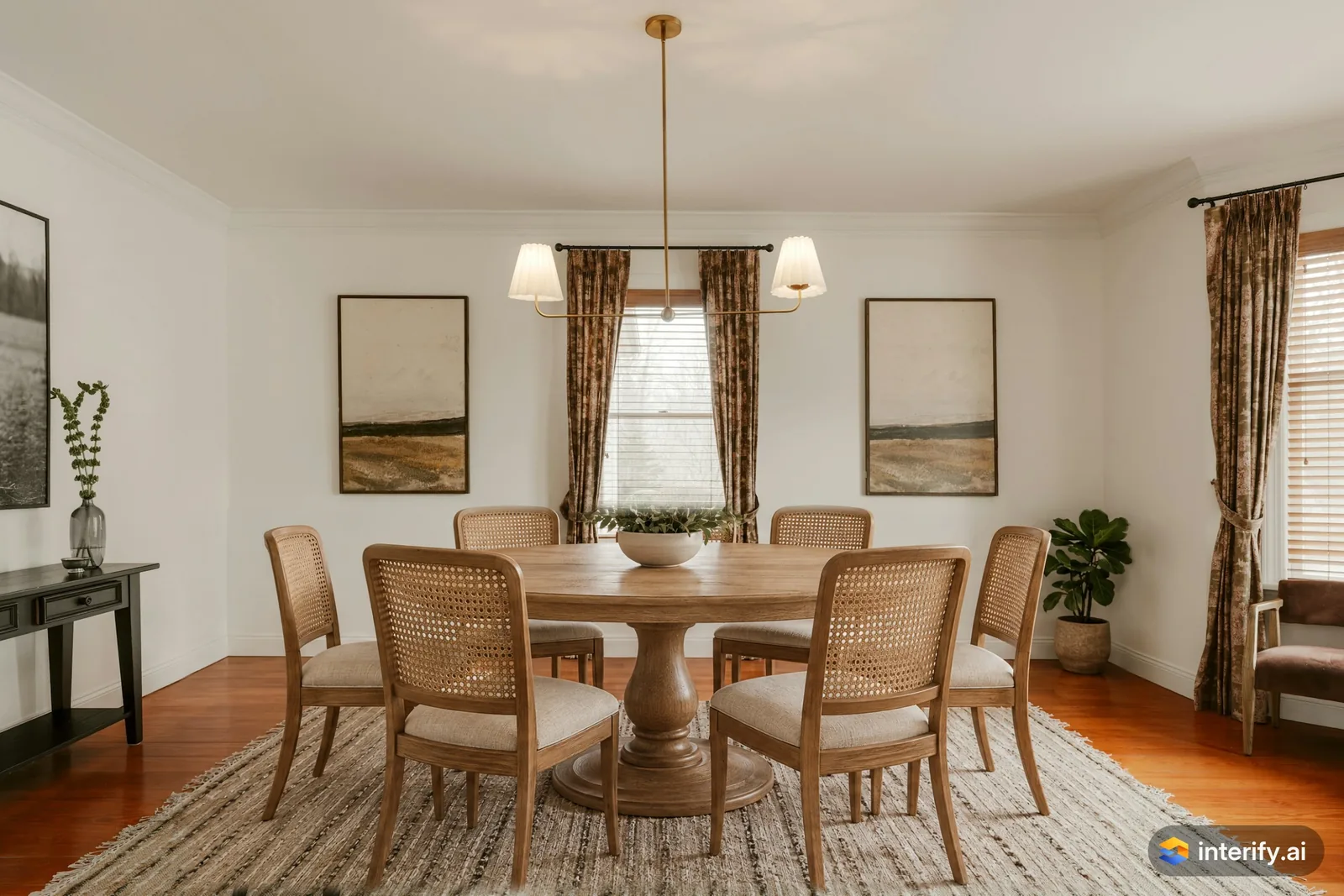
Dining room: round oak table and cane chairs
Dining room
- Round oak pedestal table with cane-back chairs
Made with Interify 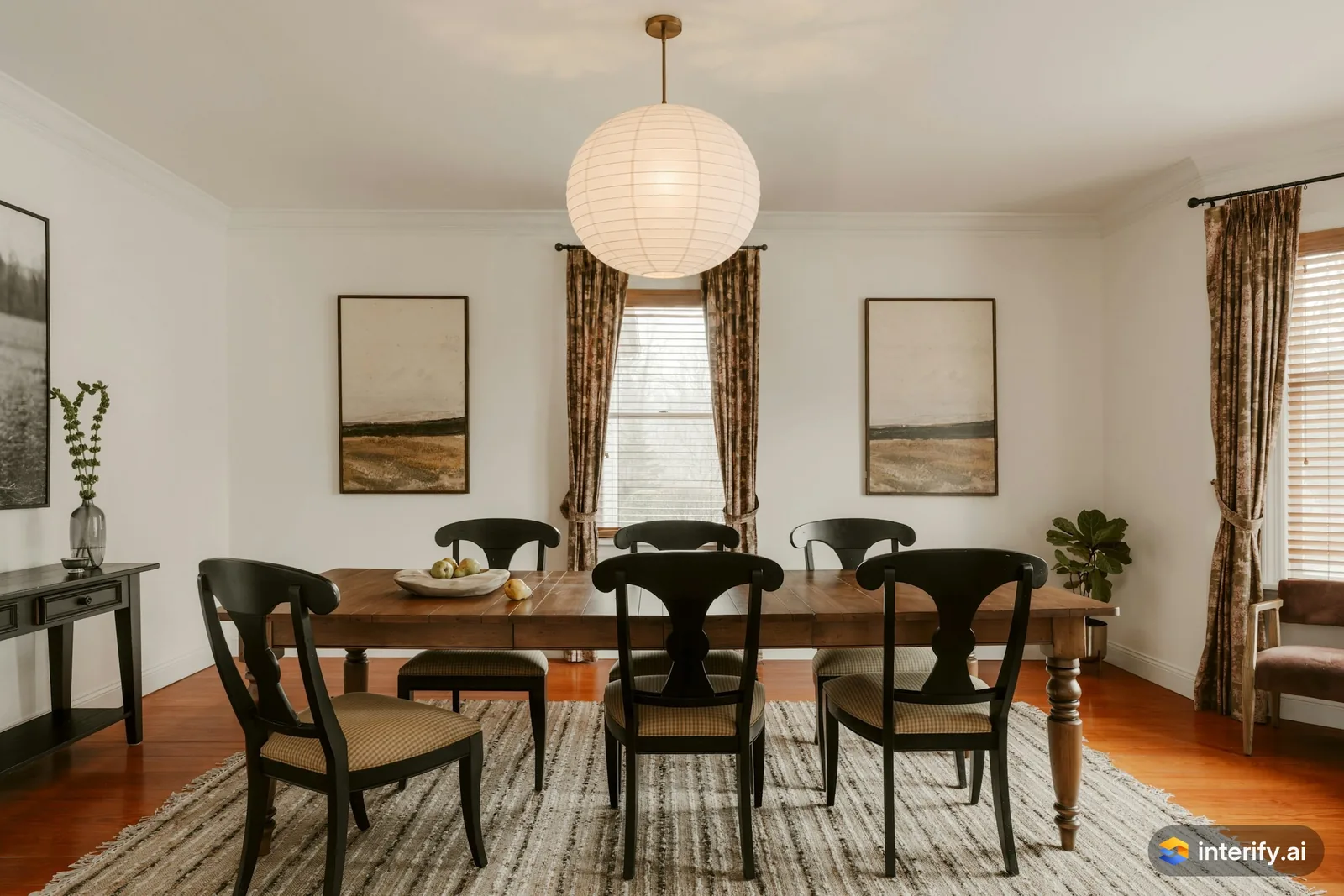
Dining room: paper lantern pendant
Dining room
- Large white paper lantern pendant
Made with Interify 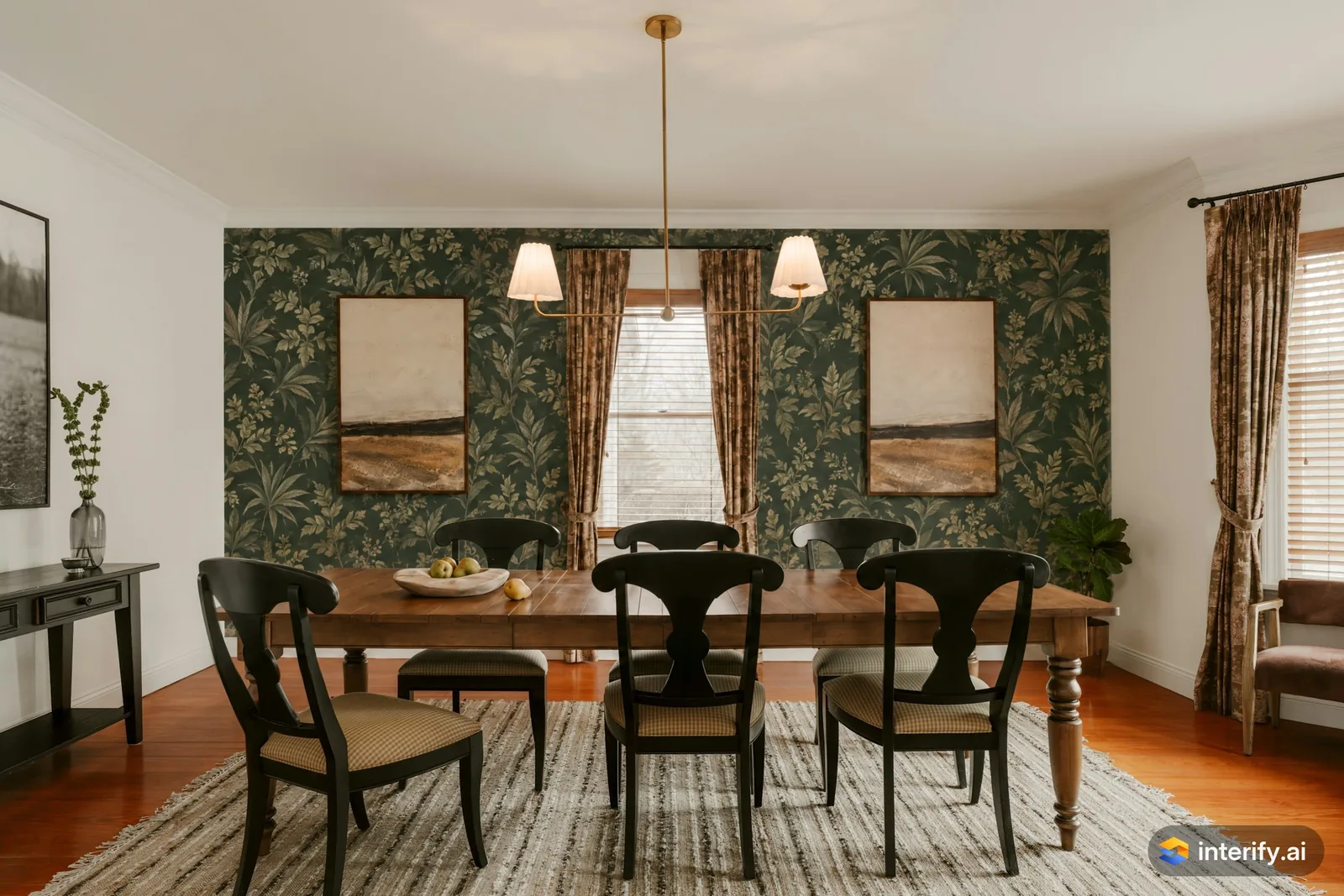
Dining room: dark green botanical wallpaper
Dining room
- Wallpaper with a dark green botanical print
Made with Interify 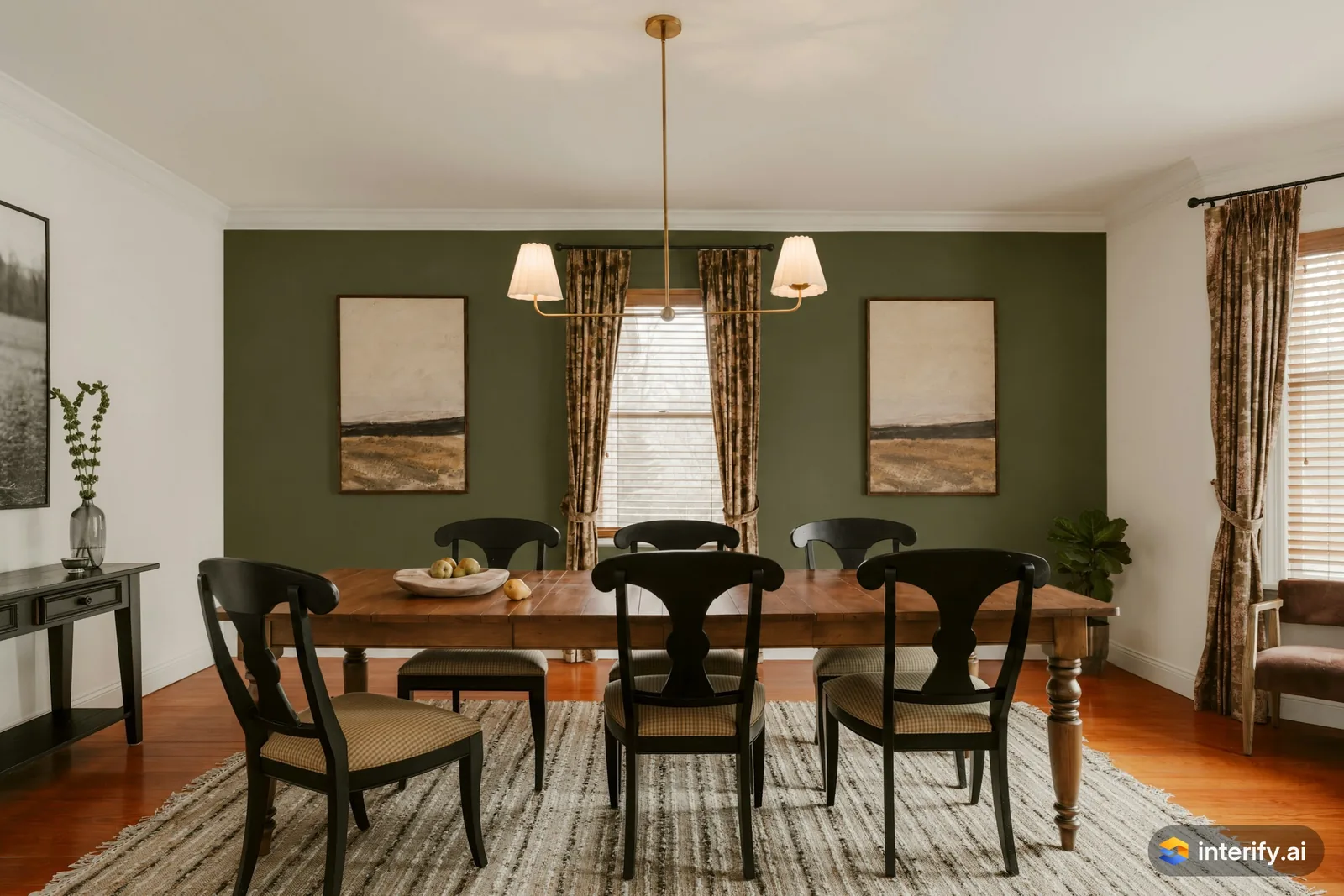
Dining room: olive walls
Dining room
- Paint the walls deep olive green
Made with Interify 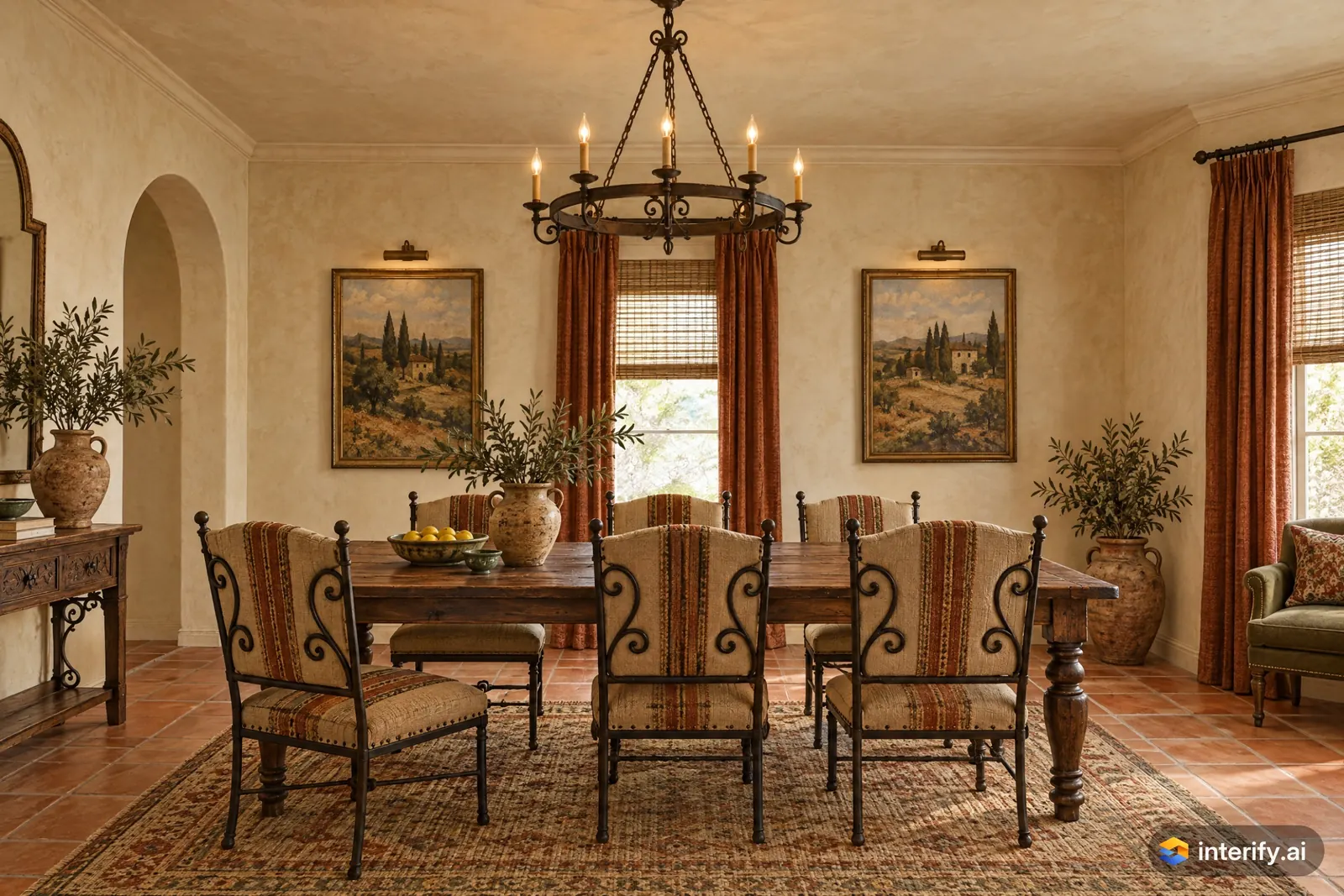
Mediterranean dining room
Dining room · Mediterranean
Nothing marked: the style restyled the whole room.
Made with Interify 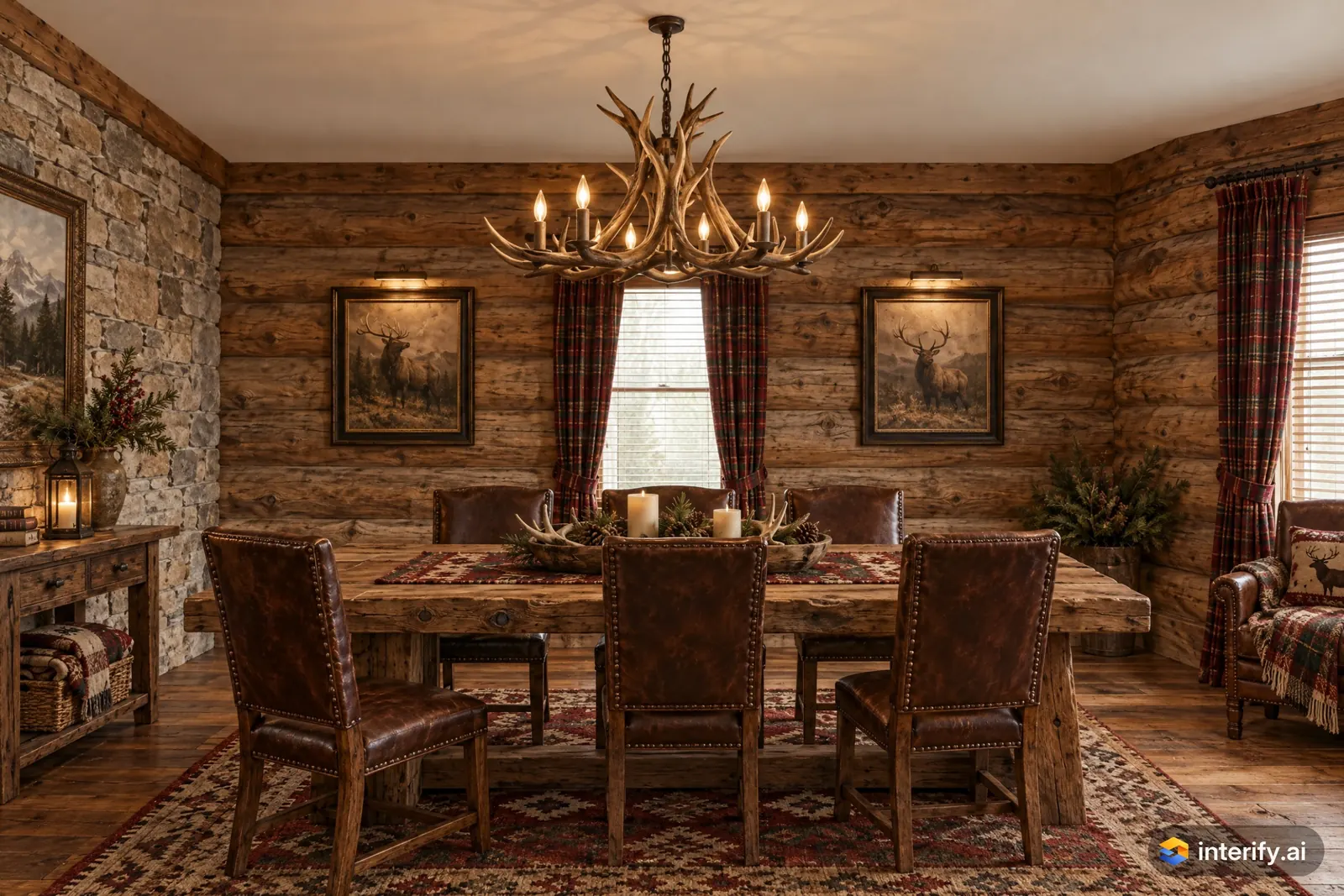
Rustic dining room
Dining room · Rustic
Nothing marked: the style restyled the whole room.
Made with Interify 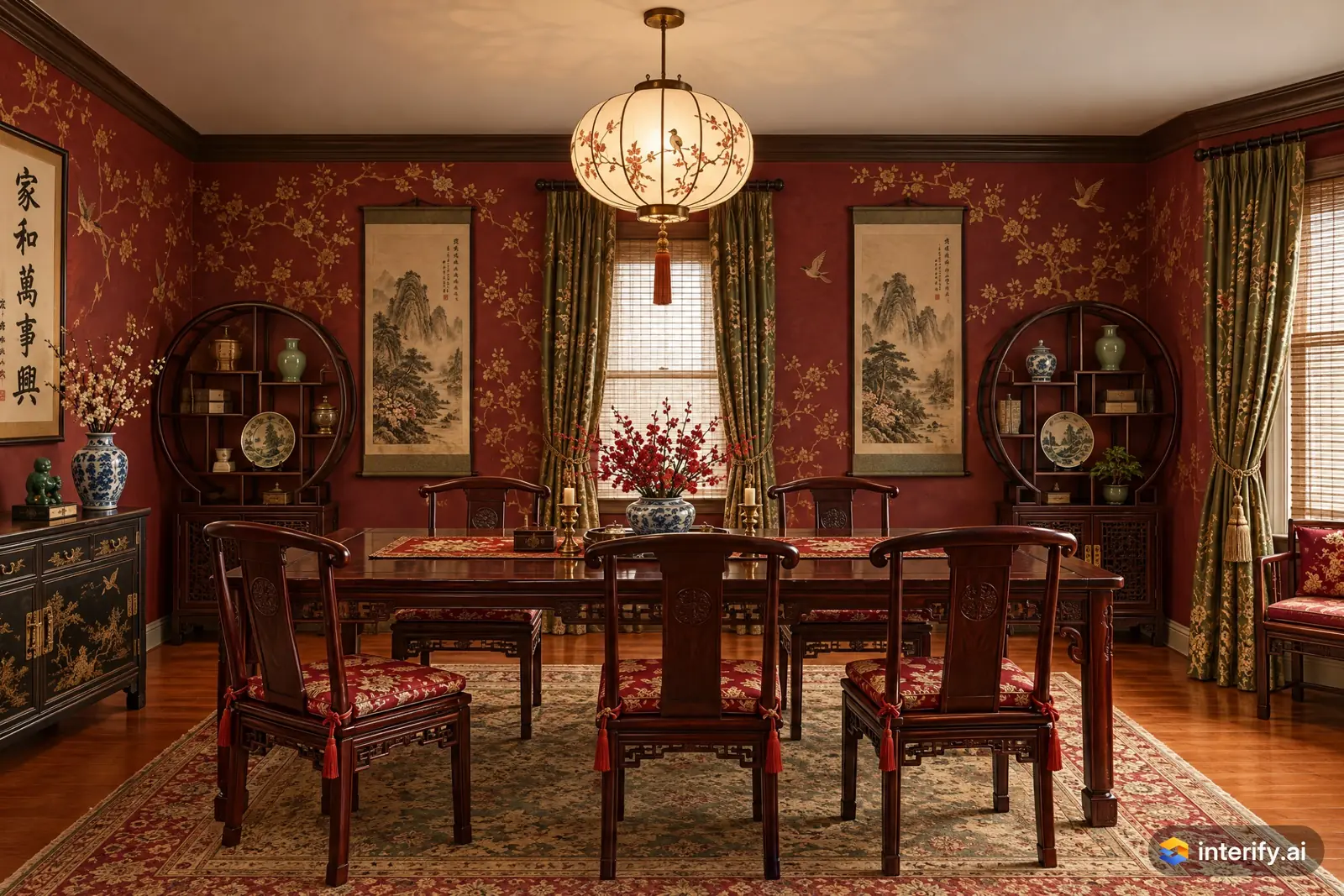
Chinese Classical dining room
Dining room · Chinese Classical
Nothing marked: the style restyled the whole room.
Made with Interify 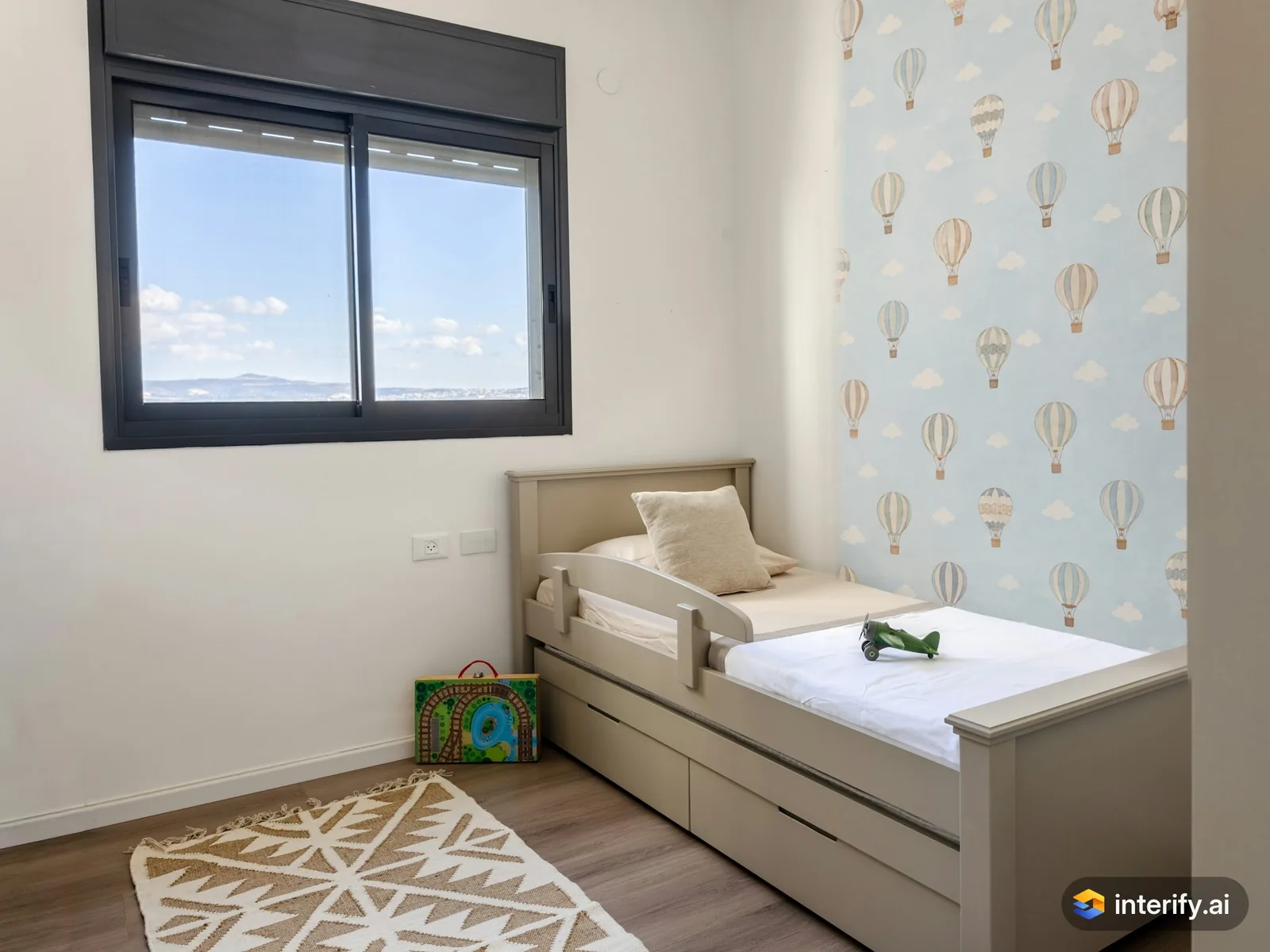
Kids' room: hot-air balloon wallpaper
Kids' room
- Wallpaper with small hot-air balloons on a pale blue background
Made with Interify 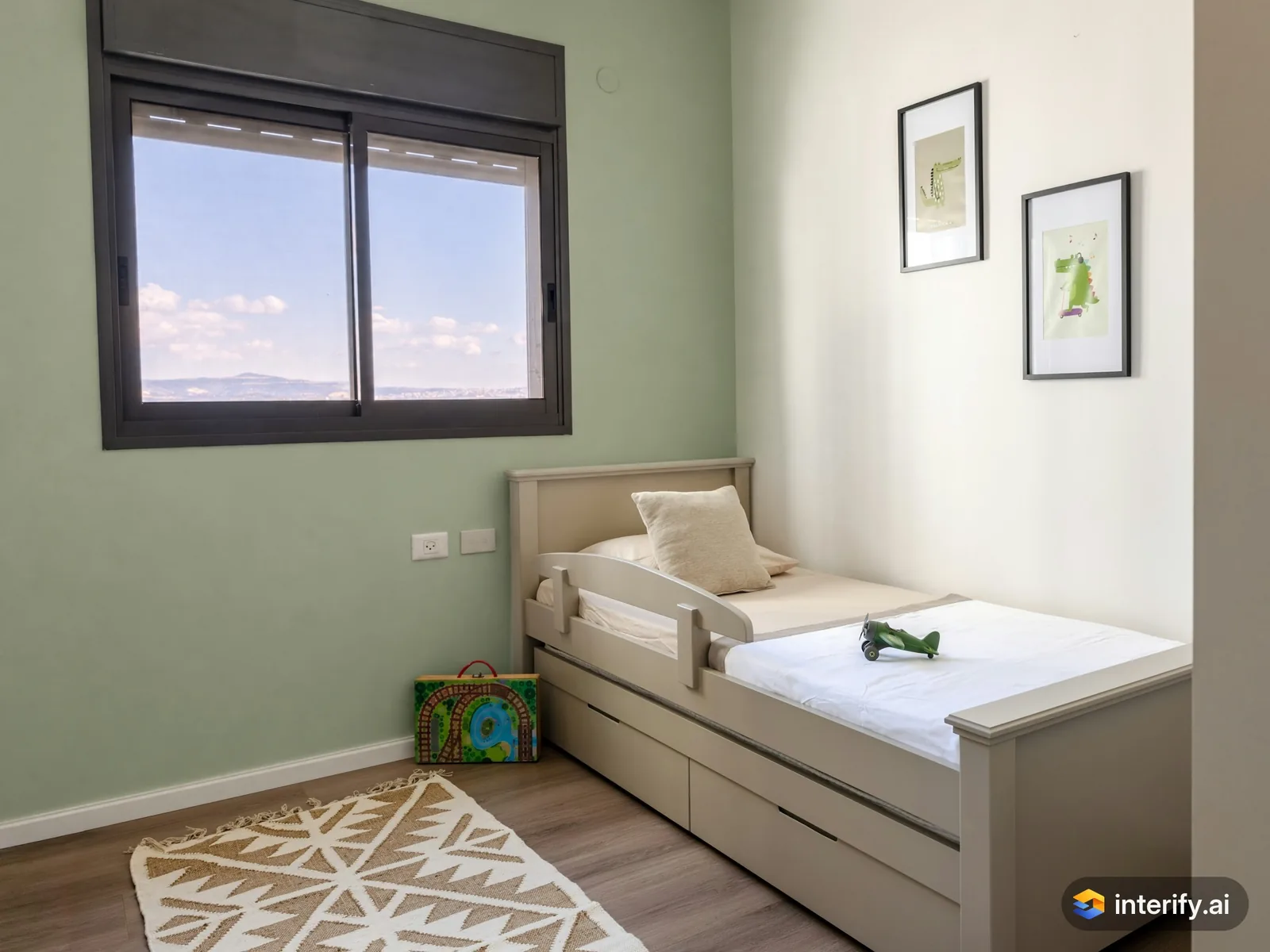
Kids' room: soft sage wall
Kids' room
- Paint this wall soft sage green
Made with Interify 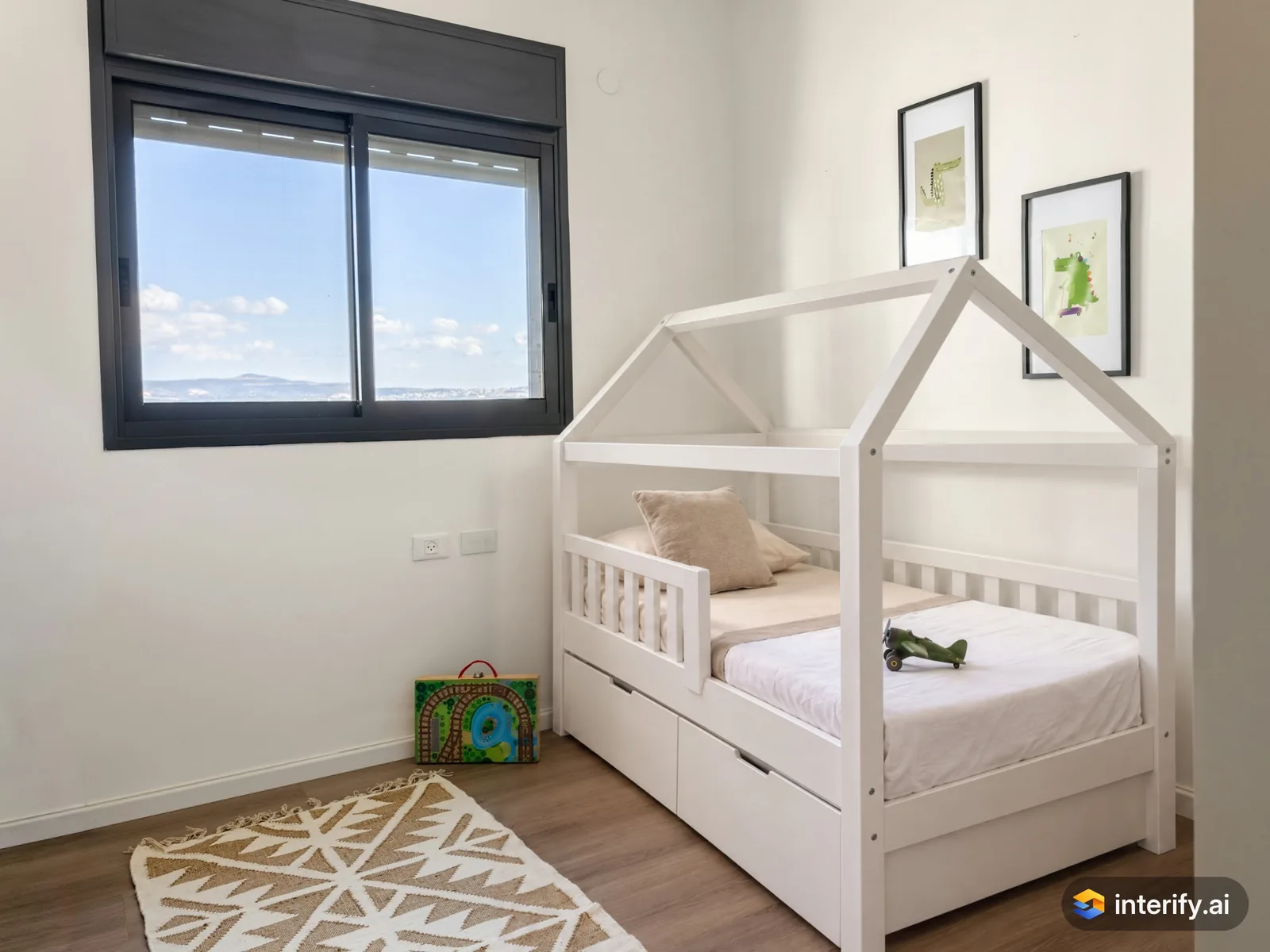
Kids' room: house-frame bed
Kids' room
- White wooden house-frame bed
Made with Interify 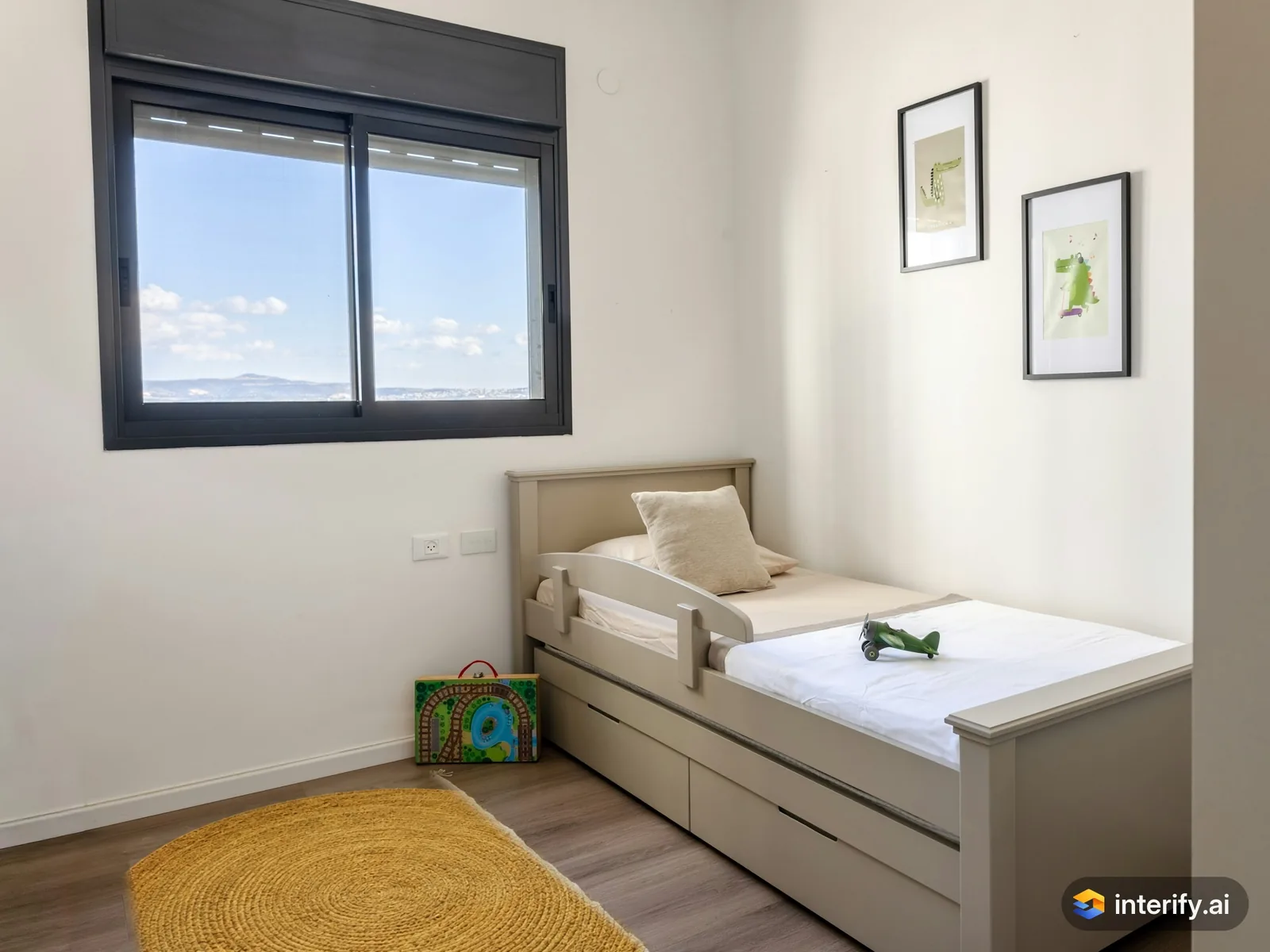
Kids' room: round mustard rug
Kids' room
- Round rug in mustard yellow
Made with Interify 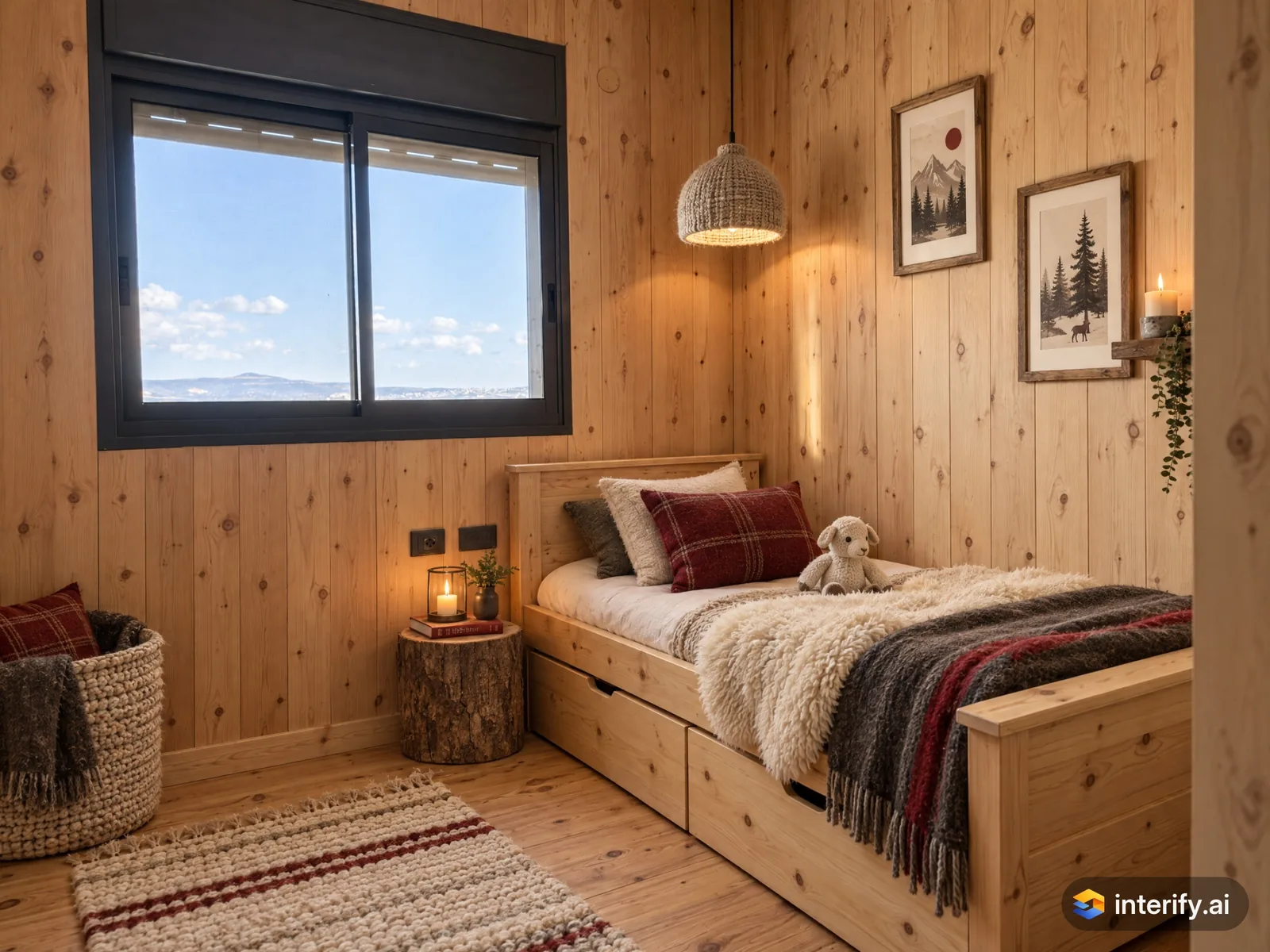
Norwegian Cabin kids' room
Kids' room · Norwegian Cabin
Nothing marked: the style restyled the whole room.
Made with Interify 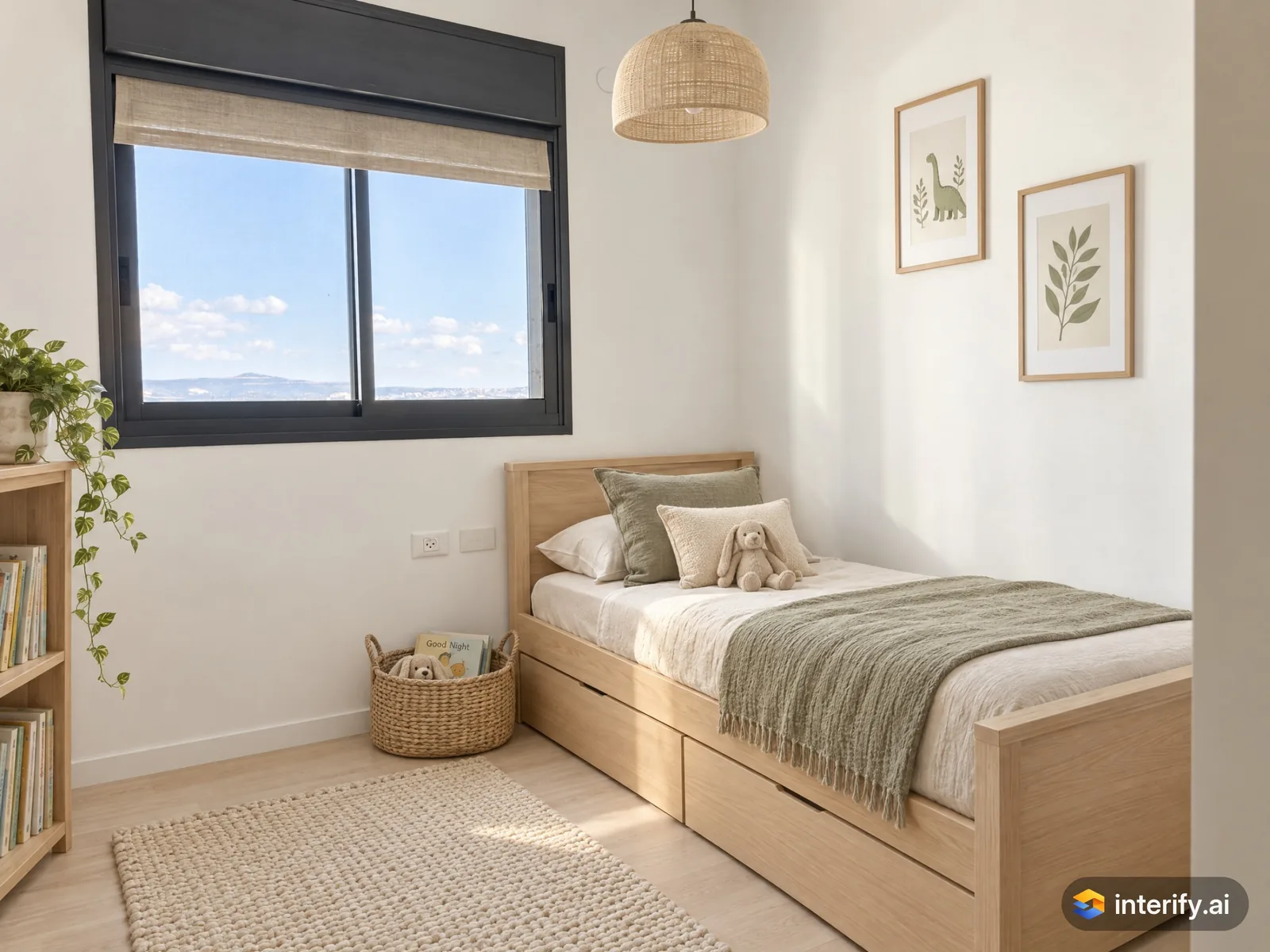
Scandinavian kids' room
Kids' room · Scandinavian
Nothing marked: the style restyled the whole room.
Made with Interify 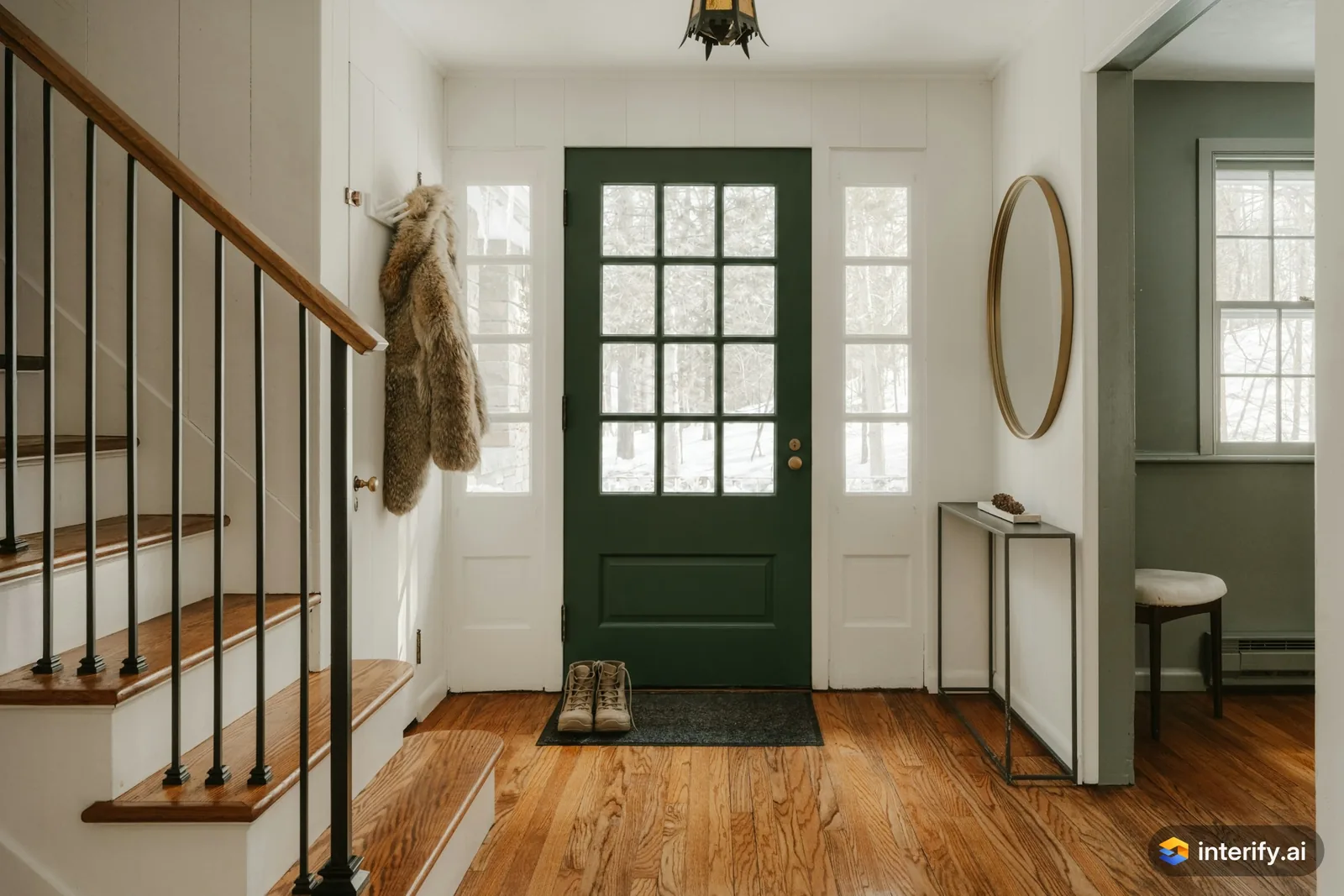
Entryway: deep green front door
Entryway
- Paint the front door deep green
Made with Interify 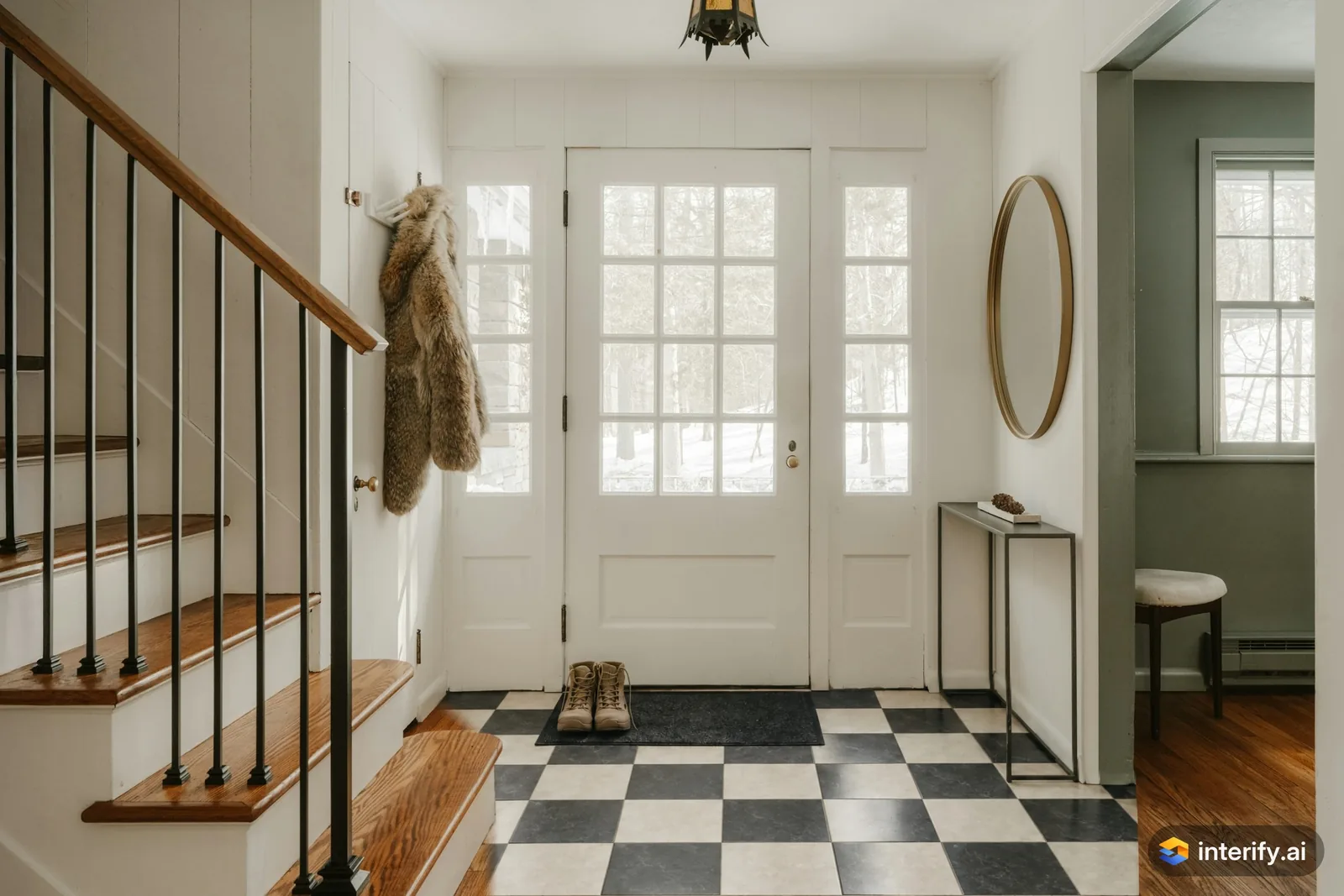
Entryway: checkerboard tile floor
Entryway
- Black and white checkerboard tile floor
Made with Interify 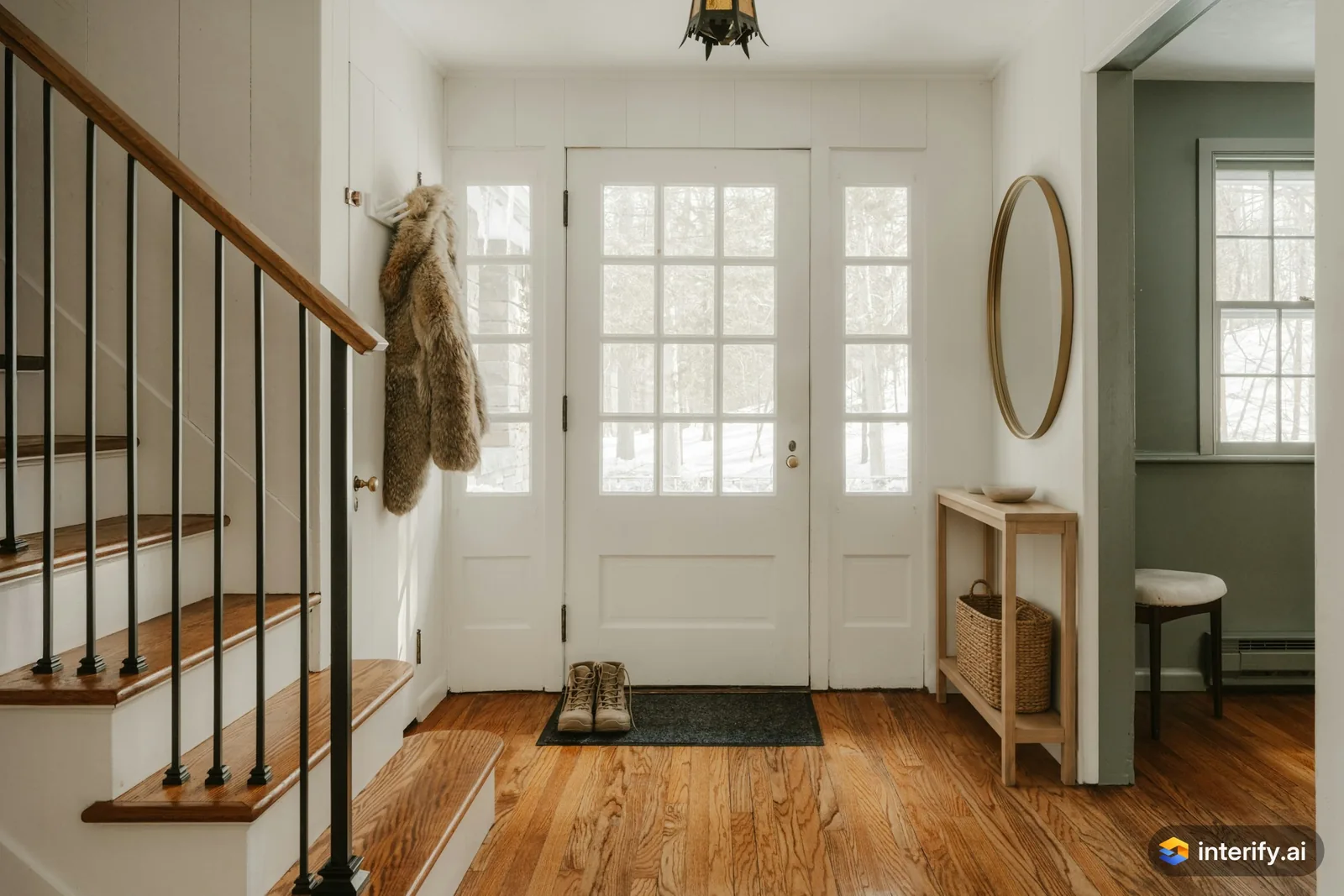
Entryway: oak console table
Entryway
- Light oak console table with a woven basket underneath
Made with Interify 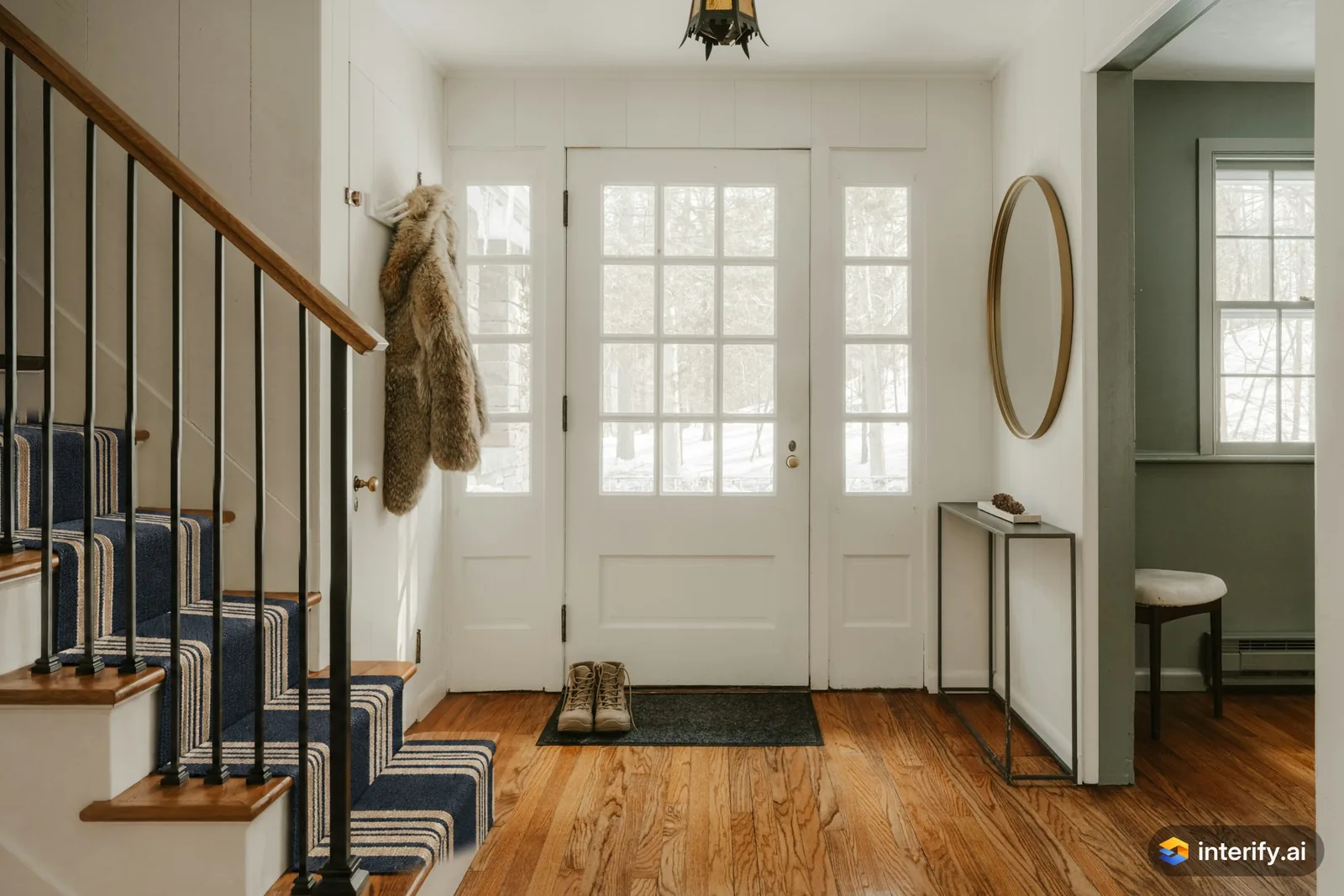
Entryway: striped stair runner
Entryway
- Add a navy and cream striped runner to the stairs
Made with Interify 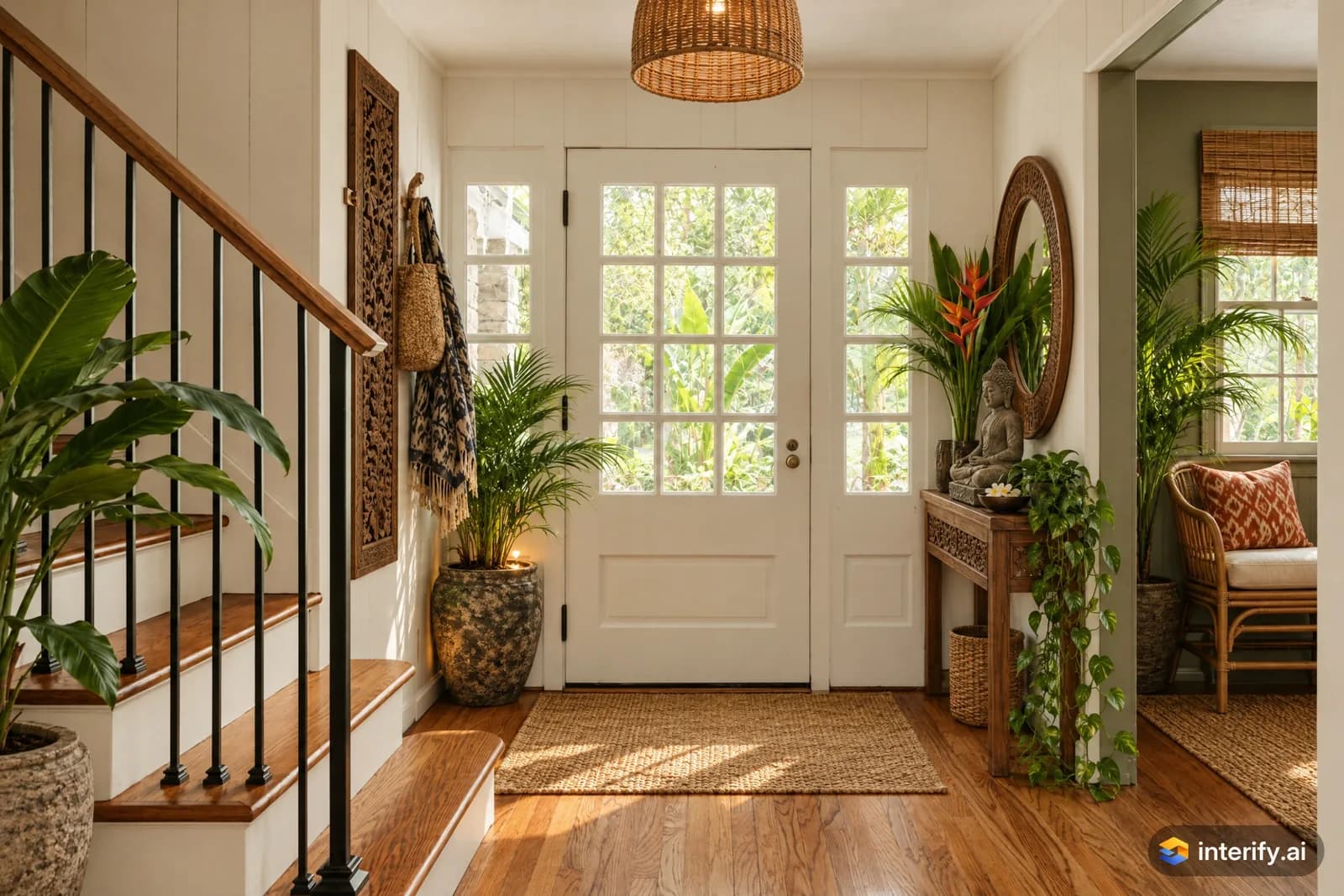
Balinese entryway
Entryway · Balinese
Nothing marked: the style restyled the whole room.
Made with Interify 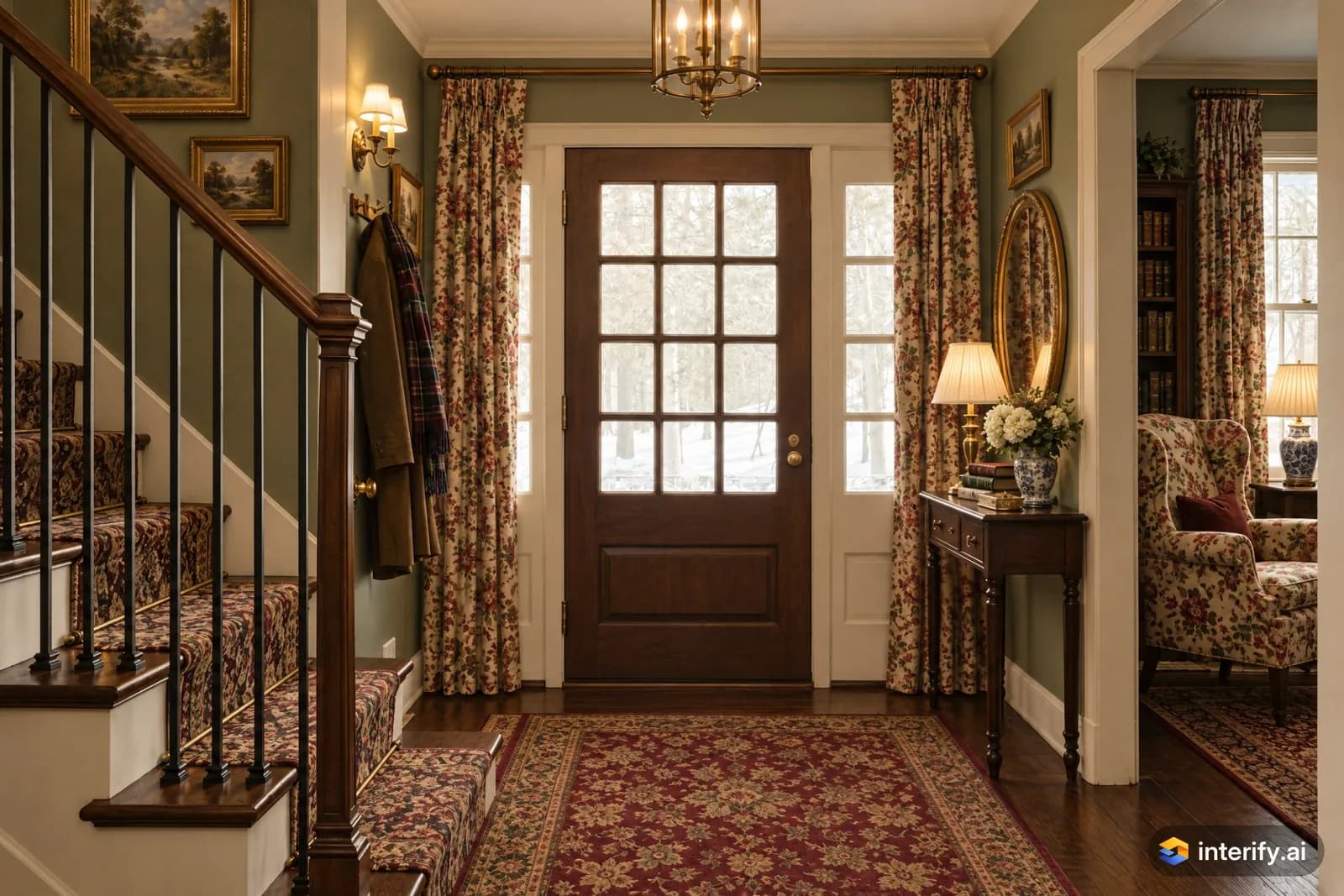
English Country entryway
Entryway · English Country
Nothing marked: the style restyled the whole room.
Made with Interify
How these were made
Every example here was generated with Interify from a photograph we own, in advance, so the page costs nobody a credit to look at. There are no customer rooms, no stock interiors we didn’t change, and no retouching after the fact.
Each card lists what was marked and the note that area carried, so you can see exactly what was asked for. Where a style was used, the card names it: a style restyles the whole room, so the parts that weren’t marked changed with it as well, while each marked area still followed its note. Mark without a style and those parts stay as they were. Where nothing was marked at all, the card says so, and the style did all of it.
The library grows as new rooms, changes and styles are generated. Nothing is added to it that wasn’t made the way these were.
Questions about the examples
Were these really made with Interify?
Yes. Every example on this page came out of the product, from a photo we own. None of them is a stock interior, a customer's room, or a result touched up afterwards.
Will my room look like one of these?
No, and it shouldn't: your room isn't this one. What carries over is the method: mark the parts you want changed, write what each one becomes, and add a style when the whole room should change with them. Each card says which of those were used.
Why is the same room here several times?
Because it's the same photo generated with a different style each time. Seeing one room four ways says more about what a style does than four unrelated rooms would.
Can I try this room myself?
Yes. The sample room is open to everyone and shows these results without an account. Editing a photo of your own is what needs one.
Can I share my own results like this?
Yes. Any version can be shared as a link with a before/after slider that opens in any browser, with no sign-in, and you can revoke it whenever you like.
Make one of your own room
Start with the sample room, or upload a photo with 3 credits free. No card needed.