

Visualize
See the change in your own room
Mark the wall, the floor, the cabinets or the sofa in a photo of your room and write what each should become. You get a photorealistic version of that room with everything you didn't mark left as it was.
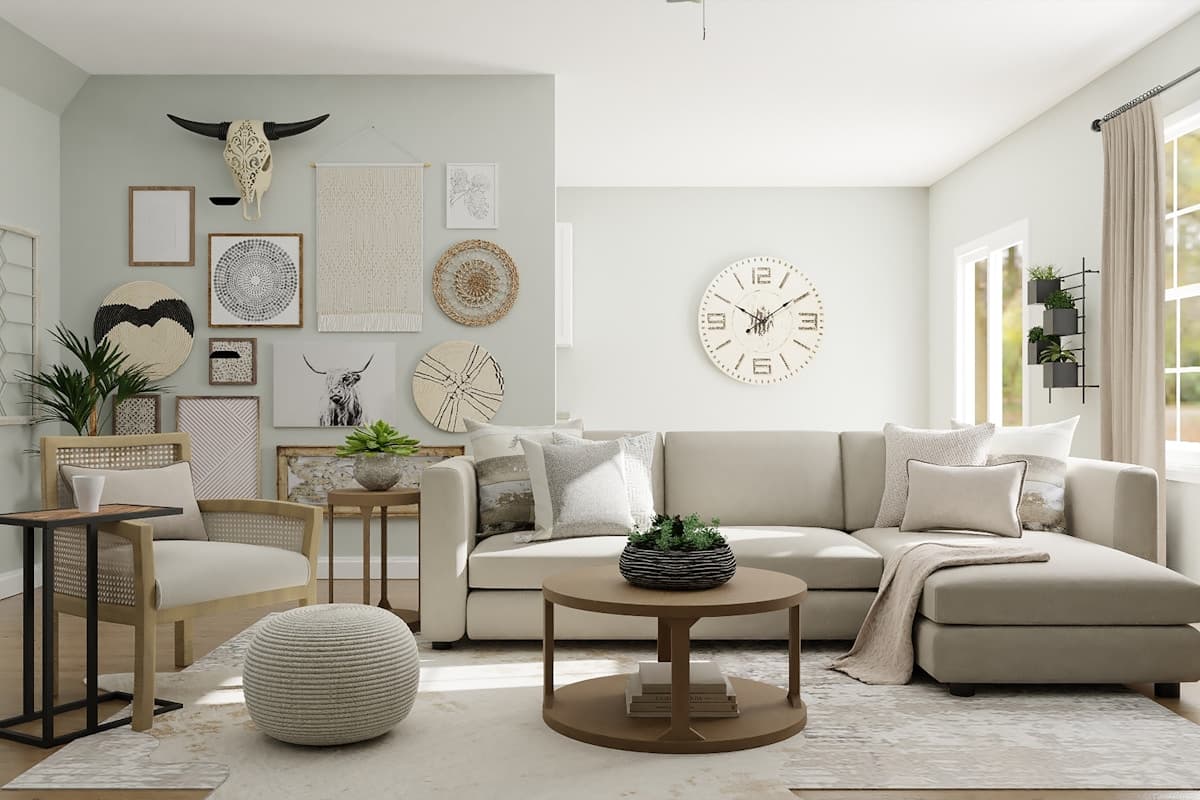
- Area 1Green velvet sofa
- Area 2Light oak floor
Eight things people change
A page each: what differs between the materials, what to write in the note, and what a preview of it settles.
Paint colors
A paint color visualizer that uses your own photo: mark the wall and name the color, and with no style the trim and furniture stay as they were.
Flooring
A flooring visualizer for your own photo: mark the floor, describe the wood, tile or vinyl you are considering, and see it in your actual room.
Kitchen cabinets
See your kitchen cabinets in another color or door style: mark the doors in your photo, name the color, finish and hardware, and compare versions.
Countertops
A countertop visualizer that uses your photo: mark the counter, name the stone, edge and finish, and see it against your cabinets and backsplash.
Backsplash
See a new backsplash in your own photo: mark the wall behind the counter, name the tile, layout and grout, and compare it against your cabinets.
Wallpaper
See wallpaper in your own room: mark the wall, describe the pattern, scale and colors, and judge it against your real furniture and light.
Furniture
See furniture in your own room before you buy: mark where a piece goes, describe it or attach a photo, and judge the scale against your real room.
Lighting
Preview light fixtures in your own room: mark where a pendant, wall light or lamp goes, describe it, and judge its scale and placement in your space.
Key facts
- Free to start
- 3 credits on signup, no card needed
- Cost of a version
- 1 credit. Packs start at $9 for 30 credits, down to $0.16 a credit
- Time per version
- Usually about a minute
- Output
- HD results, up to 3072 px
- Styles
- 20 interior style presets, or describe your own
- Credits
- Never expire. A failed version's credit is refunded automatically
- Watermark
- Free downloads carry a small watermark; buying any pack removes it
- Your photos
- Never used to train AI models, never sold, and seen by no one unless you share a link
Or start from the room
If you are changing a whole room rather than one material, the room pages say what to change first and in what order.
See the roomsQuestions about previewing a material
How close is the color to the real paint or material?
Close enough to compare options and rule things out, not close enough to sign off a color. A screen renders color differently from a wall in your light, so a preview narrows the choice and a sample settles it.
Can I show the exact product I'm buying?
You can attach a photo of it to the area as a reference, and name it in the note. The result is a look-alike of what you described, not a render of that specific product.
Can I change two materials at once?
Yes. Mark each one as its own area with its own note — cabinets and the countertop, or the floor and the walls — and they change together in one version.
What can't it do?
4K output. Results are HD, up to 3072 px on the long edge. Several styles in one run. Each version uses one style, with an optional instruction beside it. Editing your own photo without an account. The sample room at /try needs none. Floor plans, 3D models, measurements or cost estimates. Interify makes photographs of a change, not construction documents.
See it in your own room
The sample room needs no account. Your own photo starts with 3 credits free and no card.