

Styles
20 interior design styles, on your own room
Interify has 20 interior style presets. Pick one and it restyles your room photo, keeping the walls, windows and camera angle as they are. Each page below says what defines the style, what to avoid, and what to write on the parts you mark.
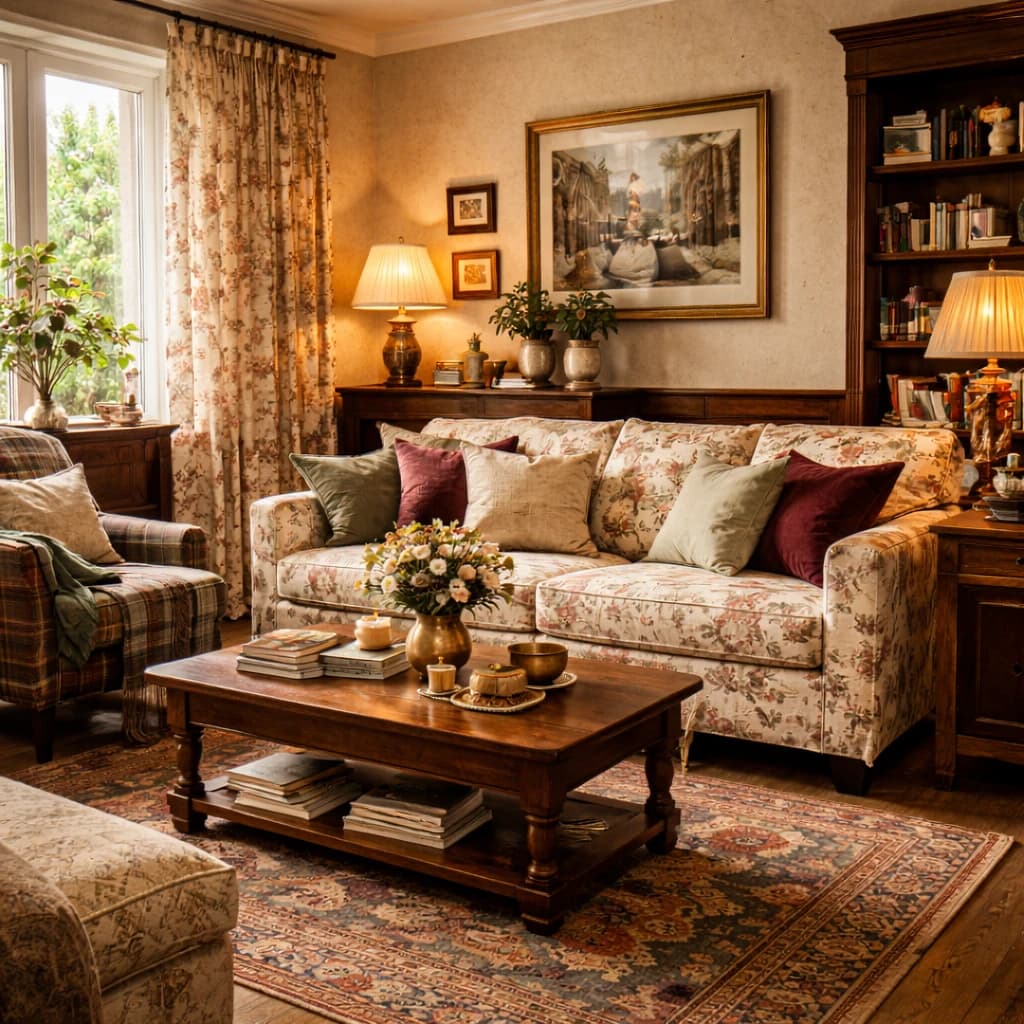
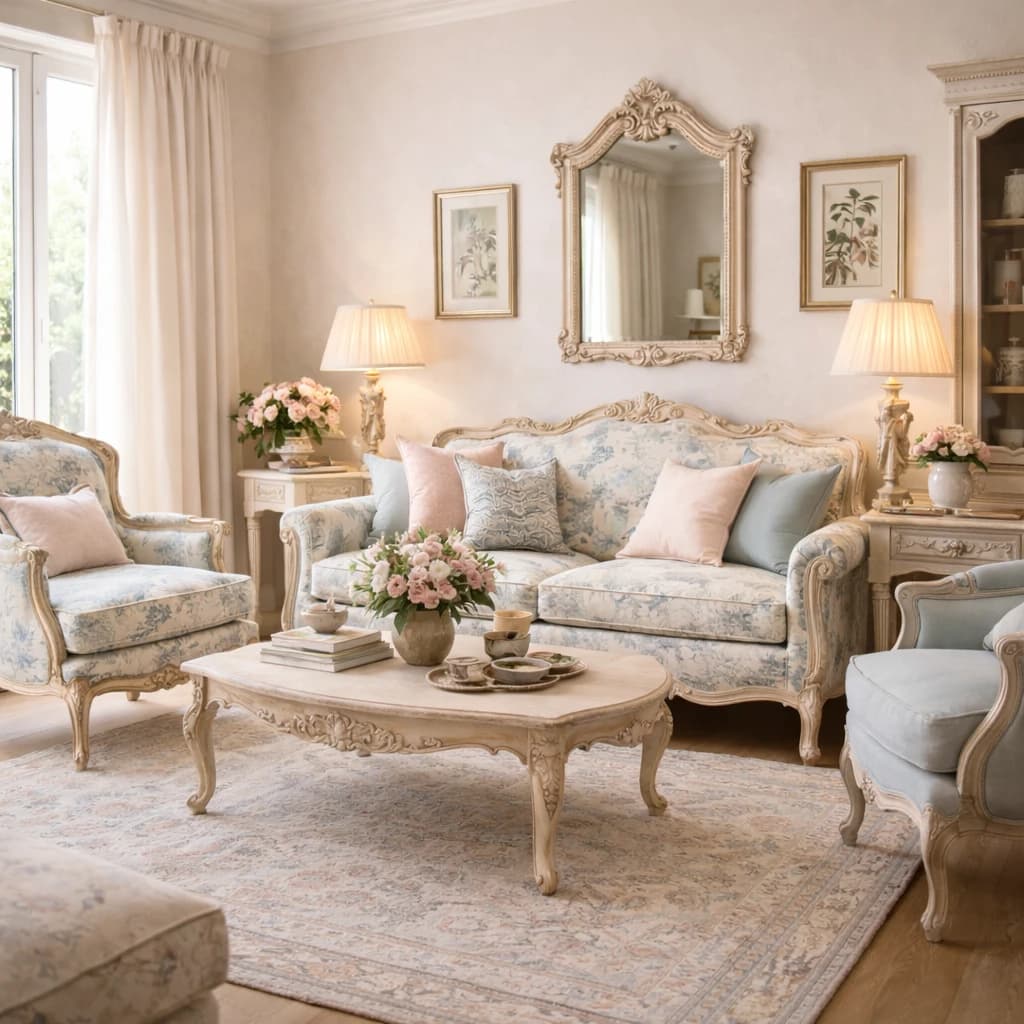
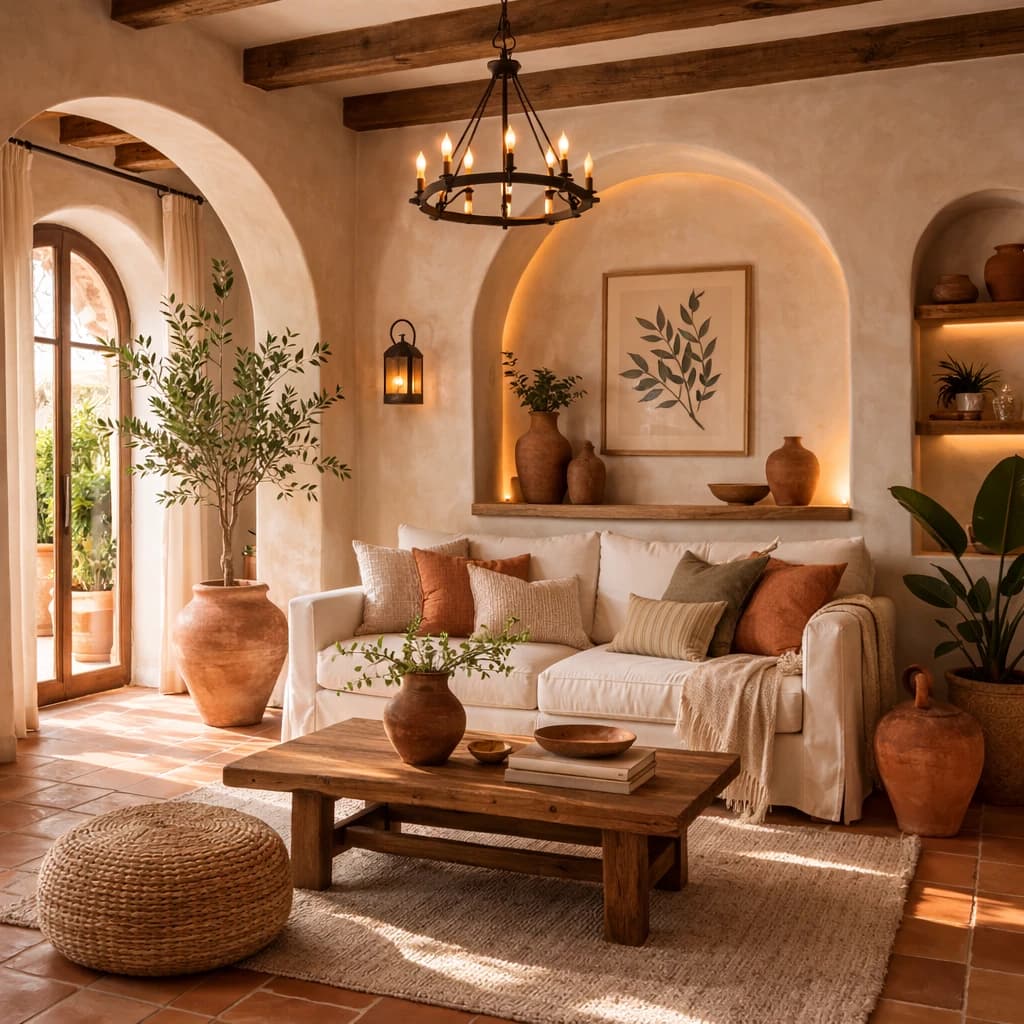
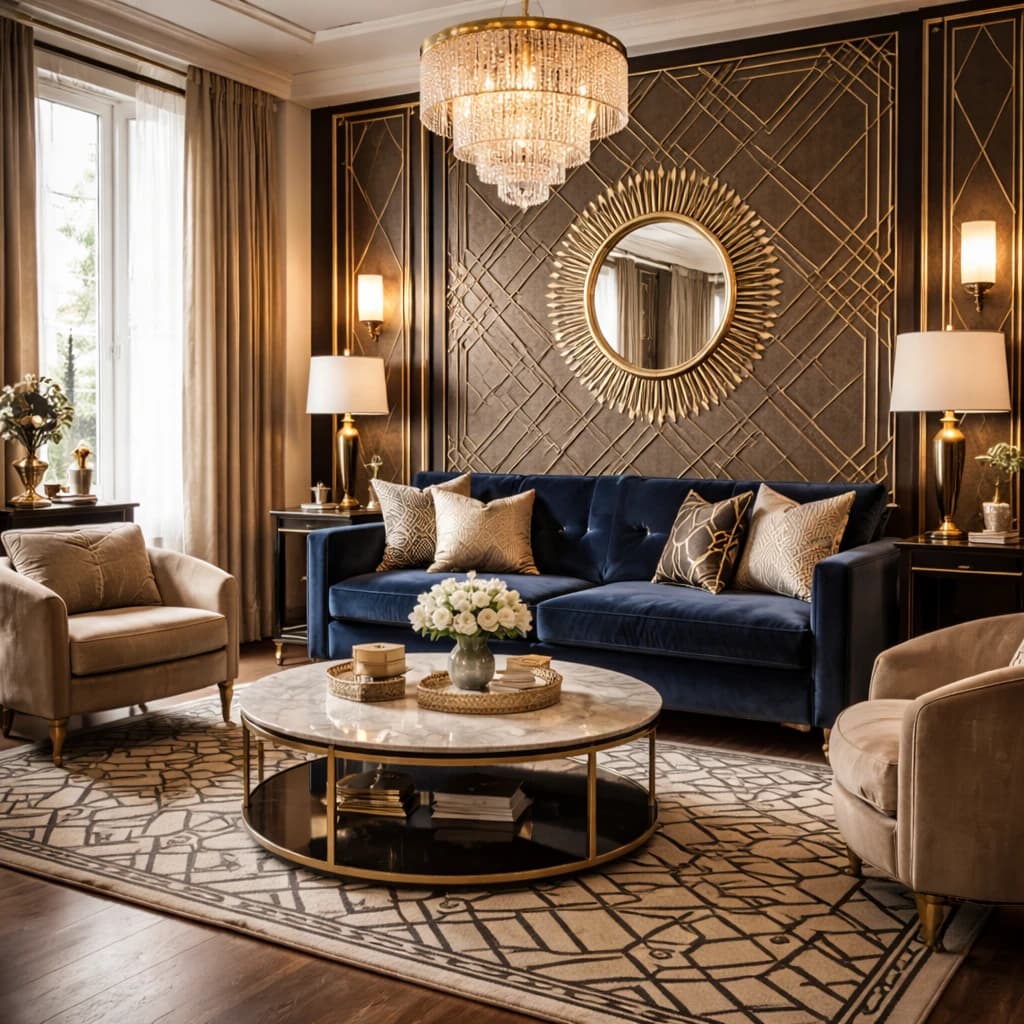
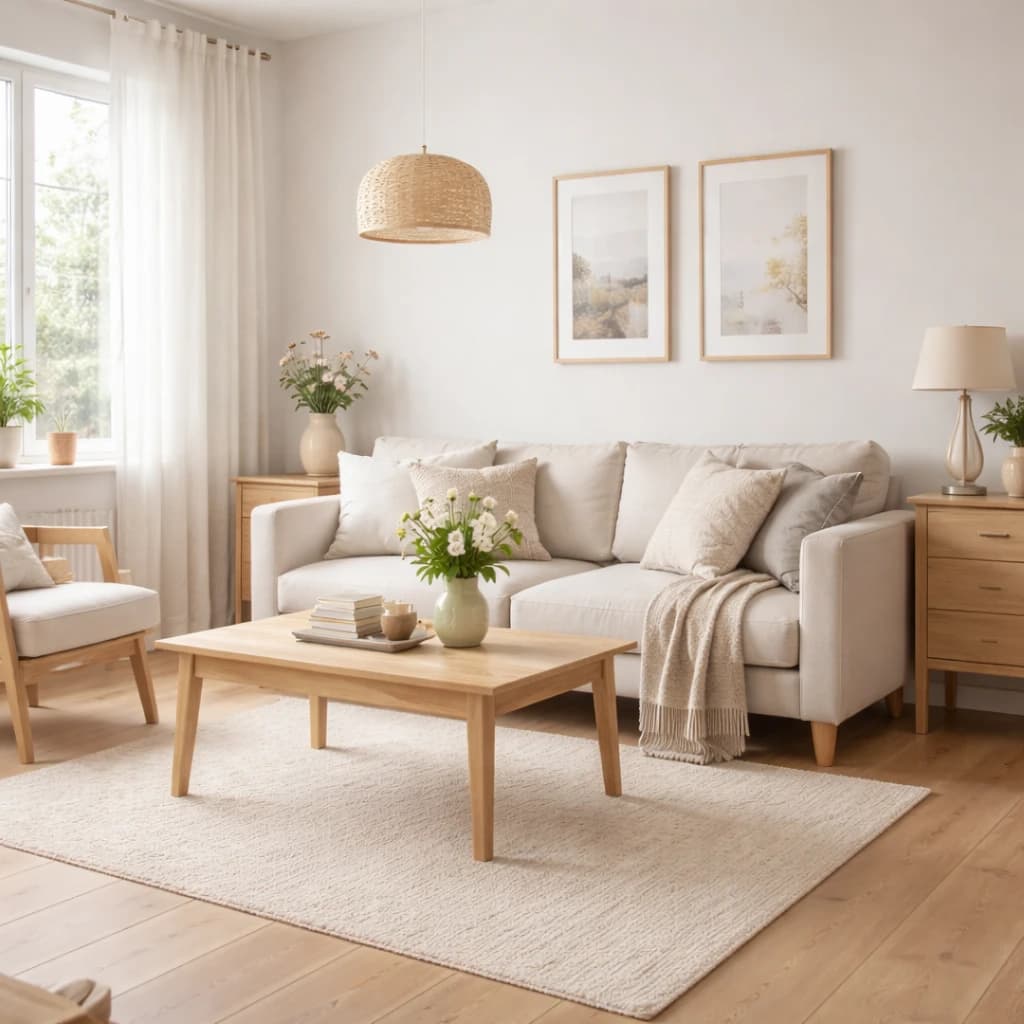
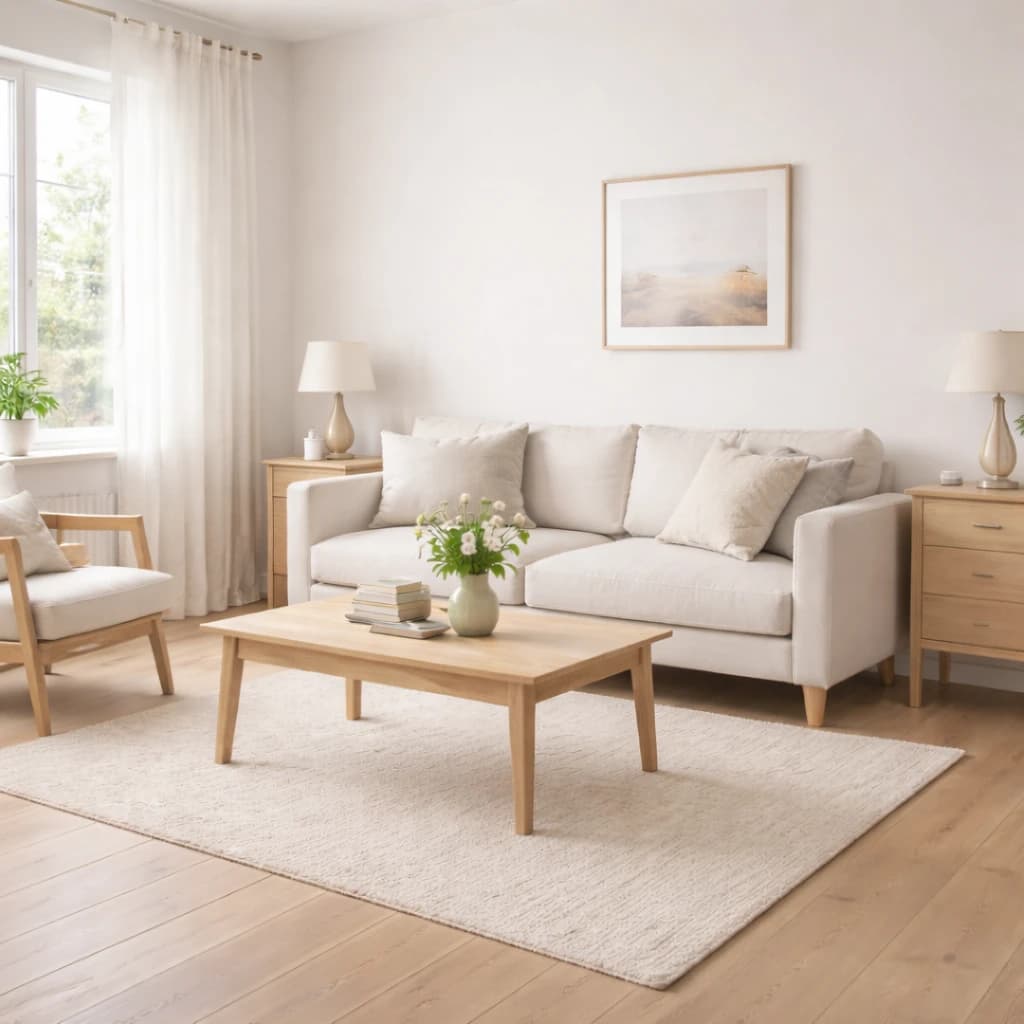
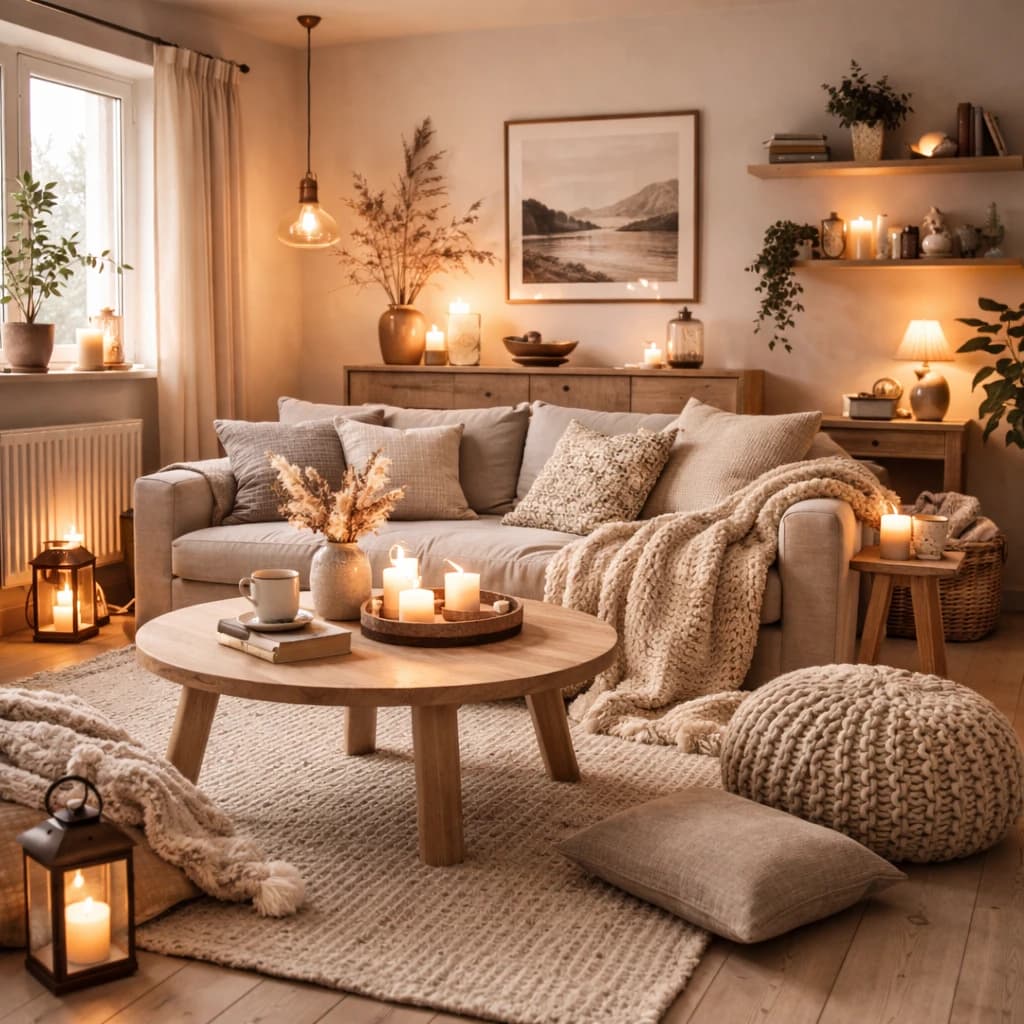
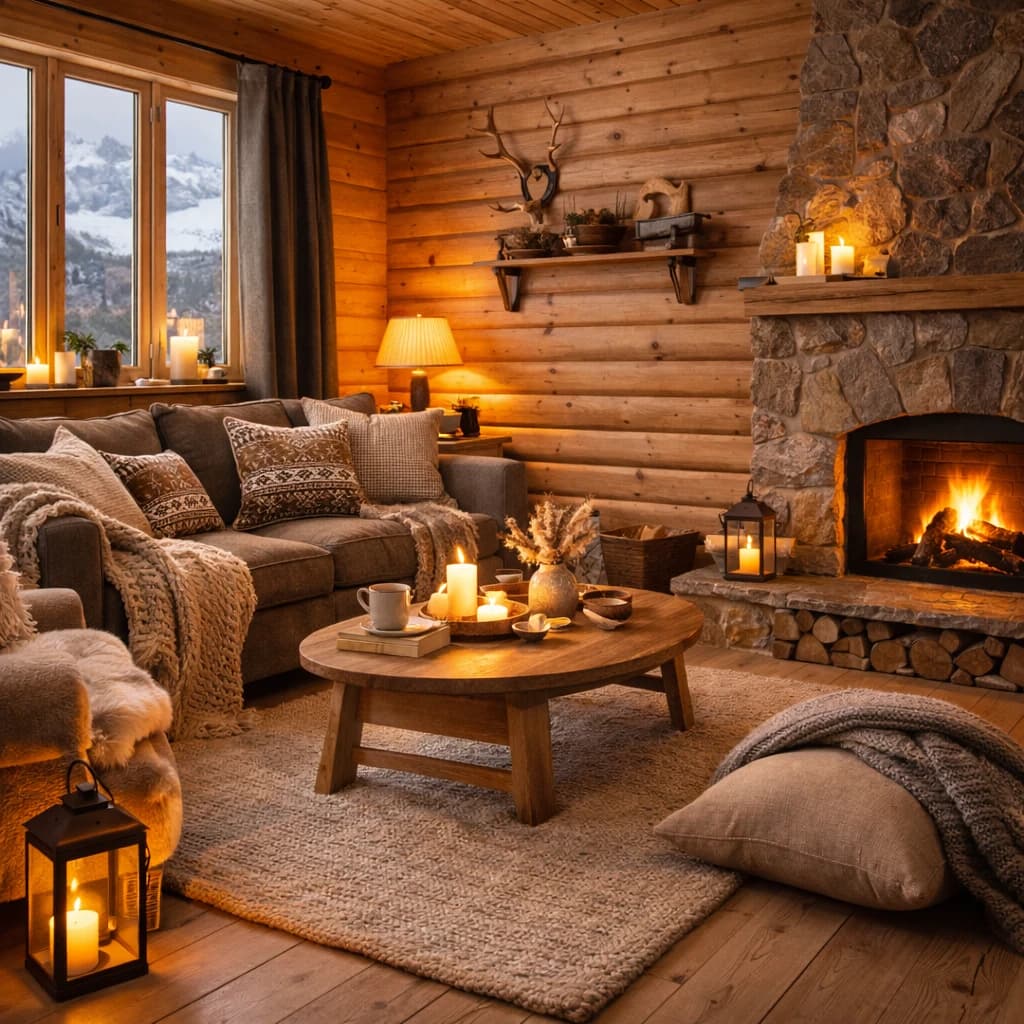
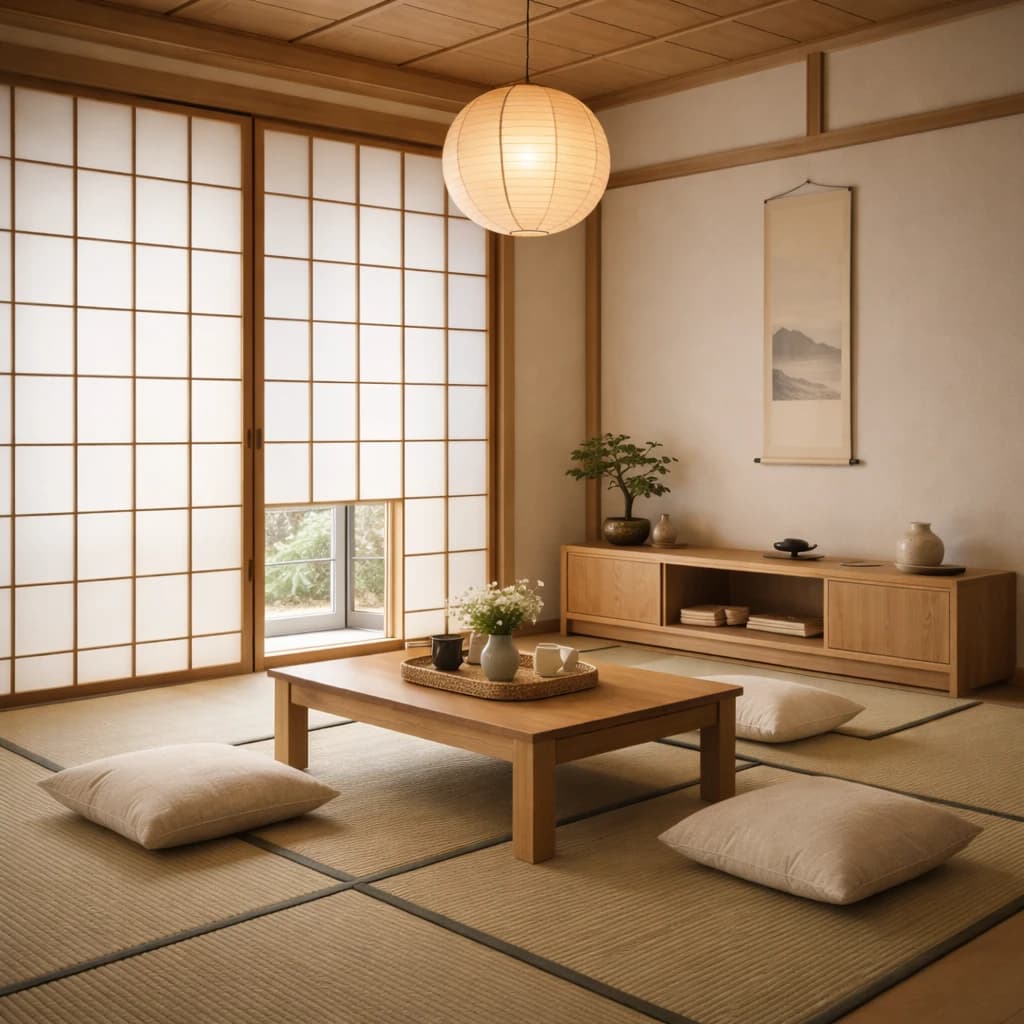
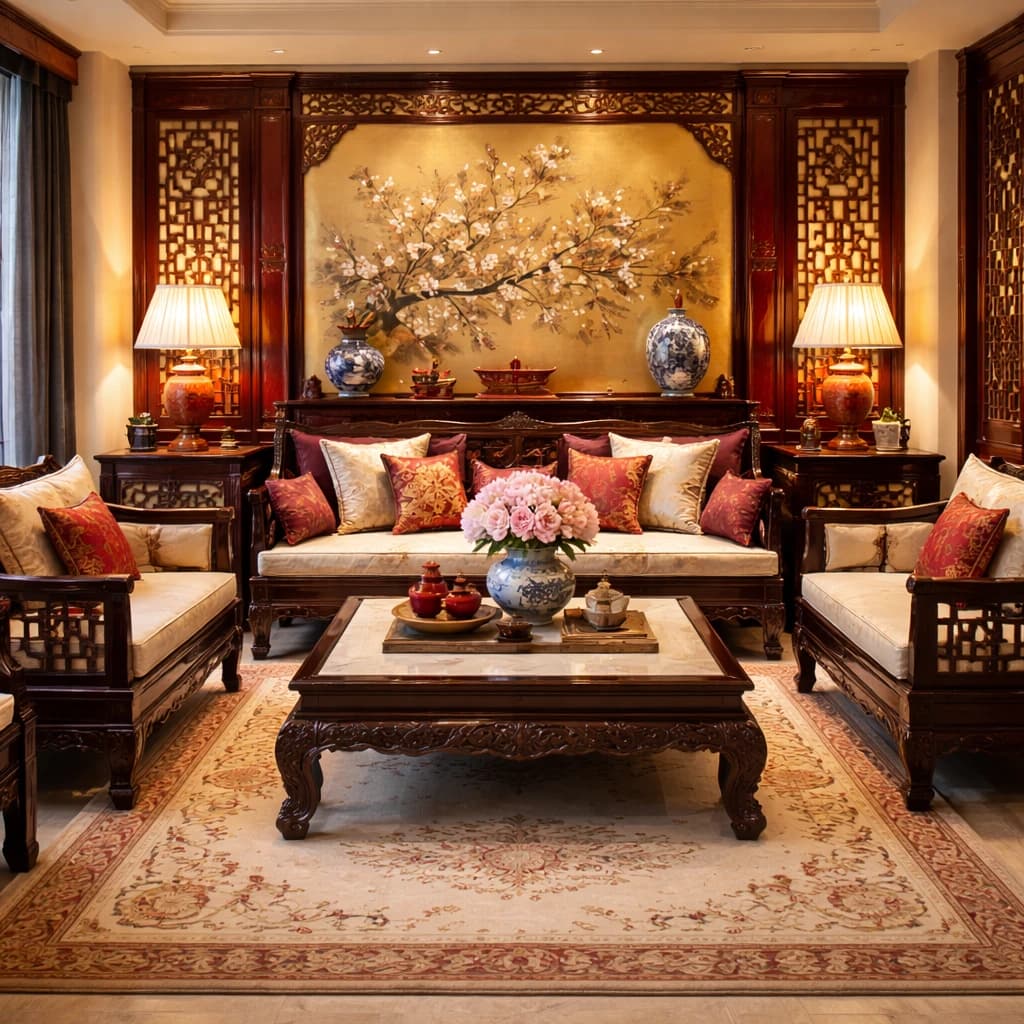
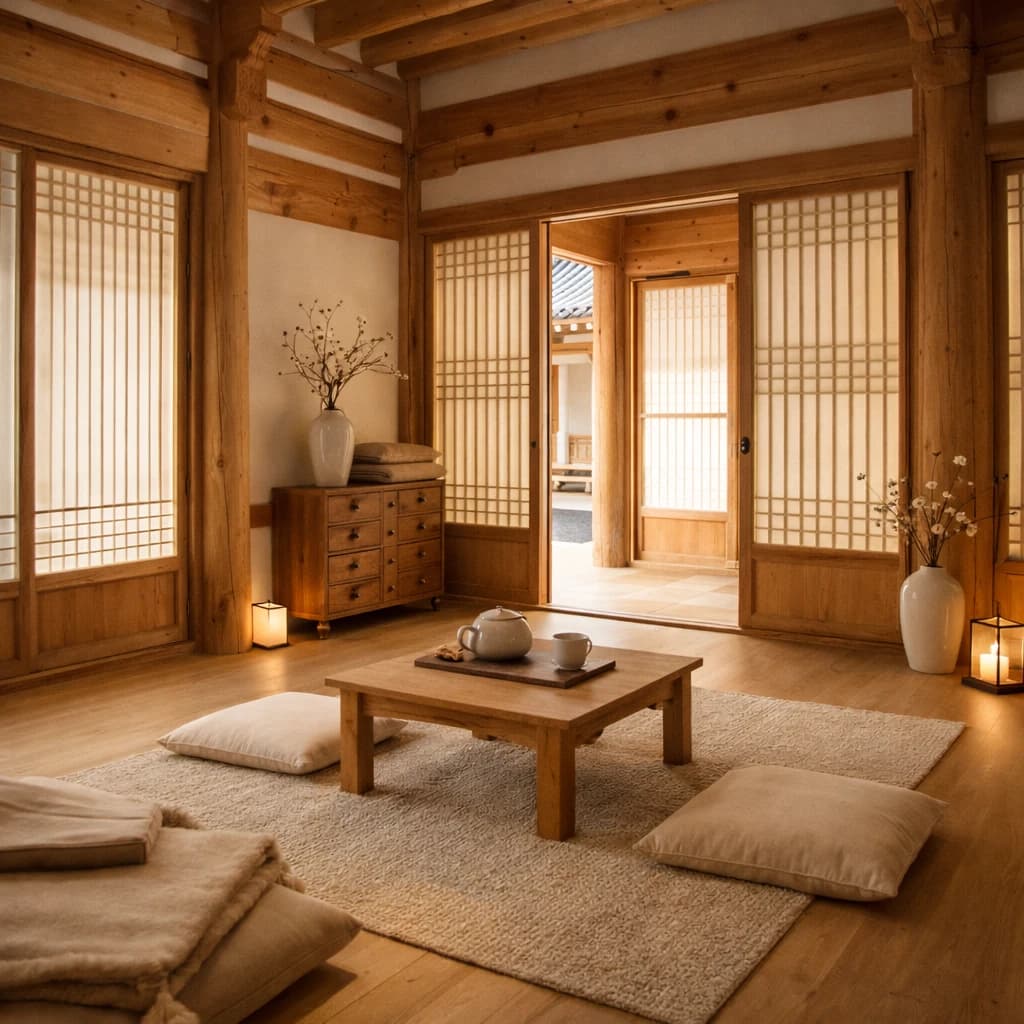
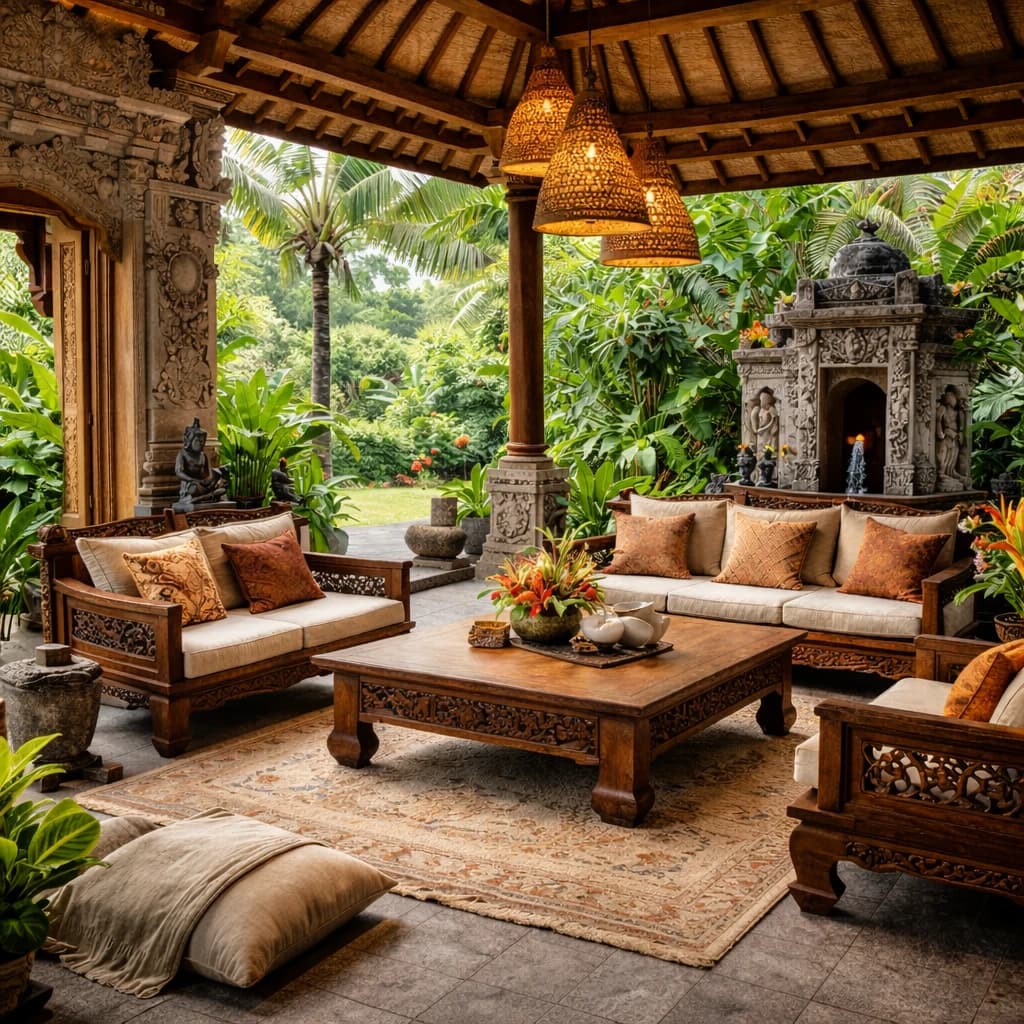
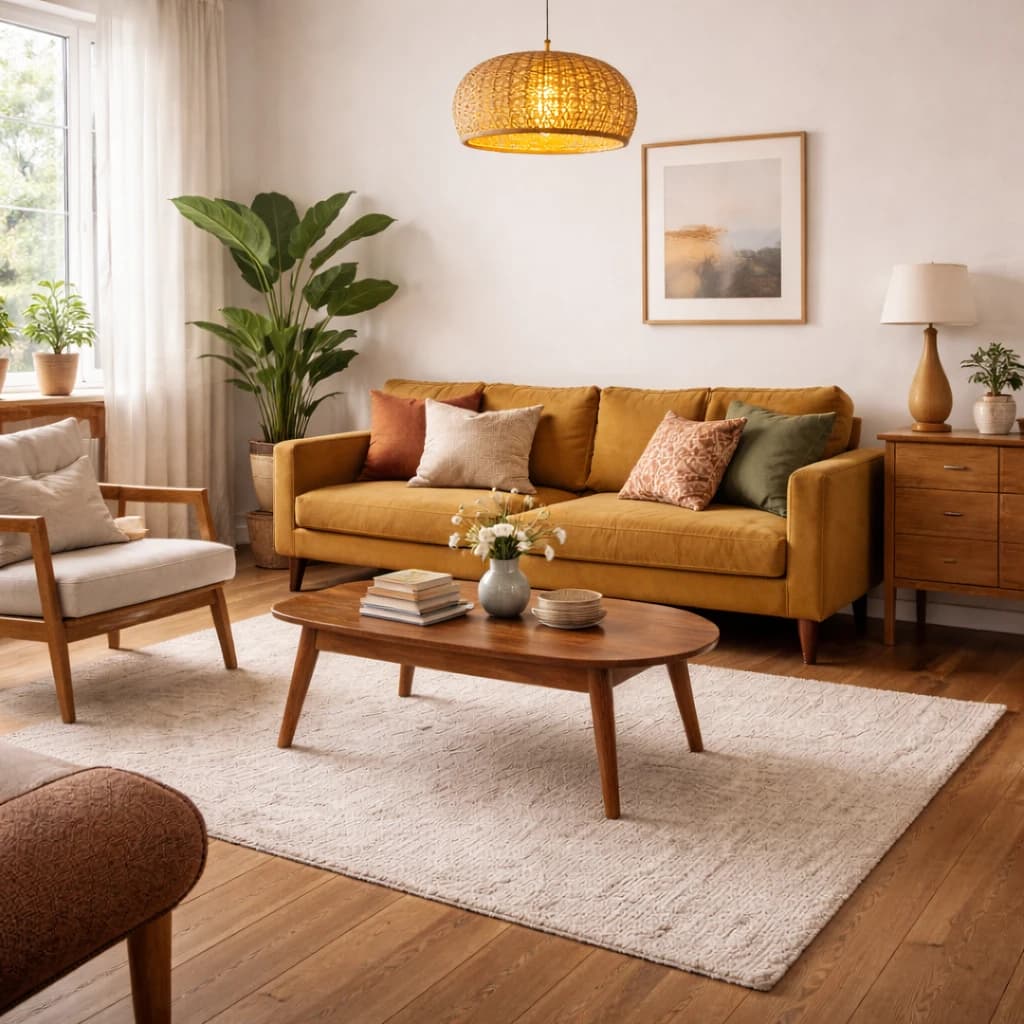
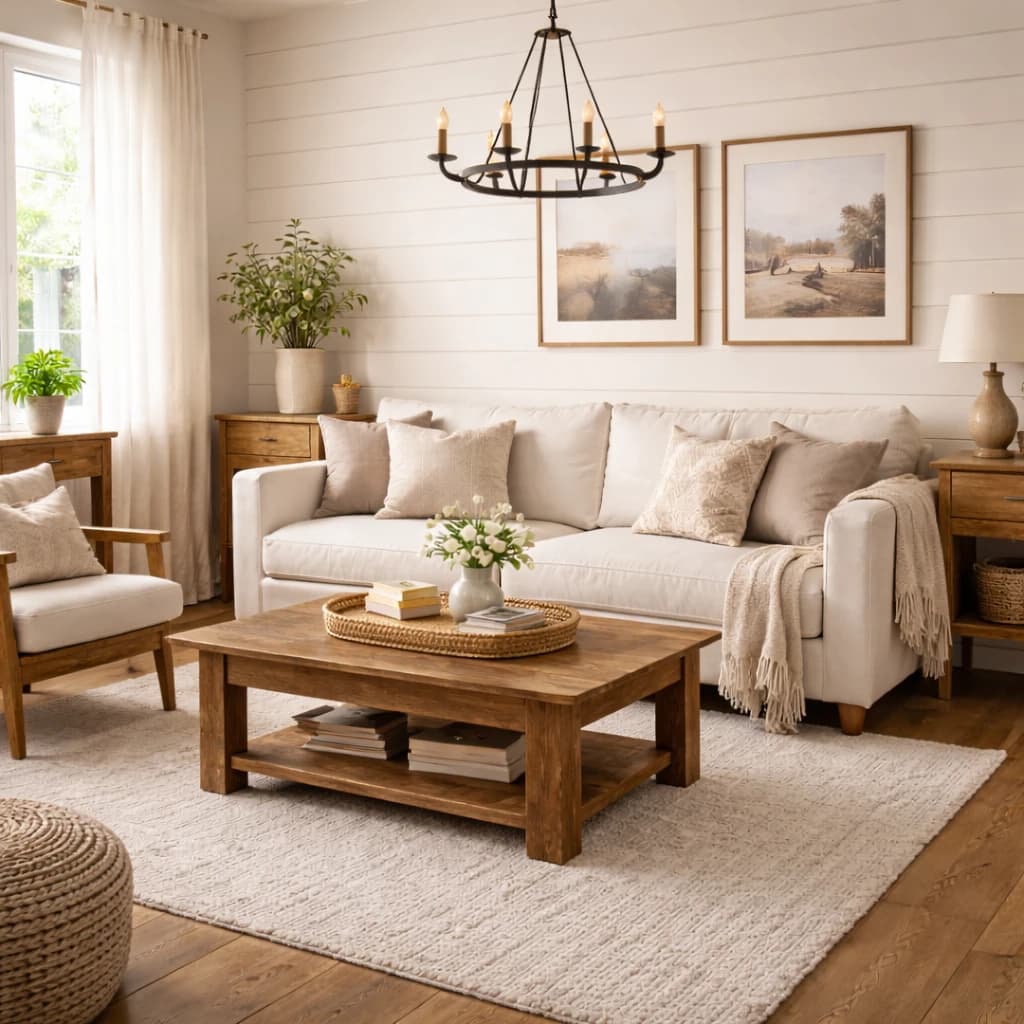
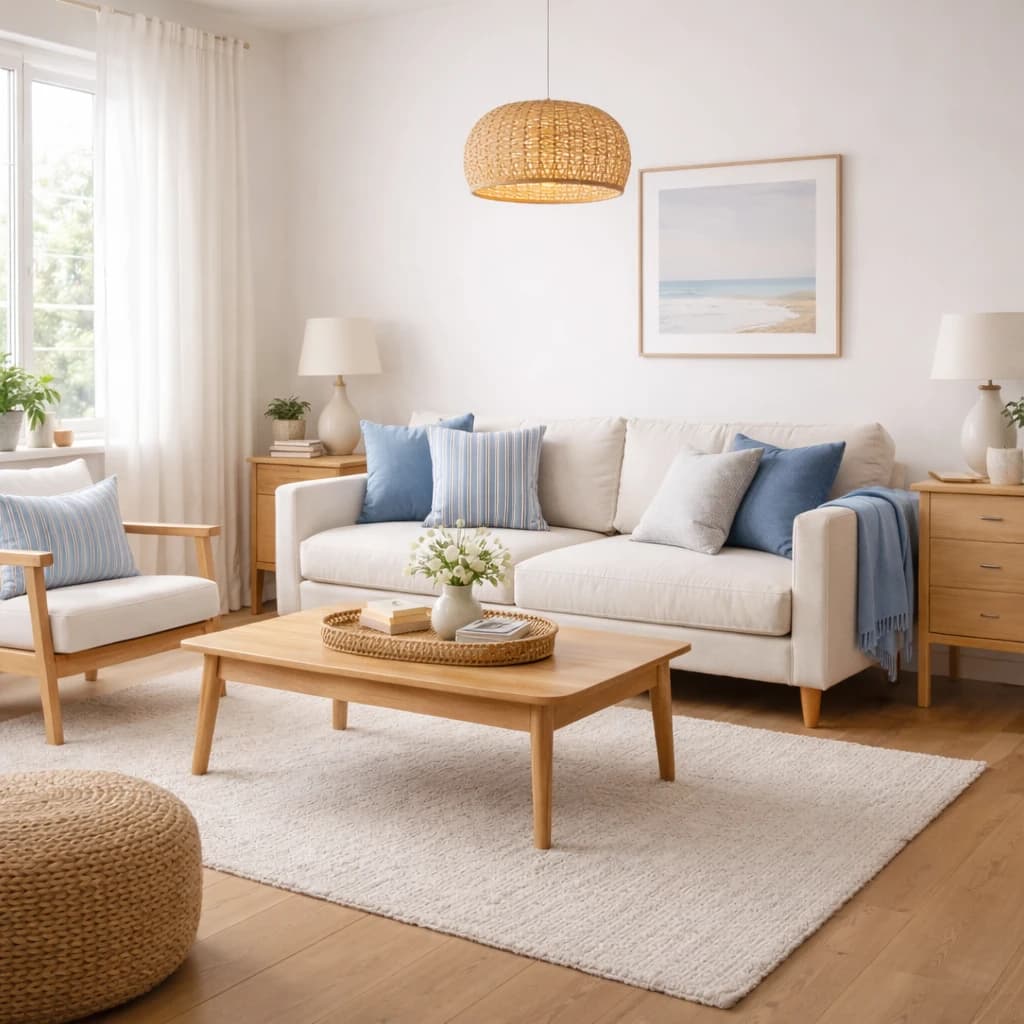
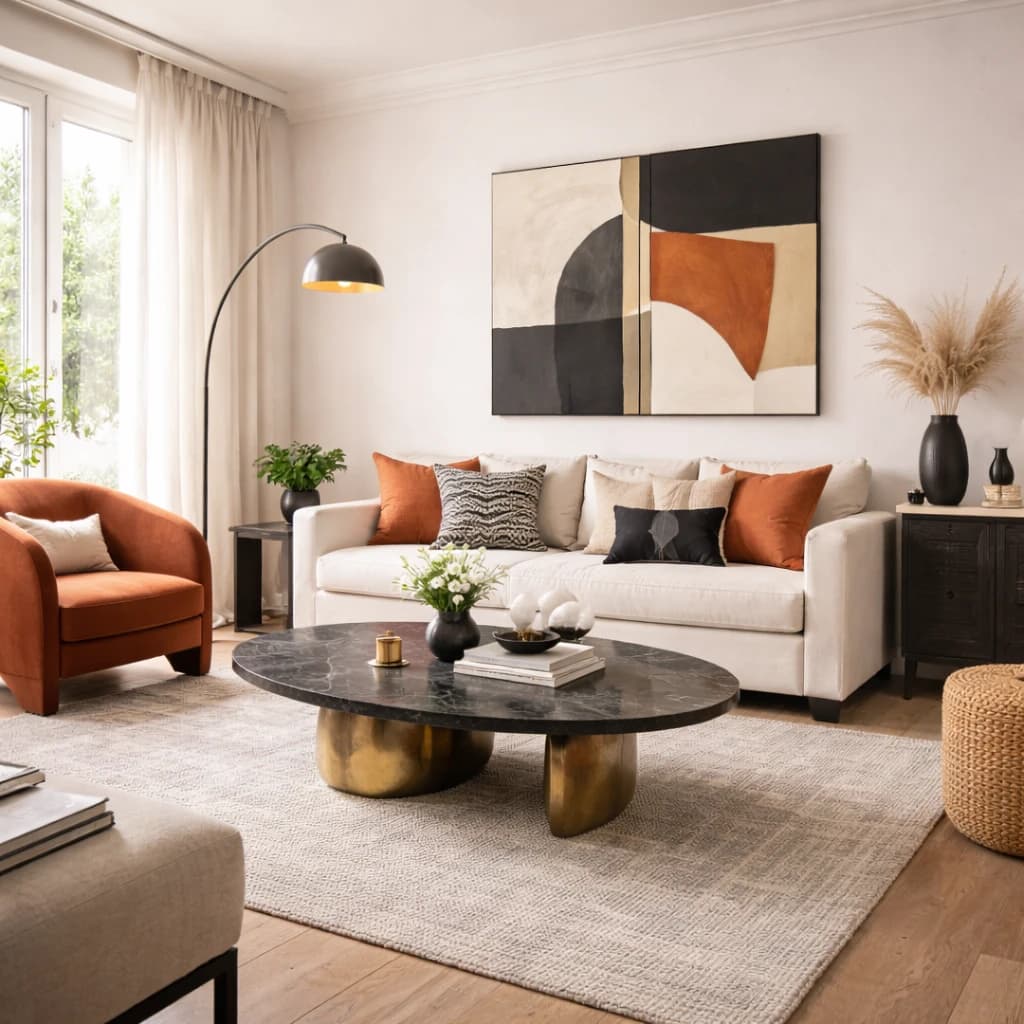
Eclectic
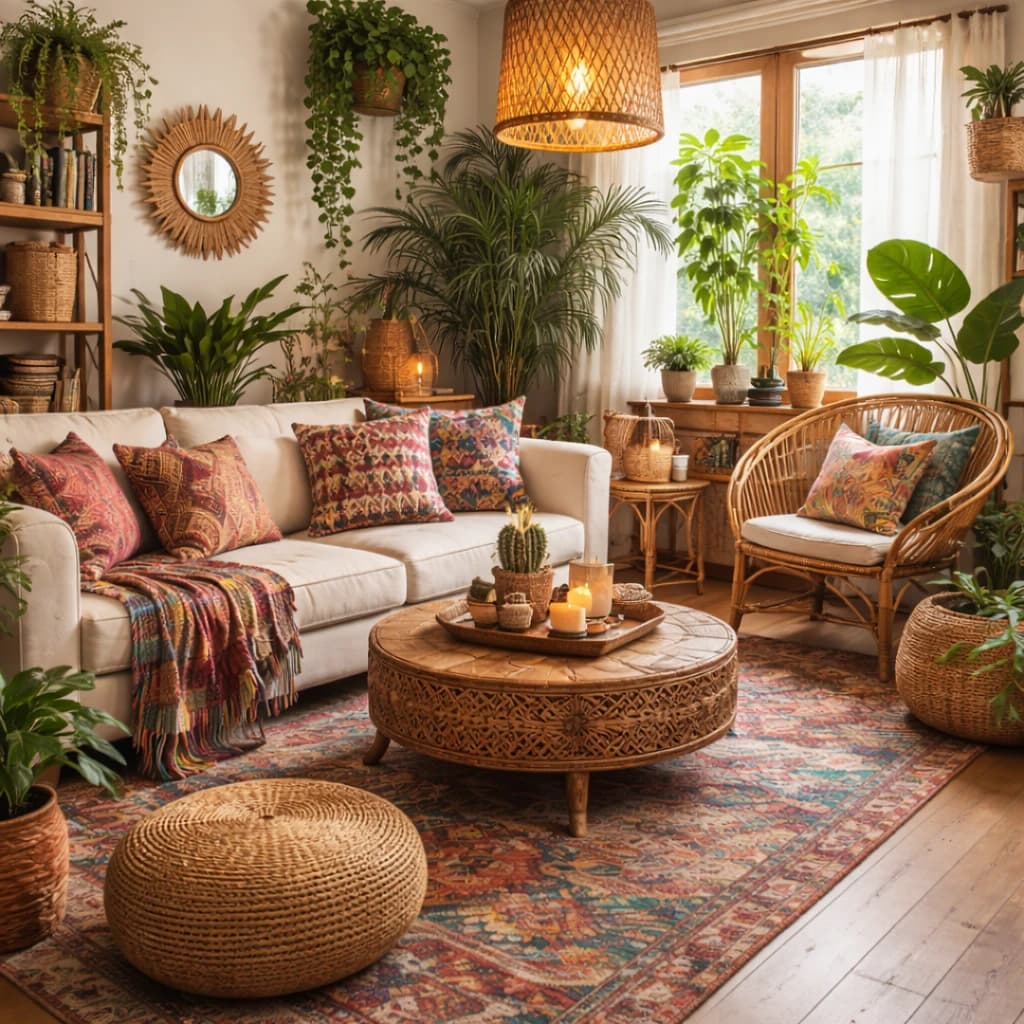 BohemianColorful textiles, plants & eclectic mix
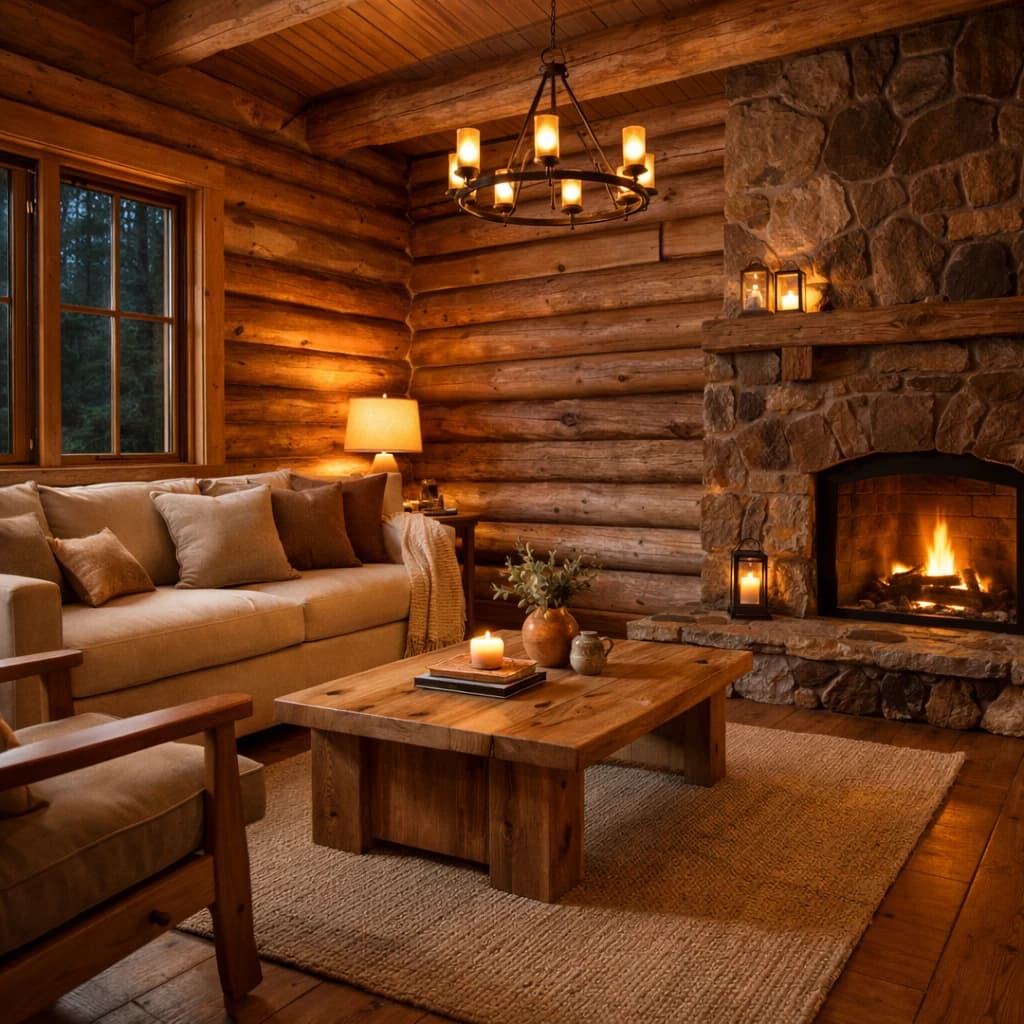 RusticRaw wood, stone & cabin warmth
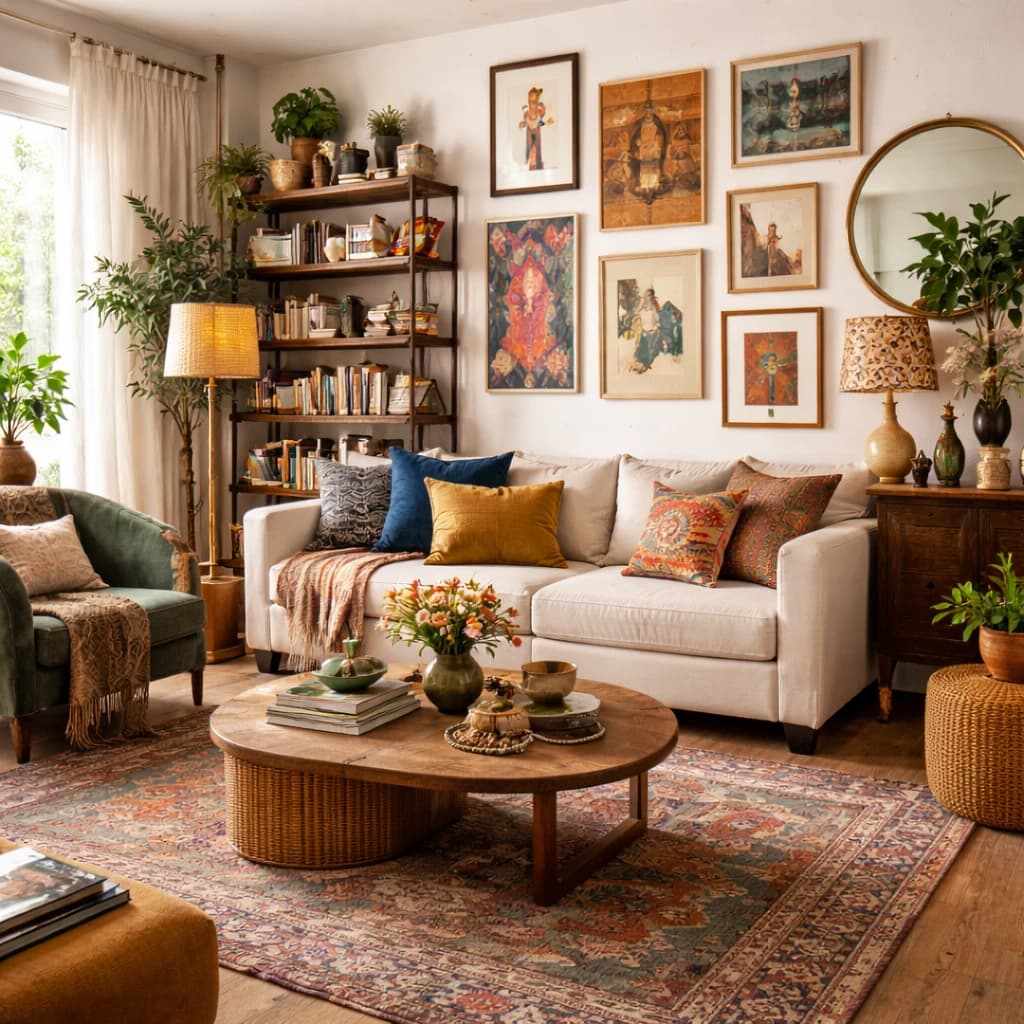 EclecticMixed styles, personal collection & layered
 IndustrialExposed brick, metal accents & dark tones
The thumbnails are the ones in Interify’s style picker, not results from a reader’s room.
What a version costs
- Styles
- 20 interior style presets, or describe your own
- Free to start
- 3 credits on signup, no card needed
- Cost of a version
- 1 credit. Packs start at $9 for 30 credits, down to $0.16 a credit
- Time per version
- Usually about a minute
What a style does to your photo
A style preset restyles the whole photo: the furniture, the floor, the wall color, the textiles and the lighting all move to that style’s materials and palette. What it keeps is the room — the wall positions, the windows and doors, the ceiling height, the proportions and the camera angle — so you can still tell it is your room.
Mark areas as well and each one is changed as its note asks, on top of the restyle: a style for the room, a note for the sofa. Marking without picking a style changes only what you marked, and the rest of the photo stays as it was.
What it doesn’t do
- 4K output. Results are HD, up to 3072 px on the long edge.
- Several styles in one run. Each version uses one style, with an optional instruction beside it.
- Editing your own photo without an account. The sample room at /try needs none.
- Floor plans, 3D models, measurements or cost estimates. Interify makes photographs of a change, not construction documents.
Questions about styles
How many interior design styles does Interify have?
Interify has 20 interior style presets, grouped as European, Nordic, Asian, American and Eclectic. You can also skip the presets and describe the look you want in your own words.
Does picking a style change my whole room?
Yes. A style preset restyles the whole photo: furniture, floors, walls, textiles and lighting. It keeps the room itself — the walls, windows, doors, ceiling height, proportions and the camera angle — so you can still tell it is your room. Mark areas as well, and each one is changed as your note asks on top of the restyle.
Can I combine two styles in one version?
No. Each version uses one style or one instruction. You can make a second version in another style and compare them side by side, and a version costs the same either way.
Which style should I pick for my room?
Start from what you can't change: the floor, the light and the room's proportions. A dark north-facing room reads better in a warm style than in a cool one, and a small room reads better with fewer, lighter pieces. Every style page lists the rooms it suits and what to avoid, and the style quiz narrows the list to one in seven questions.
Can I use a style the list doesn't have?
Yes. Instead of a preset, write an instruction for the whole room, such as a period, a designer's name or a material you want everywhere. Marked areas work the same way, with or without a preset.
See a style on your own room
Upload a photo, pick a style and mark what should change. You start with 3 credits and no card.