

Compare and share
Compare the before and after, then share it
Every version can be put beside the photo you started from, downloaded, or shared as a link that opens for someone with no account. The share page is a before/after slider, and you choose whether the original is shown on it at all.
Key facts
- Compare and share
- Compare versions side by side, download them, and share a link with a before/after slider that opens without an account.
- Watermark
- Free downloads carry a small watermark; buying any pack removes it
- Your photos
- Never used to train AI models, never sold, and seen by no one unless you share a link
- Output
- HD results, up to 3072 px
What it does
A preview is only convincing next to the room it came from. The comparison puts the two images in the same frame under one divider: drag it, tap it, or move it with the arrow keys, and the change reads in one gesture rather than two tabs.
A share link is a page of its own. Whoever opens it sees the slider, the style the version was made with, the date, and a way to make their own; your notes and your other projects stay with you, and they never need an account.
You decide how much the link shows. Turning the original off hides it entirely, so the page carries the result alone. A link can be revoked whenever you like, and the page stops working for everyone who has it.
Downloads are the full-size result, up to the size in the facts above. A free account's downloads carry a small watermark; buying any pack removes it from the ones you take after that.
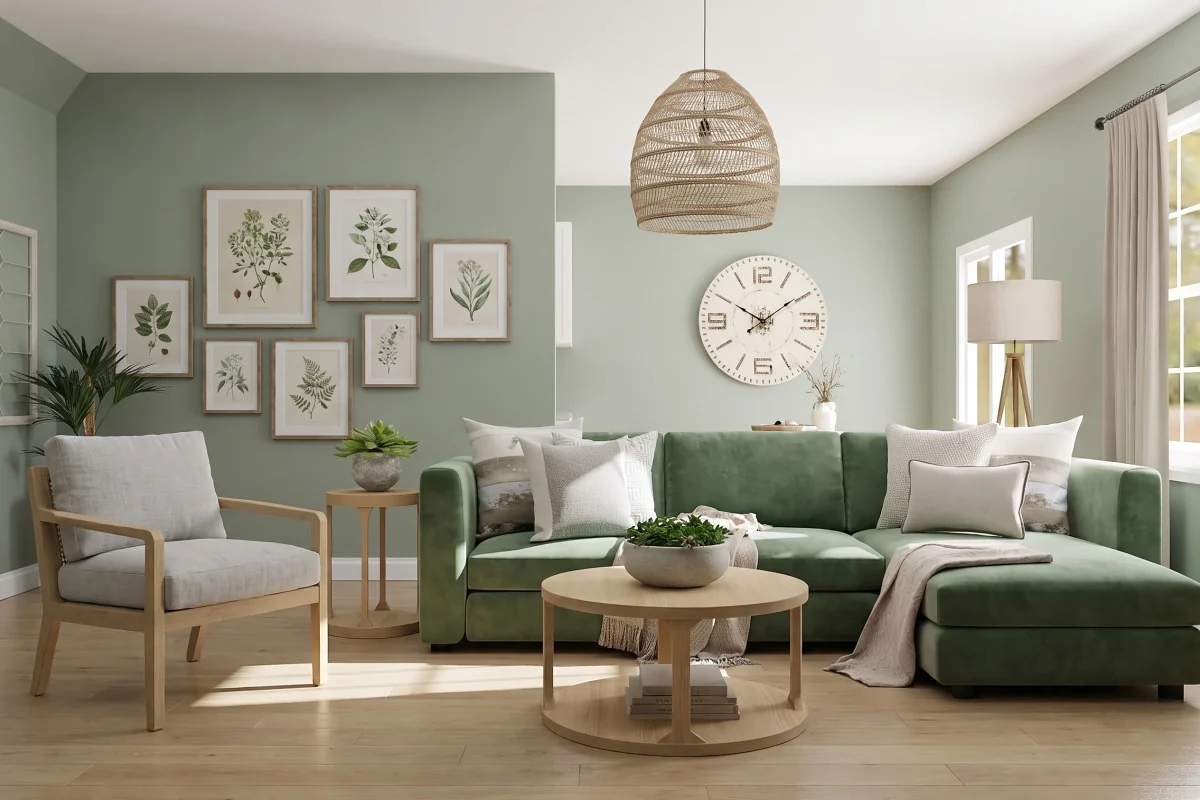
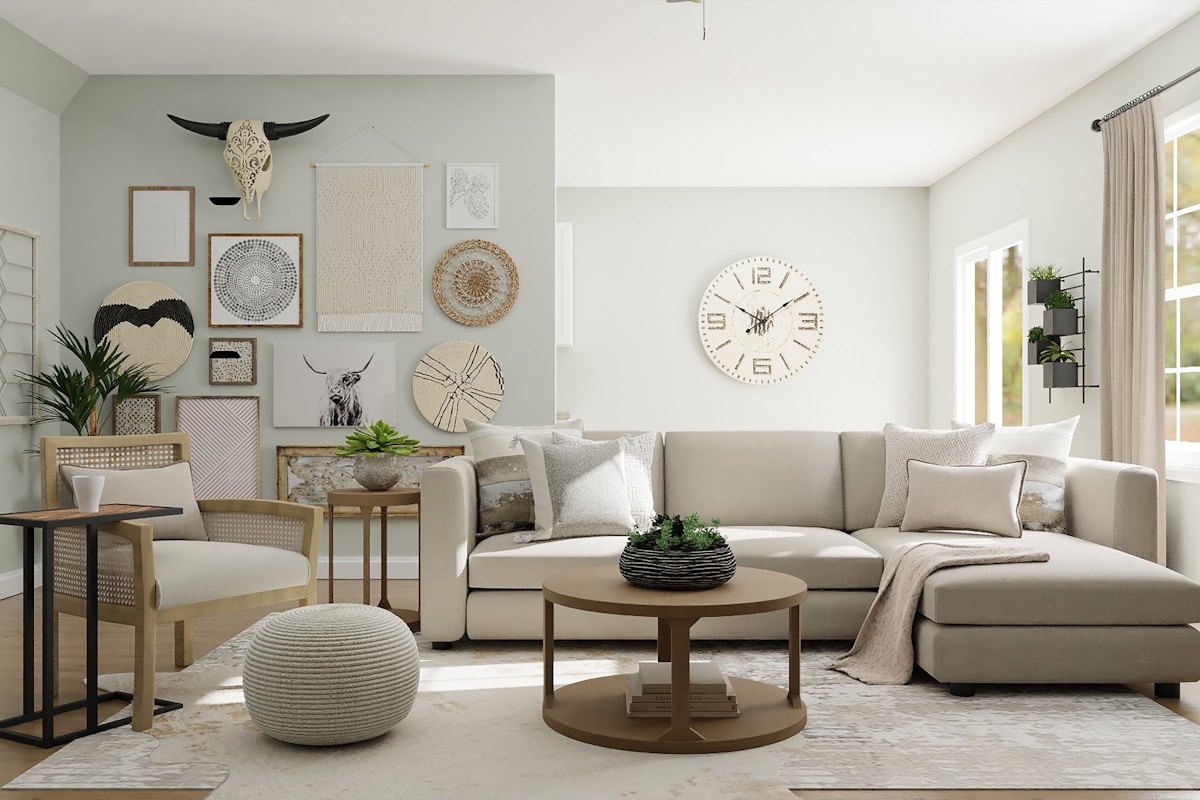
The slider at the top of this page is the sample room and its Scandinavian version under one divider, as a share link shows them. Drag the handle to see either side.
How to use it
Open a version
Pick the version you want from the project's history. The comparison and the share and download actions sit under the result.
Compare it with the original
Drag the divider across the photo, or focus the handle and use the arrow keys. The pills in the corners say which side you're looking at.
Share a link
Create the link and choose whether the original is shown with the result. Send it to anyone; it opens in a browser with no sign-in.
Download the image
Take the full-size result for a moodboard, an email or a quote.
What it can't do
Worth knowing before you spend a credit on it.
- A share link is private by being unguessable, not by being locked. Anyone the link reaches can open it, so revoke it when you're done.
- A shared page isn't listed in search results and isn't indexed, but it isn't a secret either; don't put anything on it you wouldn't send by email.
- Free downloads carry a small watermark. Versions you download after buying a pack don't.
- A preview is an approximation of a possible change, not a photograph of a finished room. It isn't a measurement, a quote or a guarantee of what a contractor will build.
Questions about Compare and share
Does the person I send a link to need an account?
No. A share link opens the before/after page in any browser with no sign-in. Making your own version is what needs an account.
Can I hide the original on a shared page?
Yes. Each link has a setting for whether the original photo is shown; with it off, the page carries the result alone.
Can I stop sharing a version?
Yes. Revoking a link takes the page down for everyone who has it, including anyone who saved the address.
Why does my download have a watermark?
Free downloads carry a small watermark. Buying any credit pack removes it, and the results you download after that come without it.
Who else can see my photos?
Nobody, unless you share a link. Your photos and results are yours, they aren't sold, and they aren't used to train AI models.
Read on
- Iterate on a versionTry again, Tweak and Use as base, without starting over.
- RefineBrush over one part of a version and redo just that part.
- Mark and describeOutline an area and say what it should become.
- How it worksThe whole walkthrough, from the photo to the share link.
- ExamplesBefore and afters made with Interify.
Try it on the sample room
No account needed to see how it works. Your own photo starts with 3 credits free and no card.